Alfama 250B
Something I’ve been trying to do recently is create some LUMIX ‘looks’ that are a bit more flexible and can be used in a wide variety of settings. Alfama 250B is my first one of these more natural, flexible ‘looks’ and I’m really pleased with the results. Check out some below…
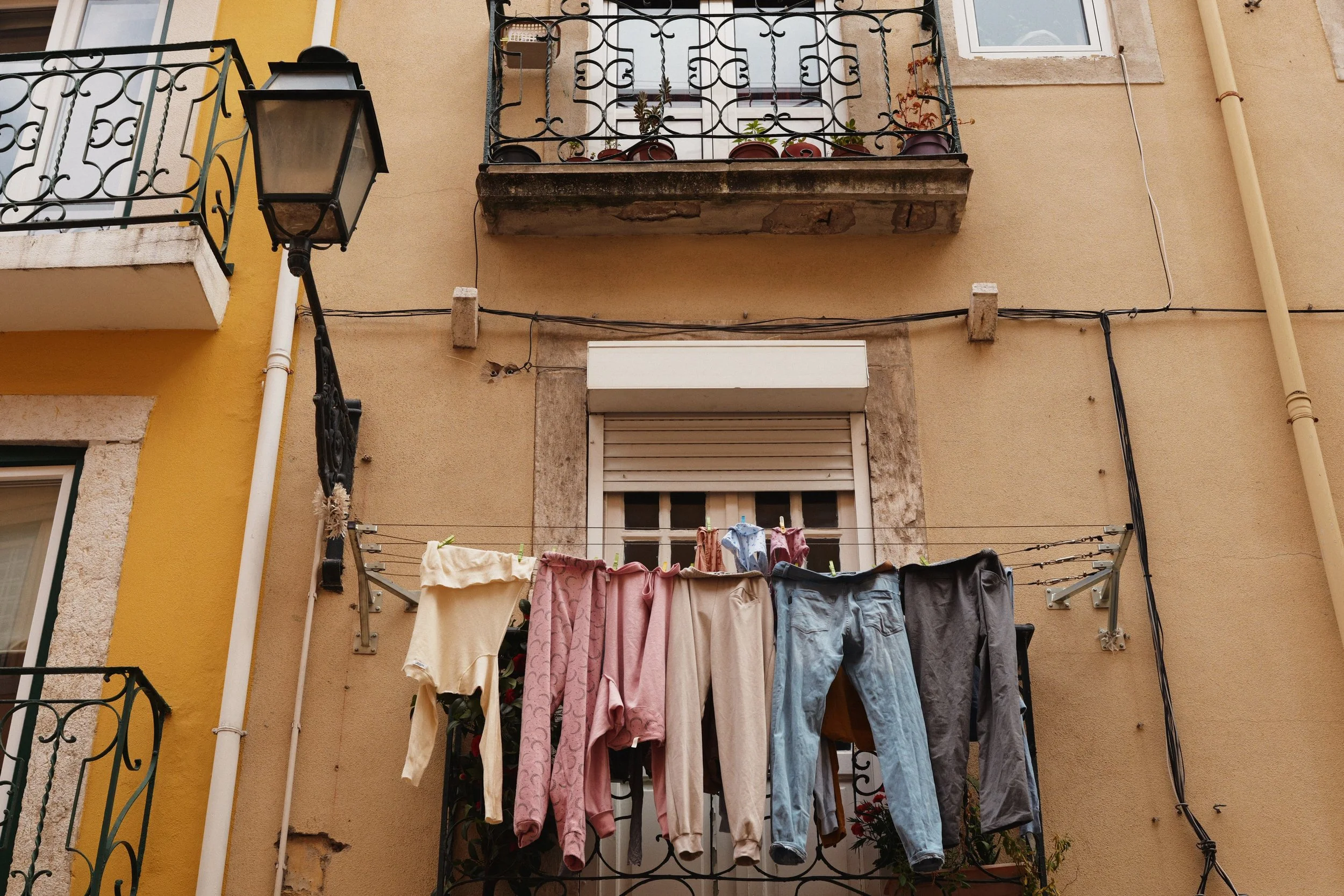
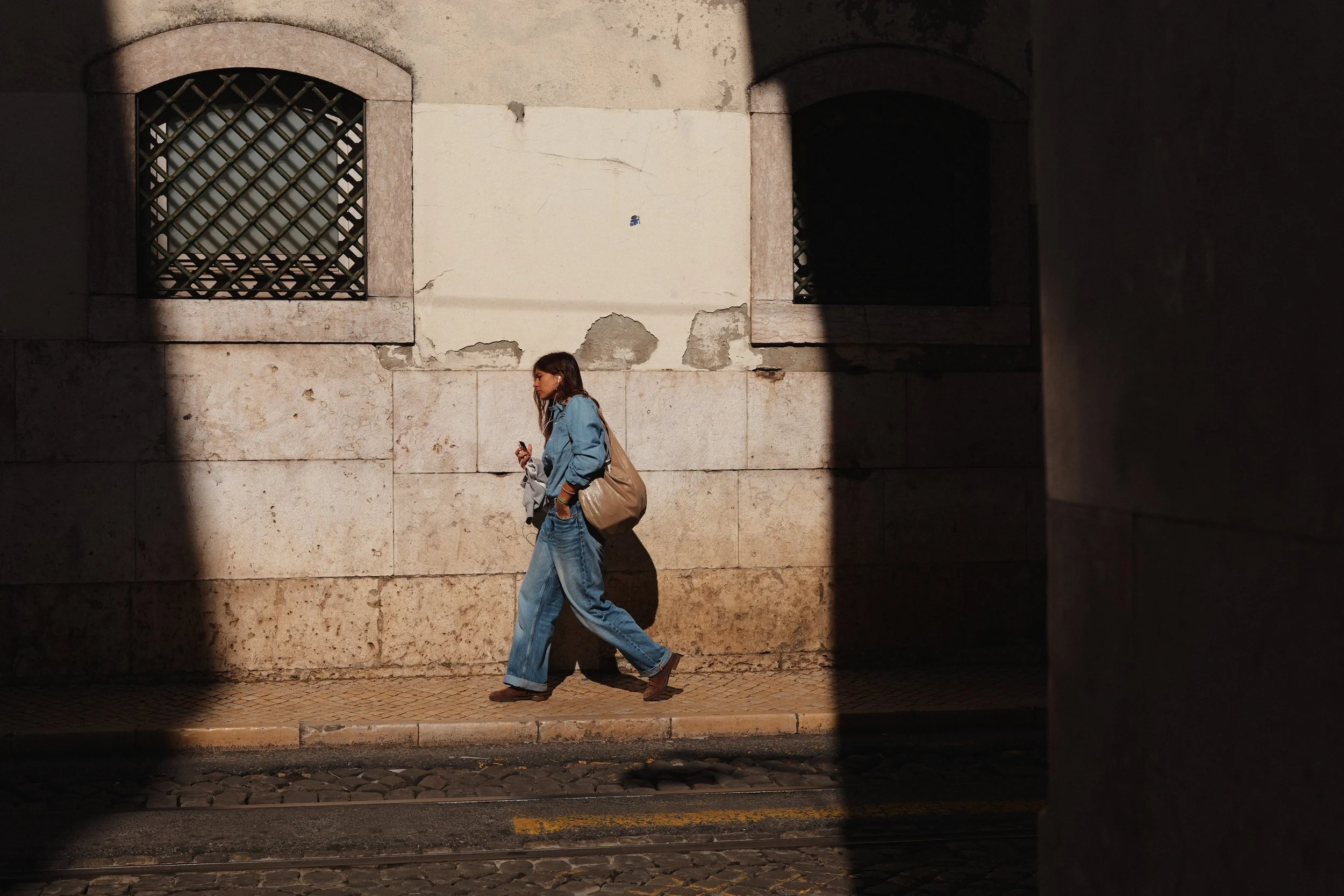
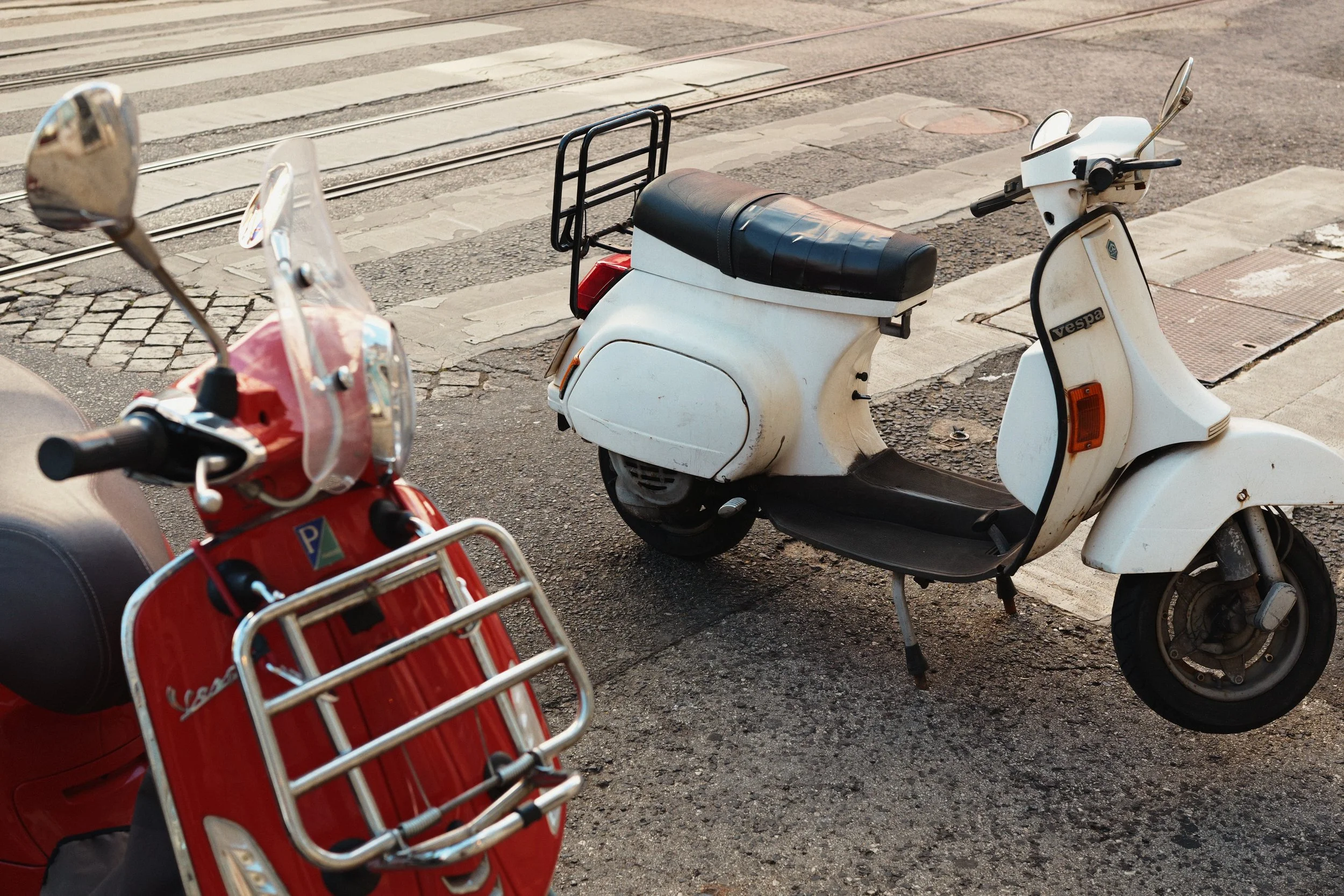

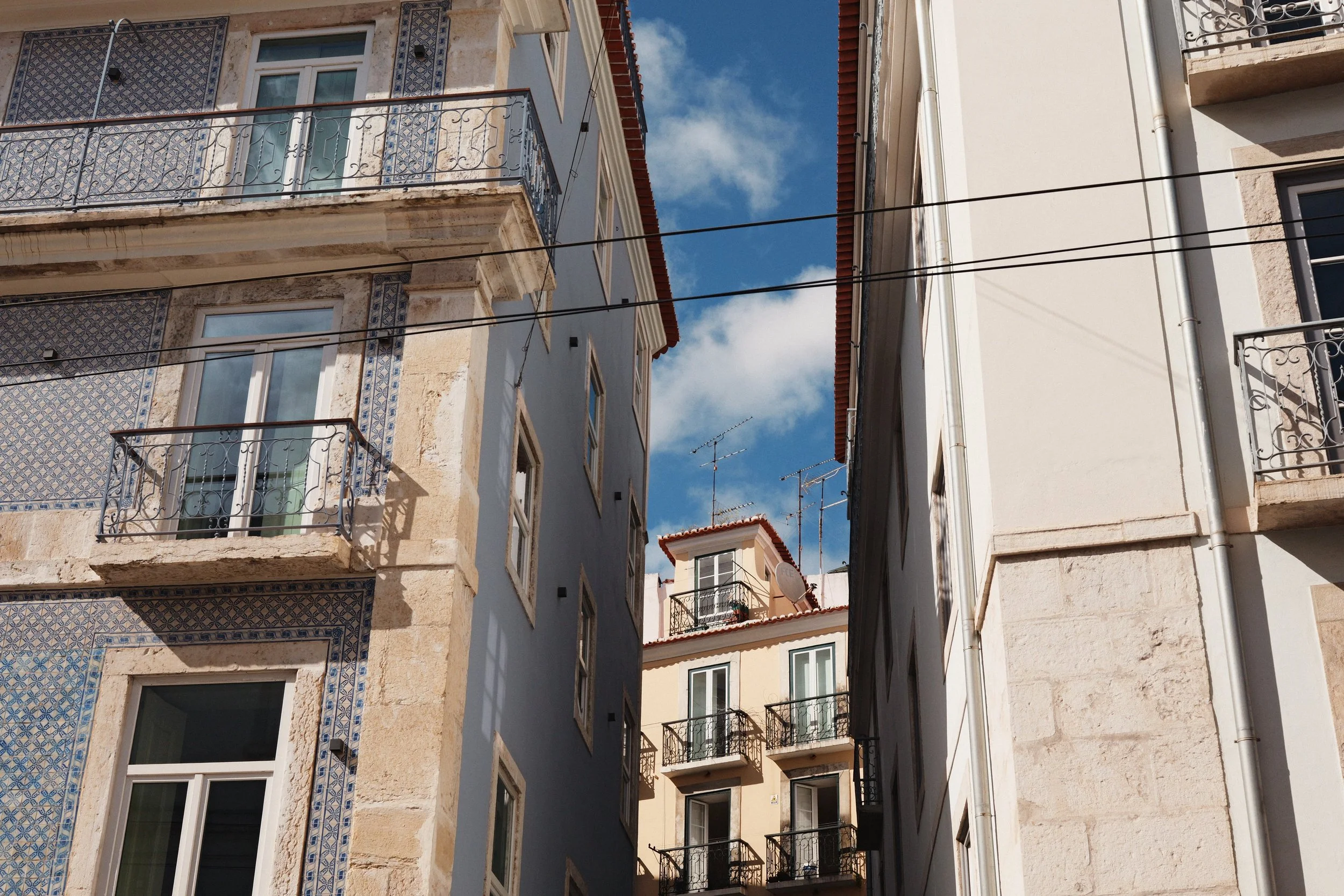

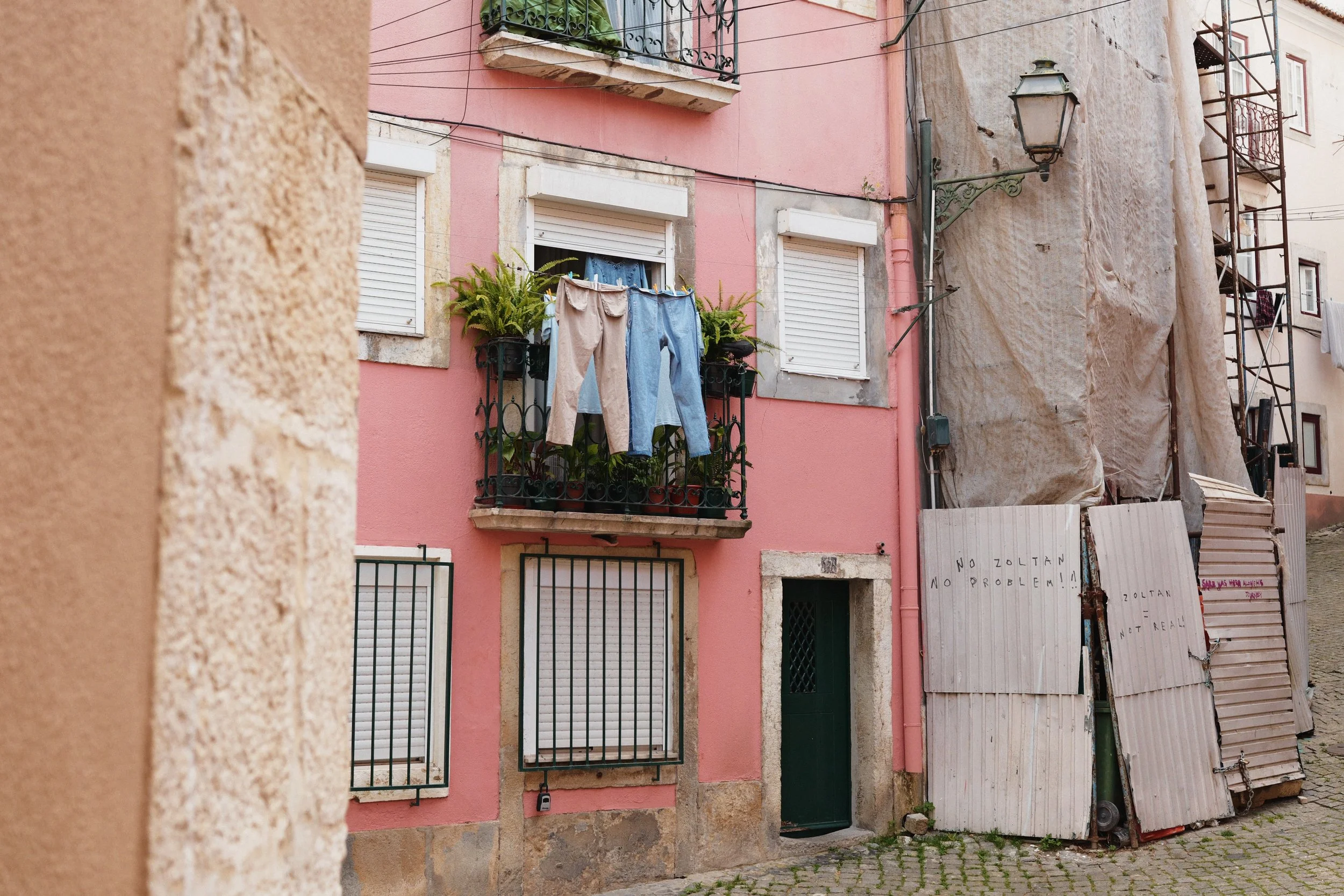
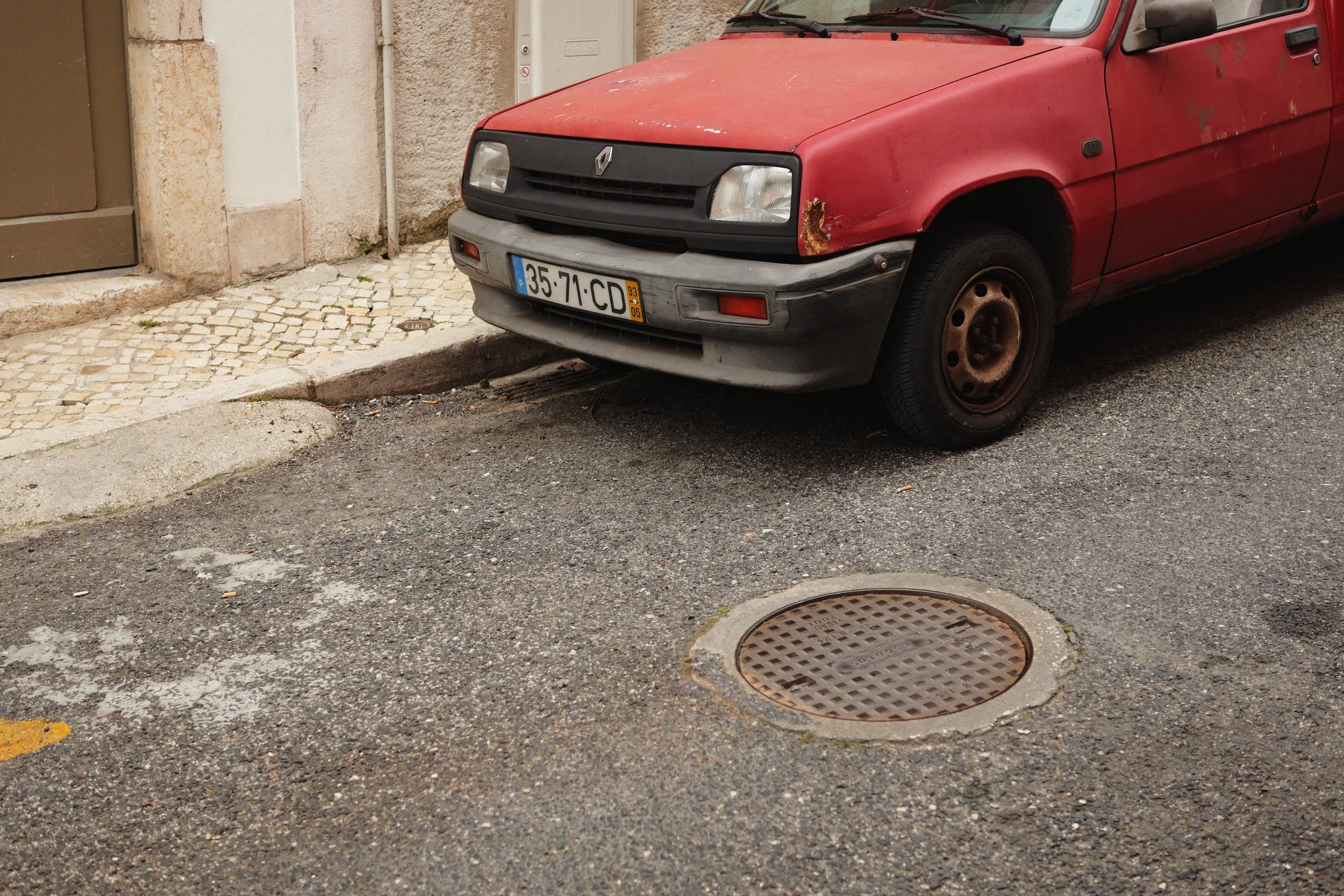
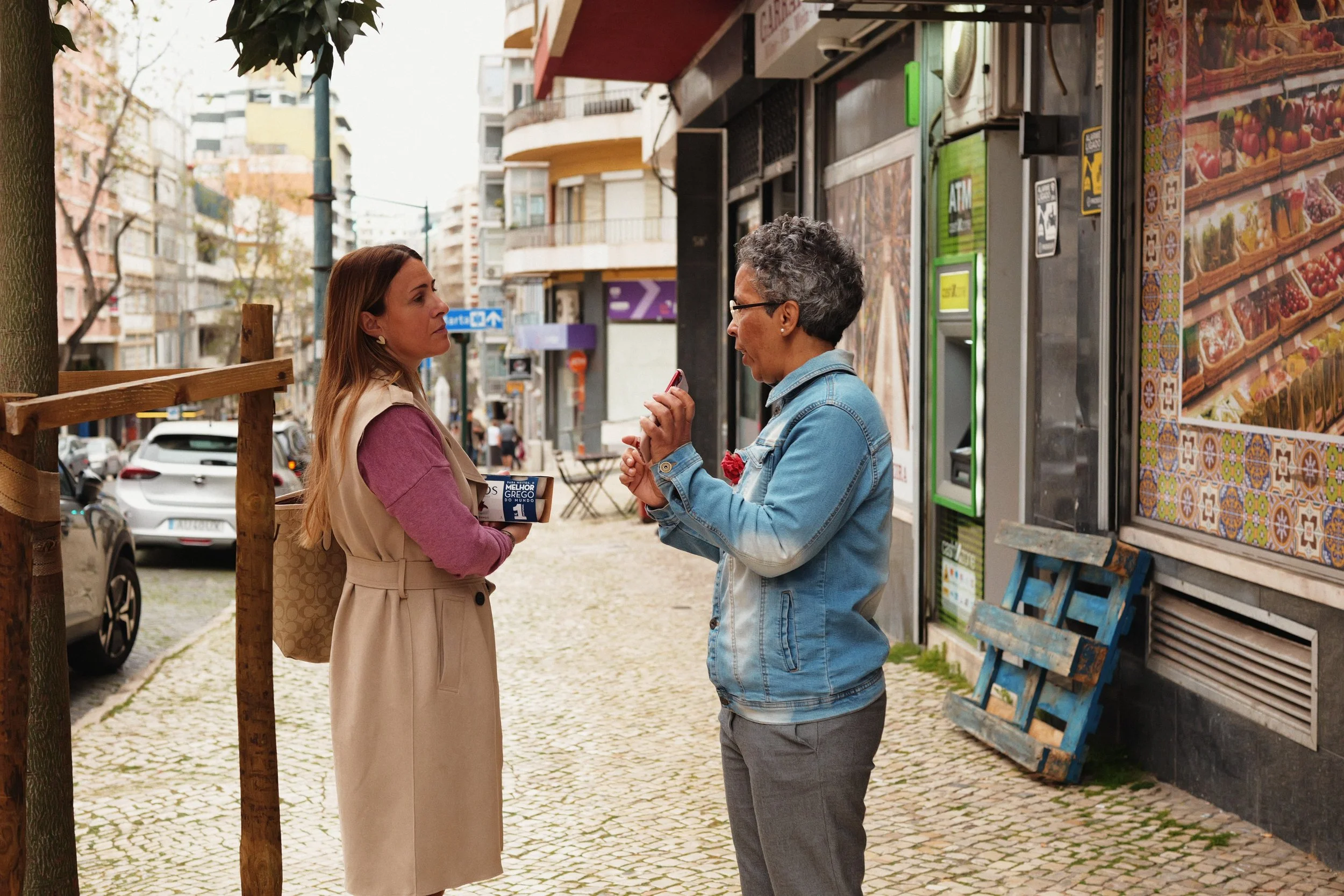
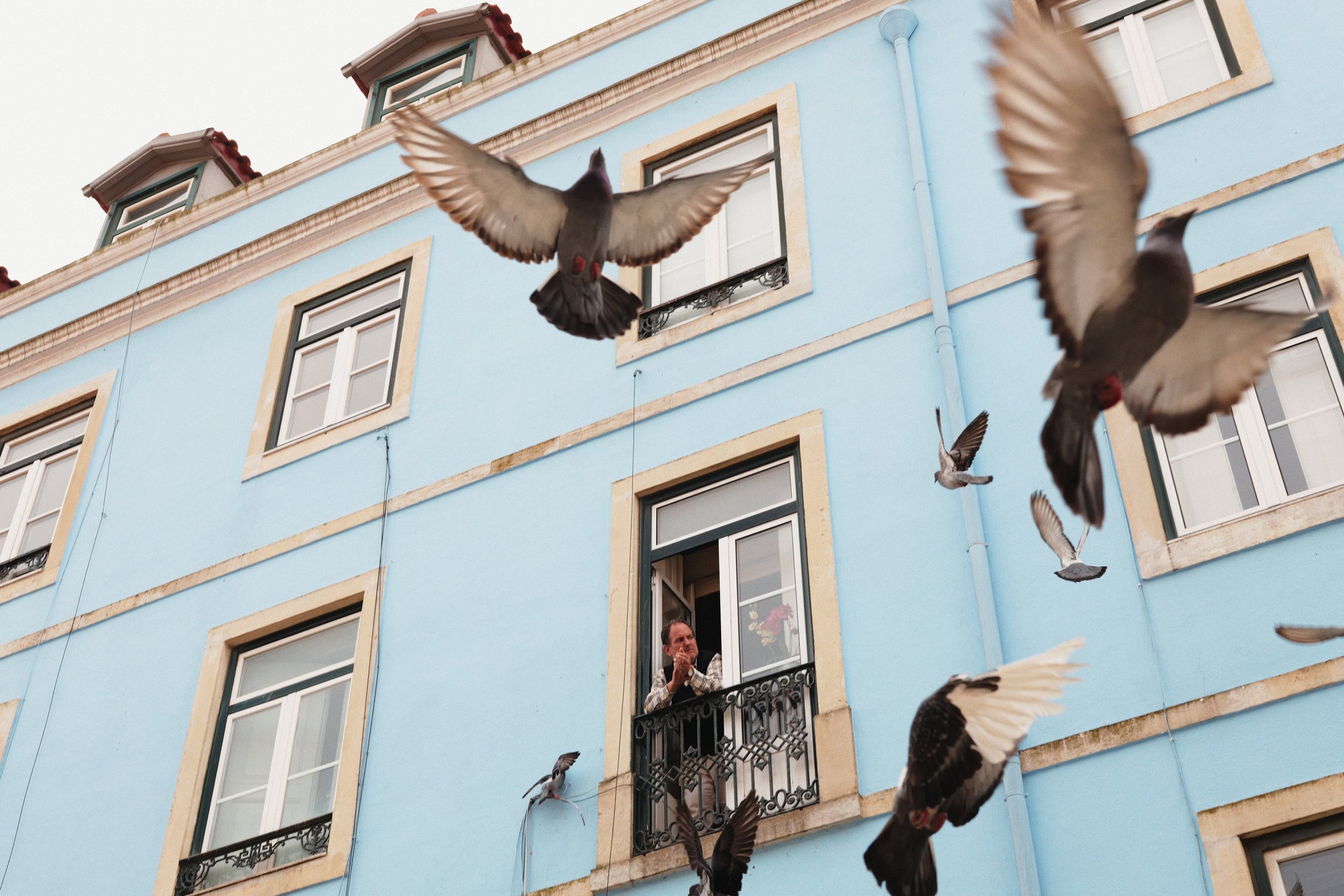
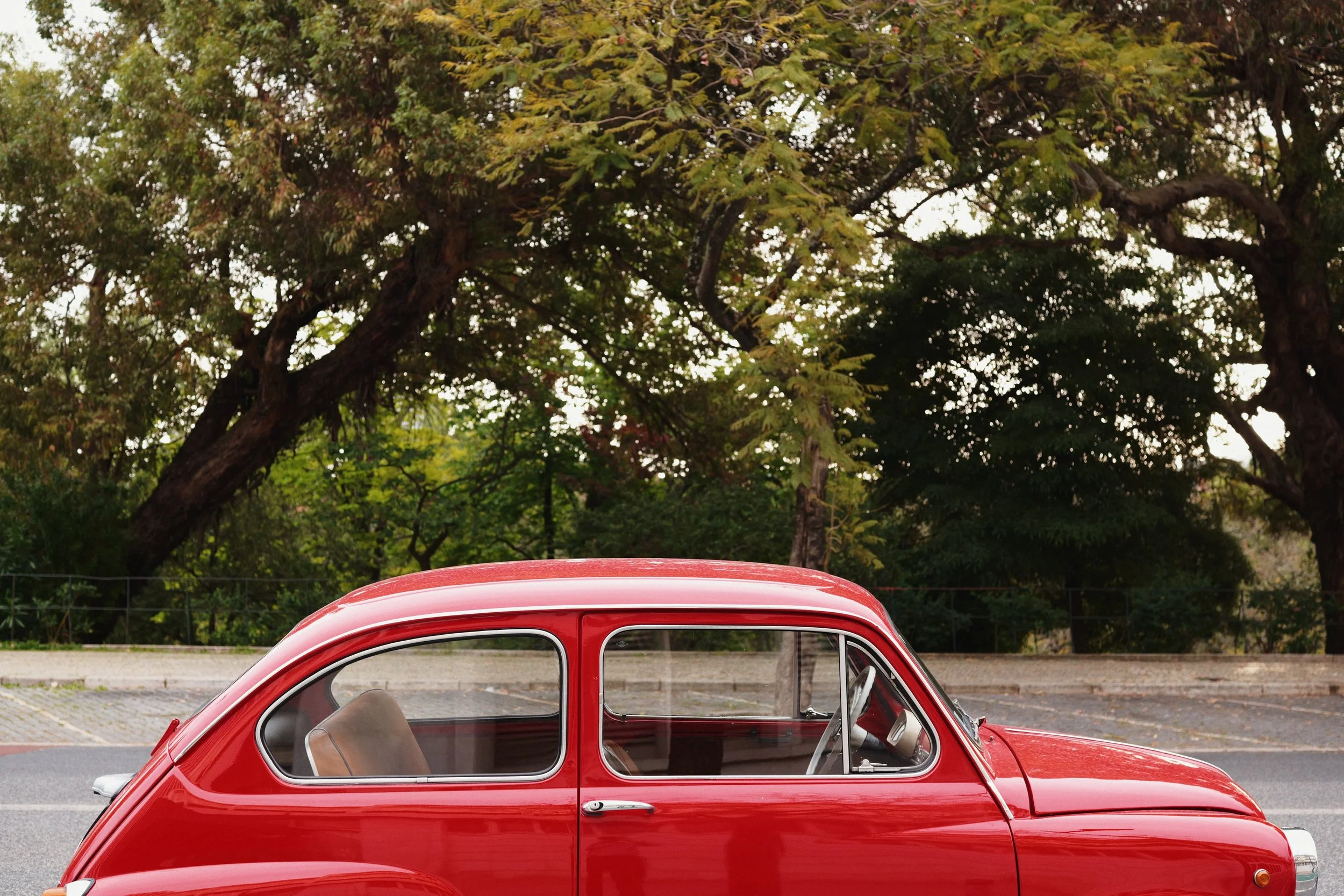
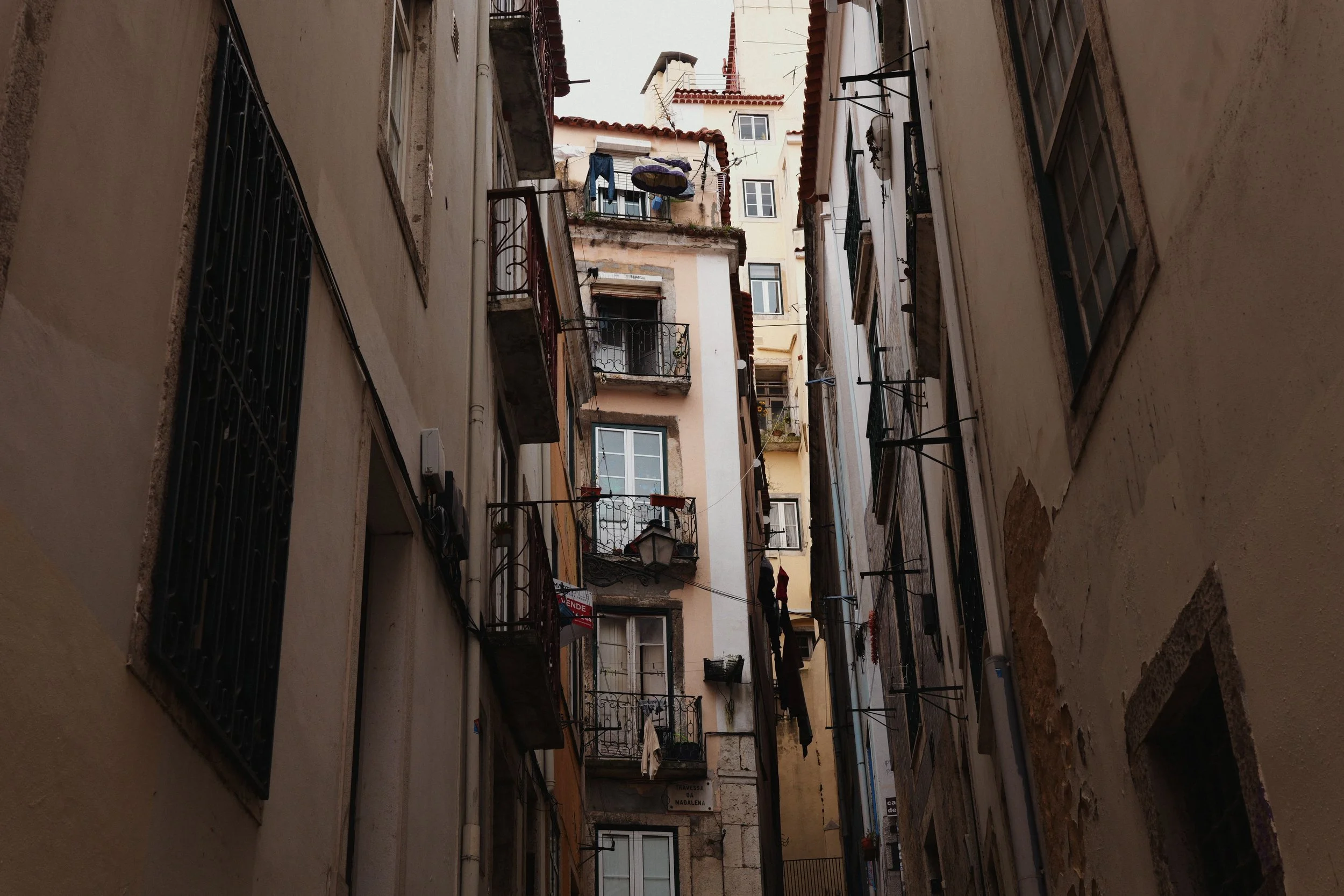

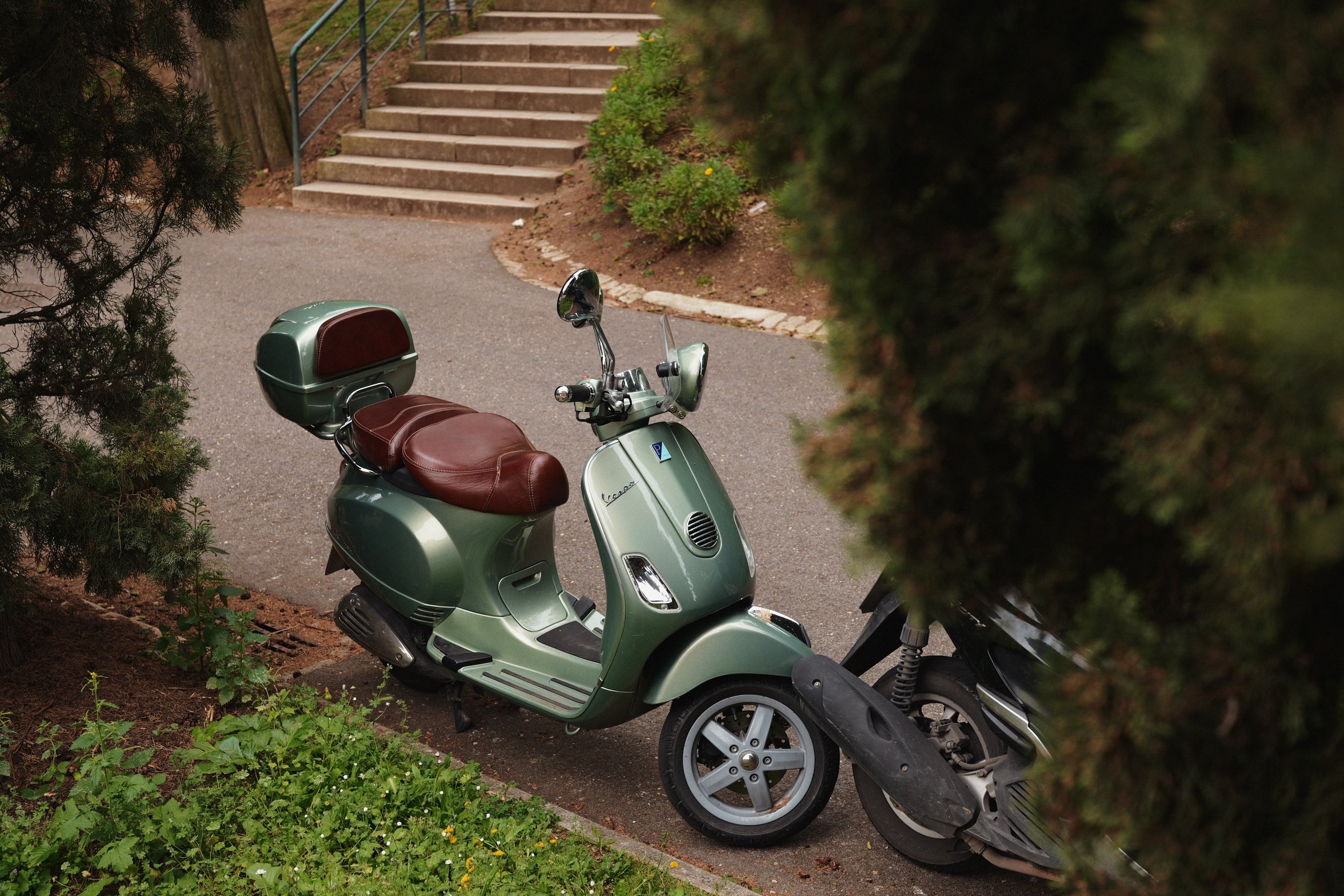
Alfama 250B is a LUMIX ‘look’ that stands on my BONBOA LUT set to LUT Opacity 70% which you can download using the button below… For this ‘look’ the Photo Style I’ve chosen underneath BONBOA is Standard. I’ve given the ‘look’ an Auto White Balance with an amber push and added just a tiny bit of Sharpness and Grain to tie it all together.
To make Alfama 250B work in a wide variety of settings, I’ve bumped up the Contrast a bit, but protected the top end with an i.Dynamic Range setting of LOW and -1 in the Highlights.
To create this ‘look’ I processed some RAW files I shot last year in Lisbon which you can see in this video. A lot of these images were captured in an area of the city called Alfama, which is where the name comes from. The 250 is because this ‘look’ almost reminds me of Kodak Vision3 250D, it has a similar tone, and the ‘B’ stands for the LUT used… BONBOA!
I’m really pleased with how this ‘look’ turned out. It’s warm and brown and definitely has a film-like Kodaky feel throughout. If you’re looking for a more subtle look to shoot JPEGs with your LUMIX camera, then 100% give my new look Alfama 250B a go.
Alfama 250B
[by rossandhisjpegs]
Photo Style: Standard
Contrast: +2
Highlights: -1
Shadows: 0
Saturation: 0
Hue: 0
Grain: LOW
Color Noise: OFF
Sharpness: -4
NR: -5
i.Dynamic Range: LOW
White Balance: AWB (A:6)
LUT 1: BONBOA by rossandhisjpegs
LUT 1 Opacity: 70%
As featured in this video…
If you enjoyed this post, why not drop something in the Tip Jar below to say thanks. It would be massively appreciated!