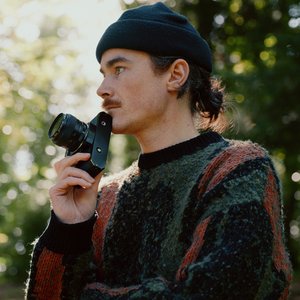
My 65:24 Aspect Ratio Experiment
Let’s talk aspect ratios. I’m a 3:2 guy, always have been. It’s how I see the world! I love shooting 3:2 for both my photographs and my videos and with the addition of Open Gate, being able to use the full size of my LUMIX sensor has been awesome. I’ve barely looked back.
That being said, I’m also big believer that to improve you have to try new things… throwing a stone into a river every once in a while can spark a new direction of flow. One thing that I’ve been meaning to properly try out since it was introduced inside my LUMIX camera, is the 65:24 ratio which emulates the look of the famous Hasselblad X-Pan camera (which captures one single image over the size of roughly two normal 35mm frames.)
Why I’ve Avoided It
The reason I’ve been avoiding trying this feature for my own JPEGs is that I tend to cringe at anything that could be described as ‘cinematic’. For me the word ‘cinematic’ is such a useless word and I wish that people would stop using it!
An image shot in the 65:24 aspect ratio, I know for sure, people who don’t know what they’re talking about would describe as “cinematic” - For me it’s reminiscent of a student adding black bars to their videos with the aim of making it “cinematic” circa 2012 (I was definitely that guy!)
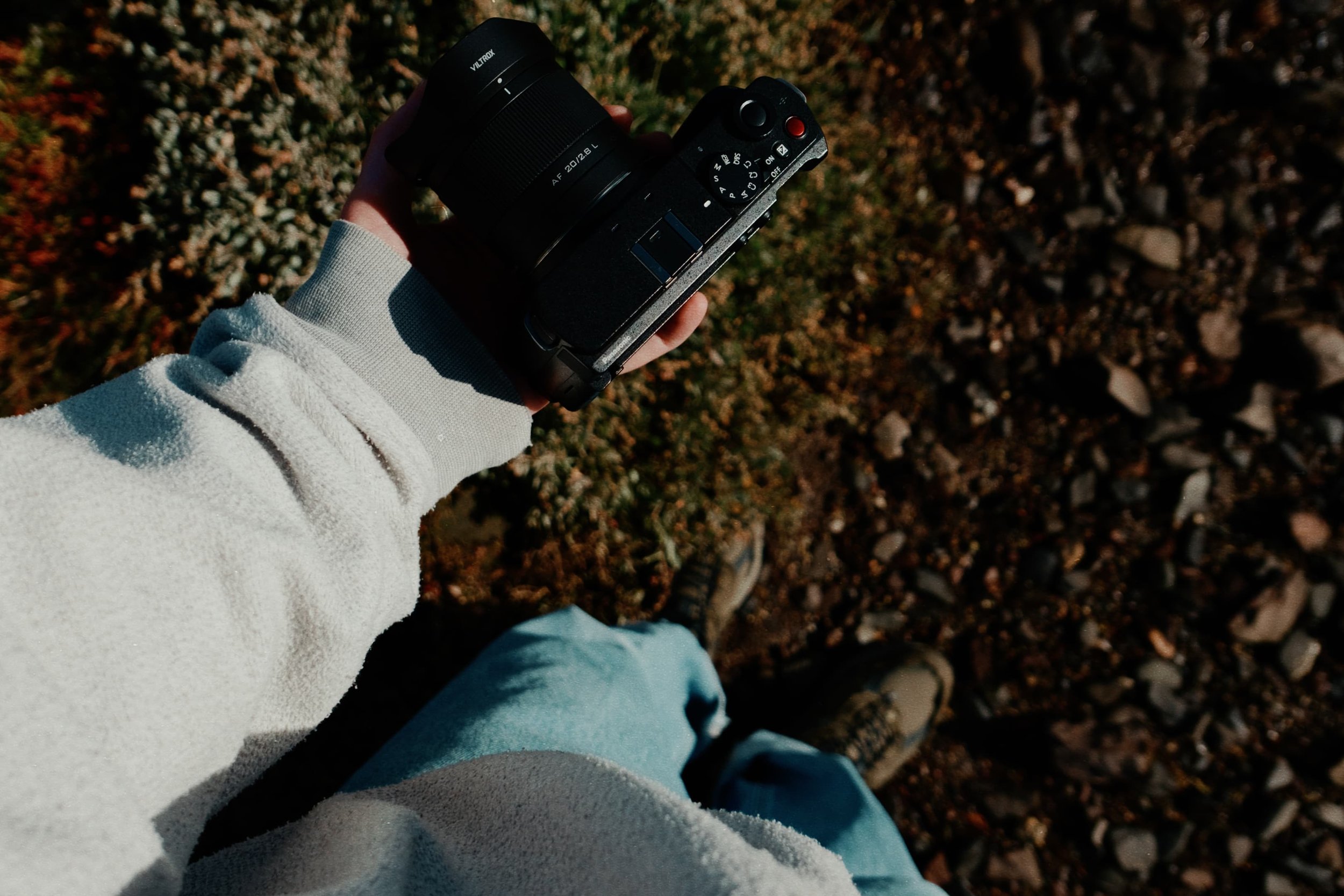
Anyway, a few weeks ago Viltrox announced their L-Mount 20mm f/2.8 Air lens and I received a comment suggesting that I should try it out with 65:24 aspect ratio - and suddenly combined with this lens, the idea of the X-Pan ratio sounded interesting. Being able to capture a scene you know super wide, but not have the room top to bottom to worry about.
Setup and Results
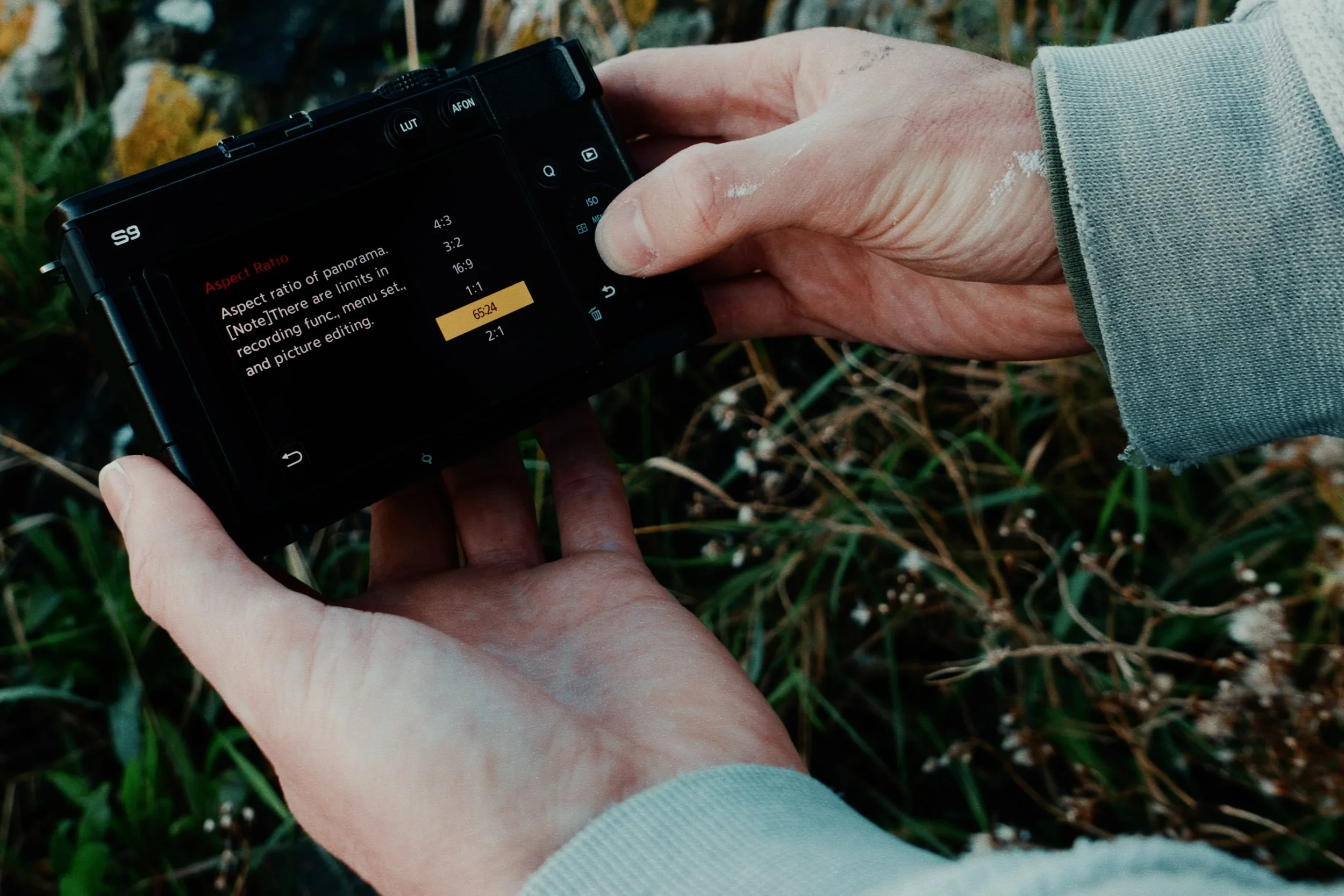
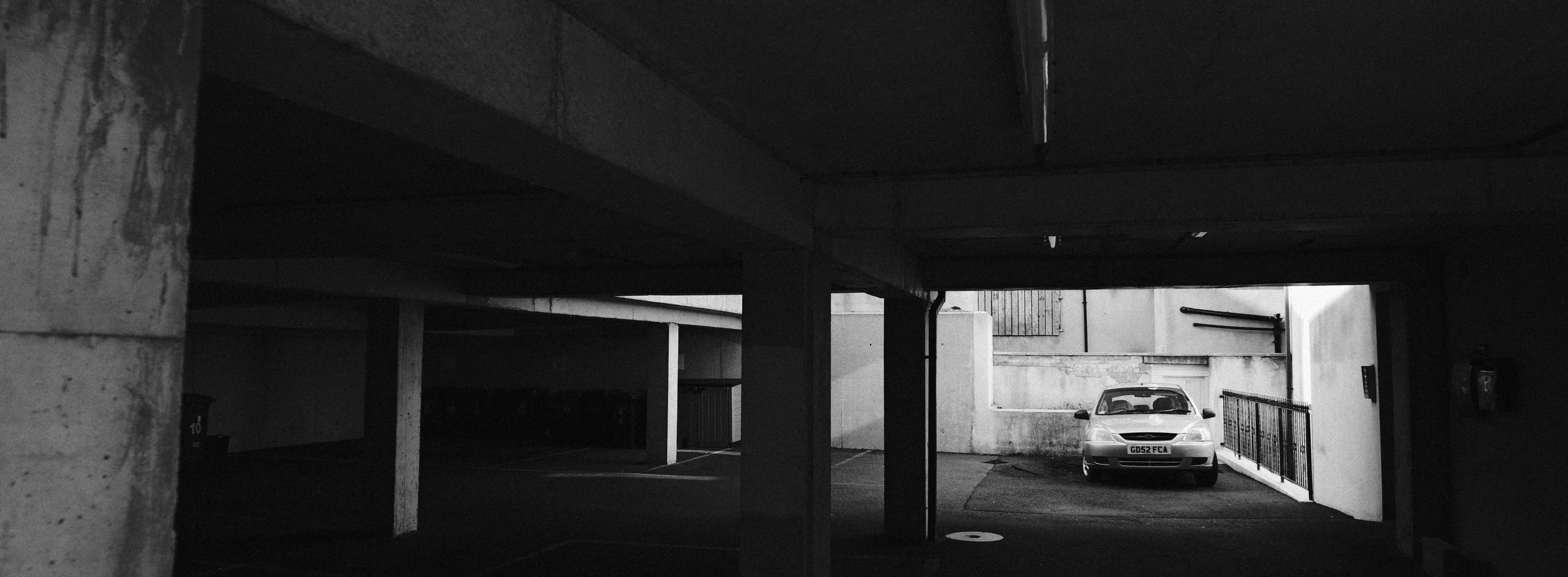
I set the Aspect Ratio on my LUMIX S9 (which can be found in the menu Image Quality 1 > Aspect Ratio) to 65:24 and decided that since I was changing the aspect ratio, and would therefore be changing how I frame my shots, I would just shoot my JPEGs for this test in b&w. I didn’t want the distraction of colour for this test and so I chose my LUMIX ‘look’ Neocross R100 and headed off to see what I could capture. Here are some of my results…
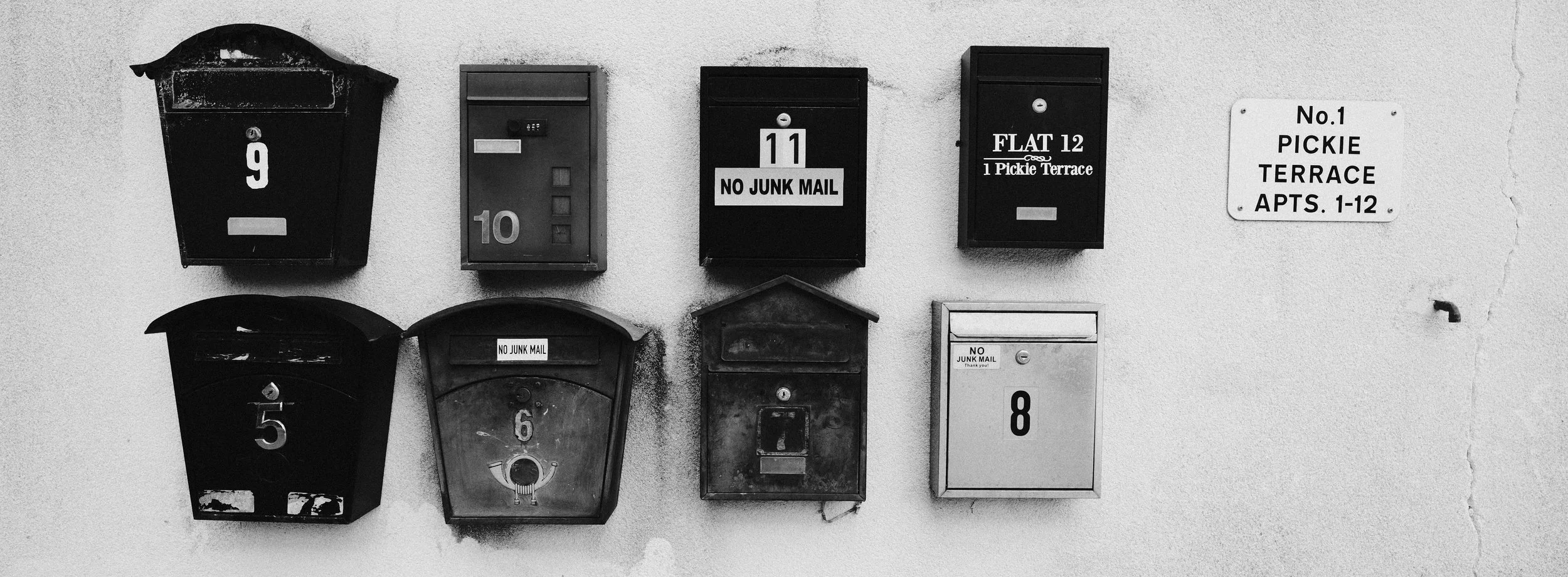
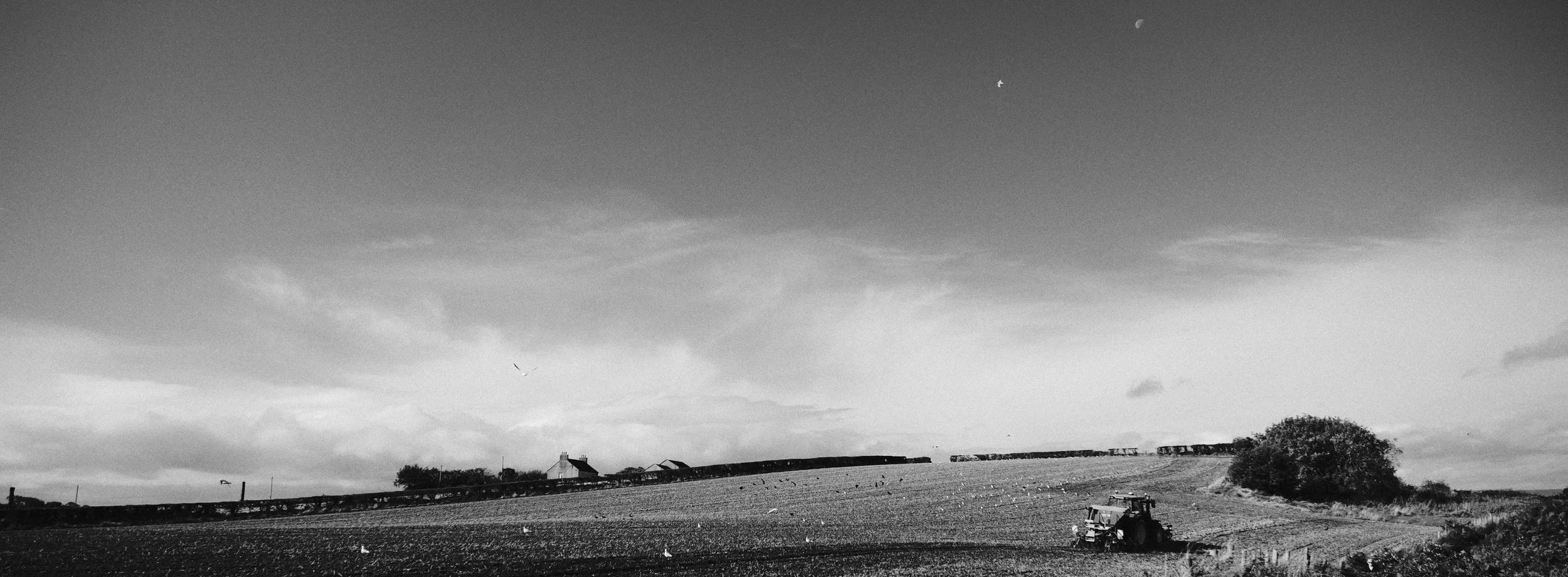
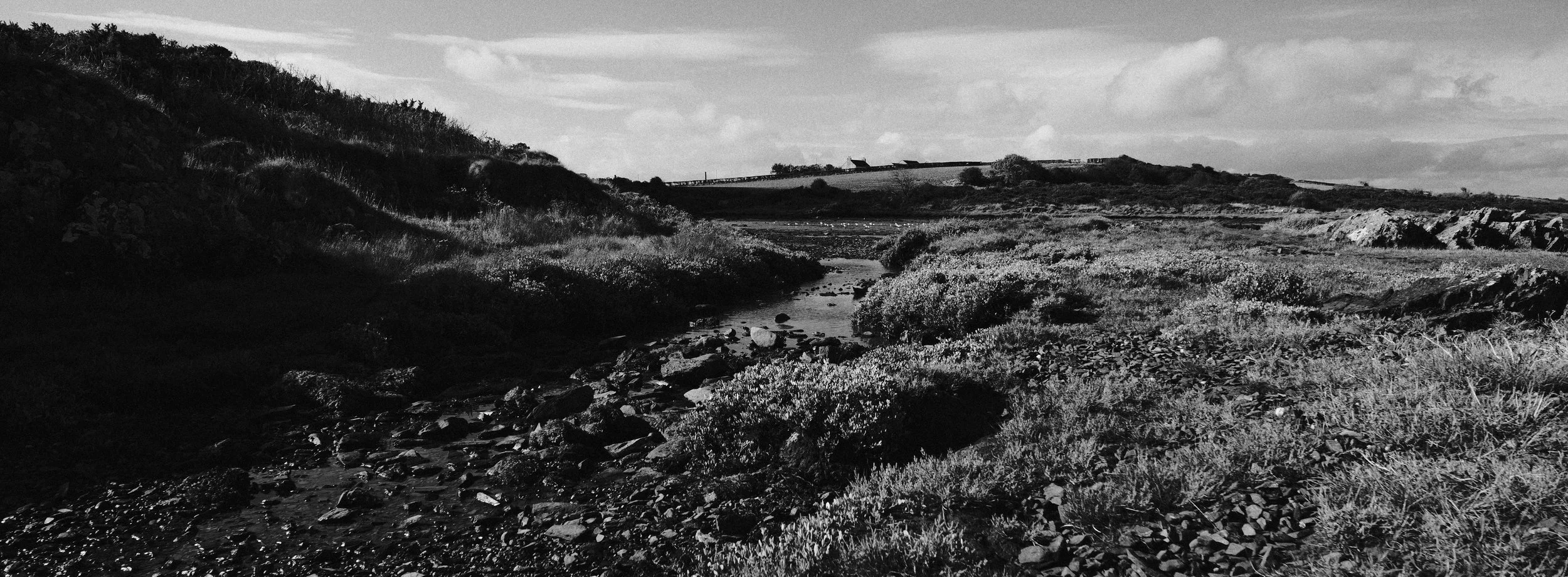
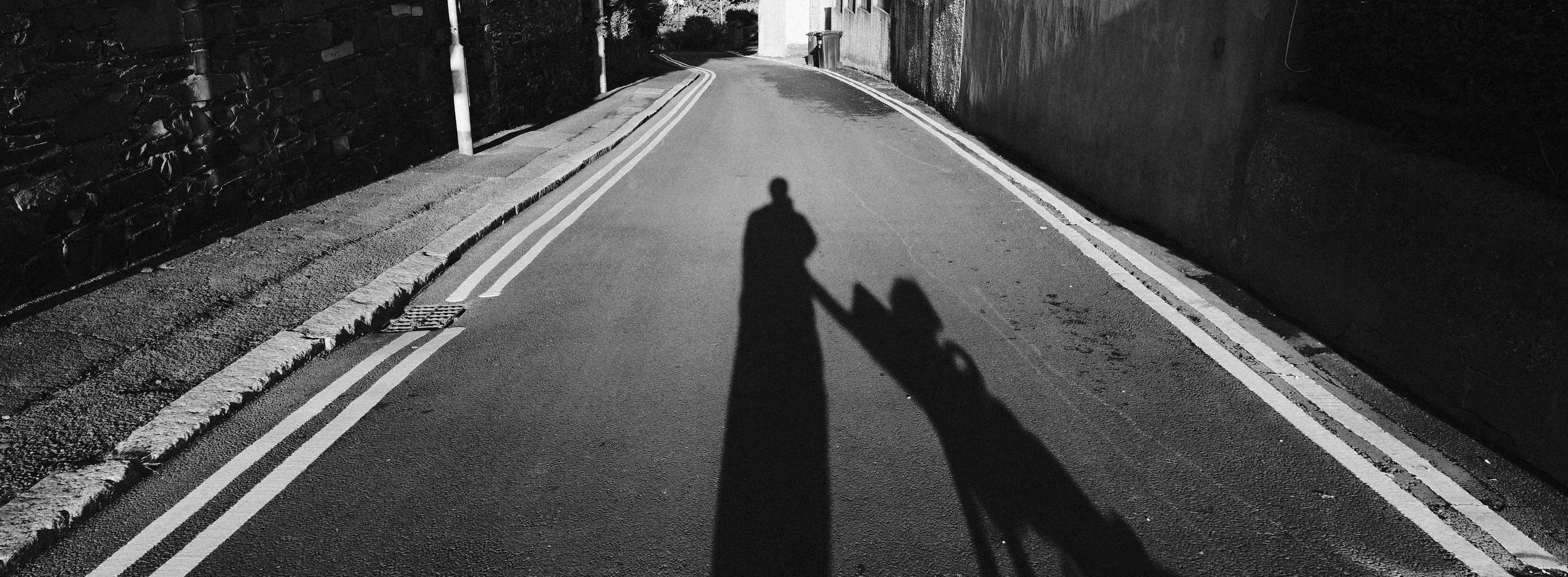
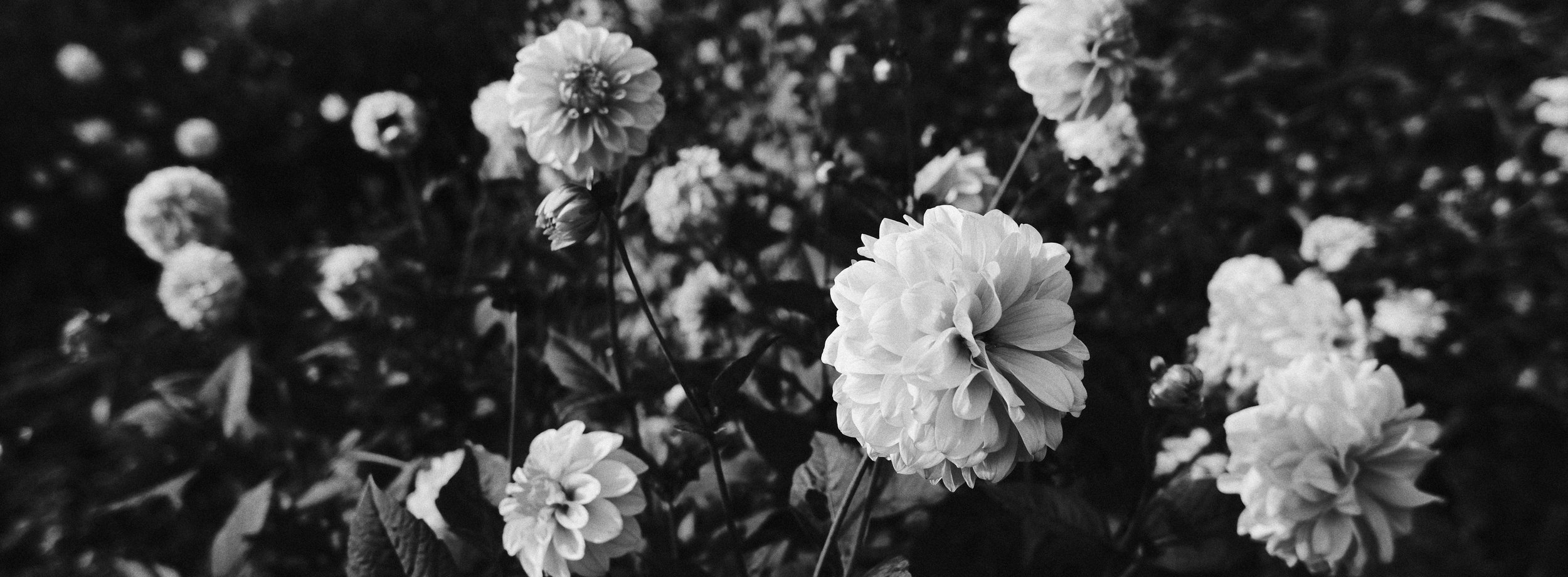
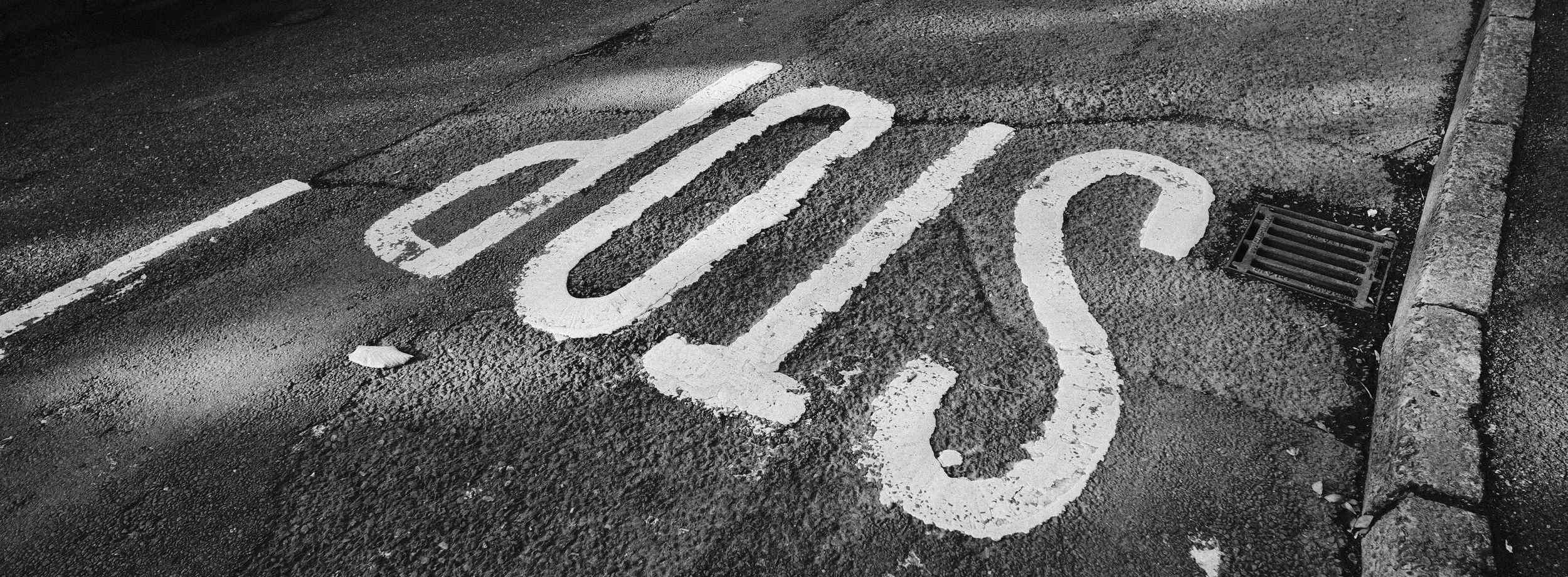
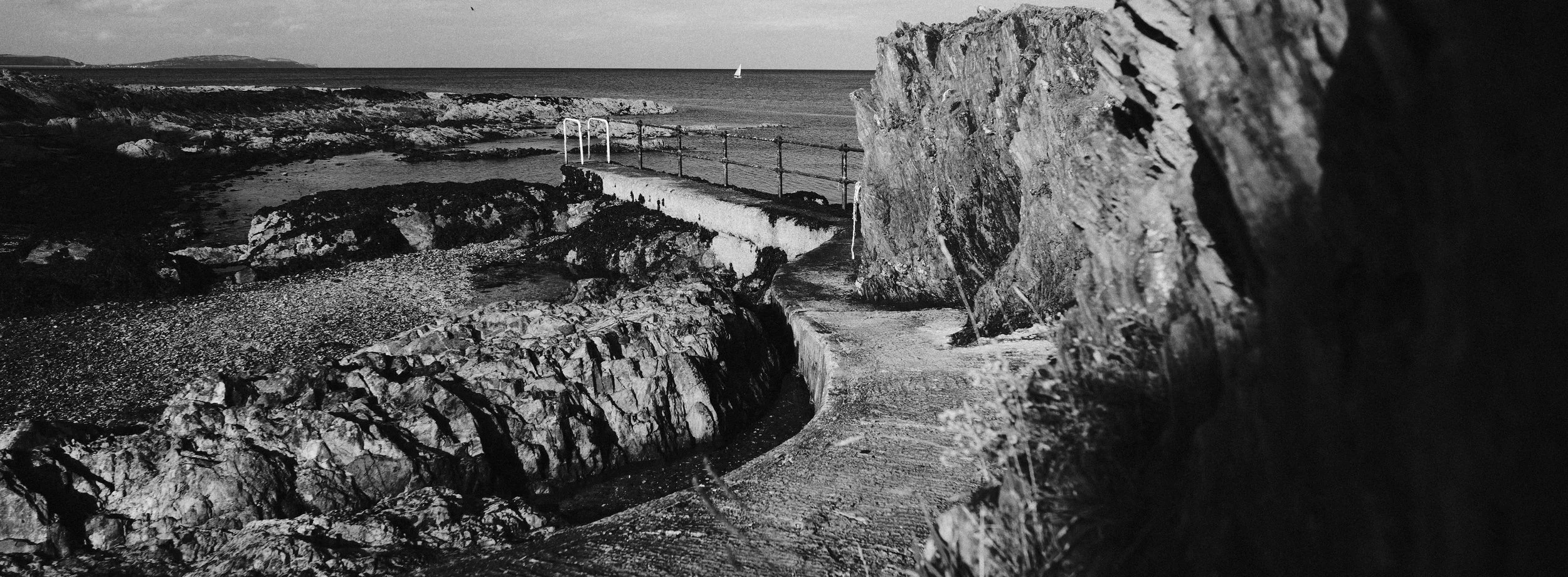
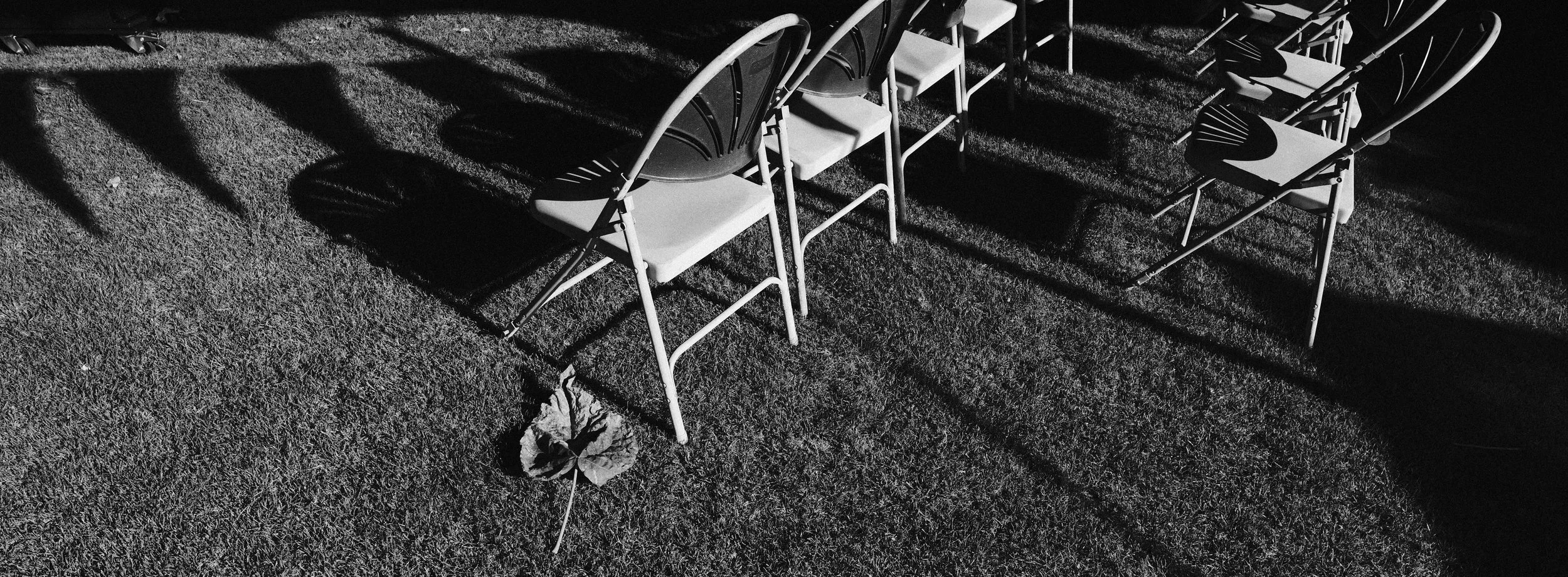
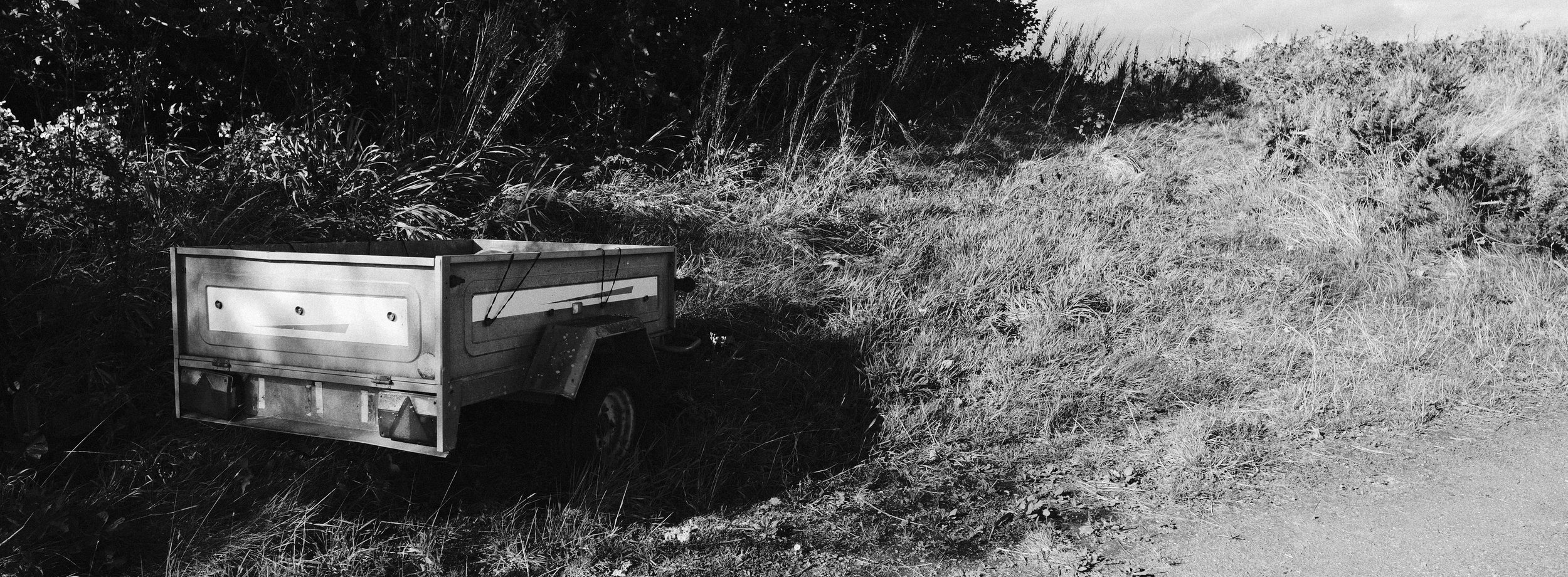
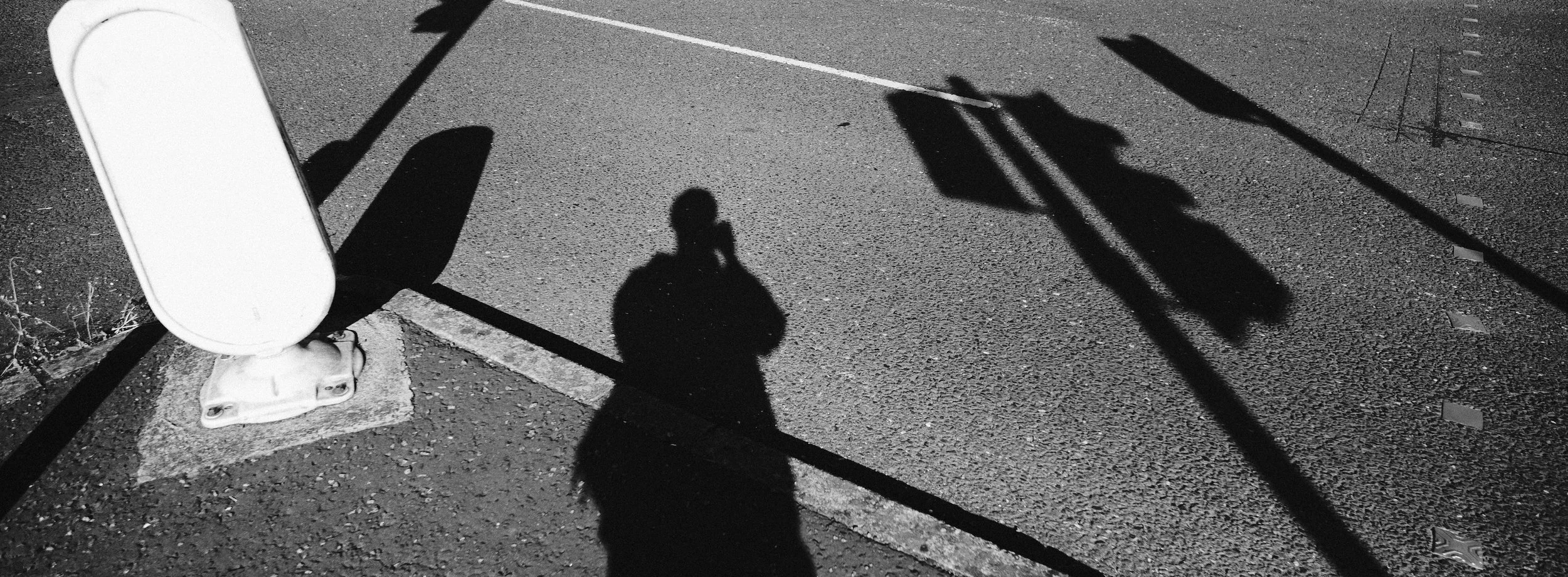
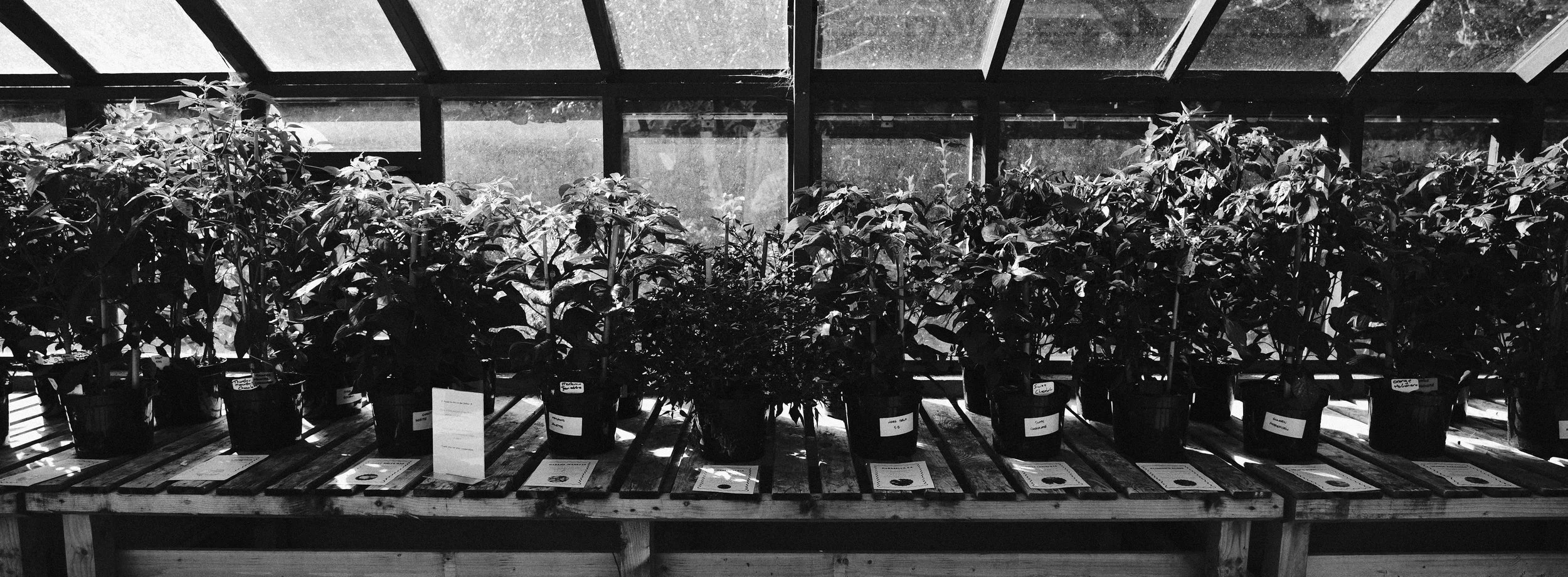
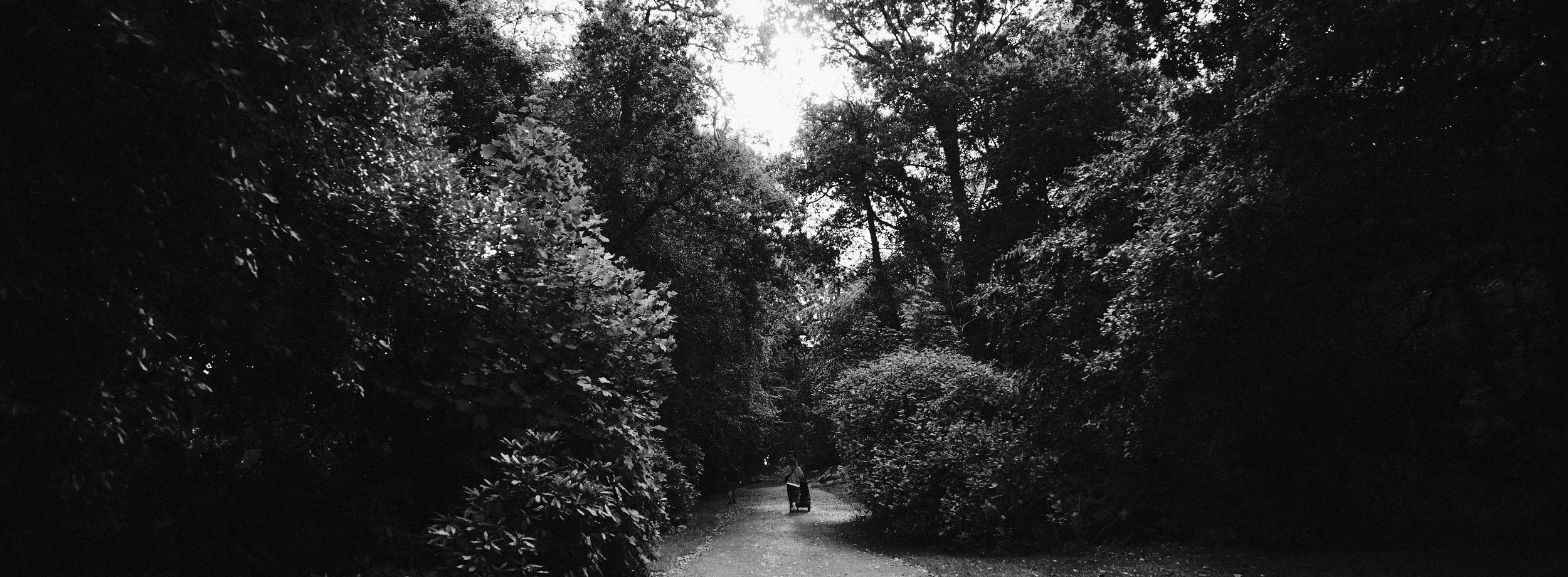
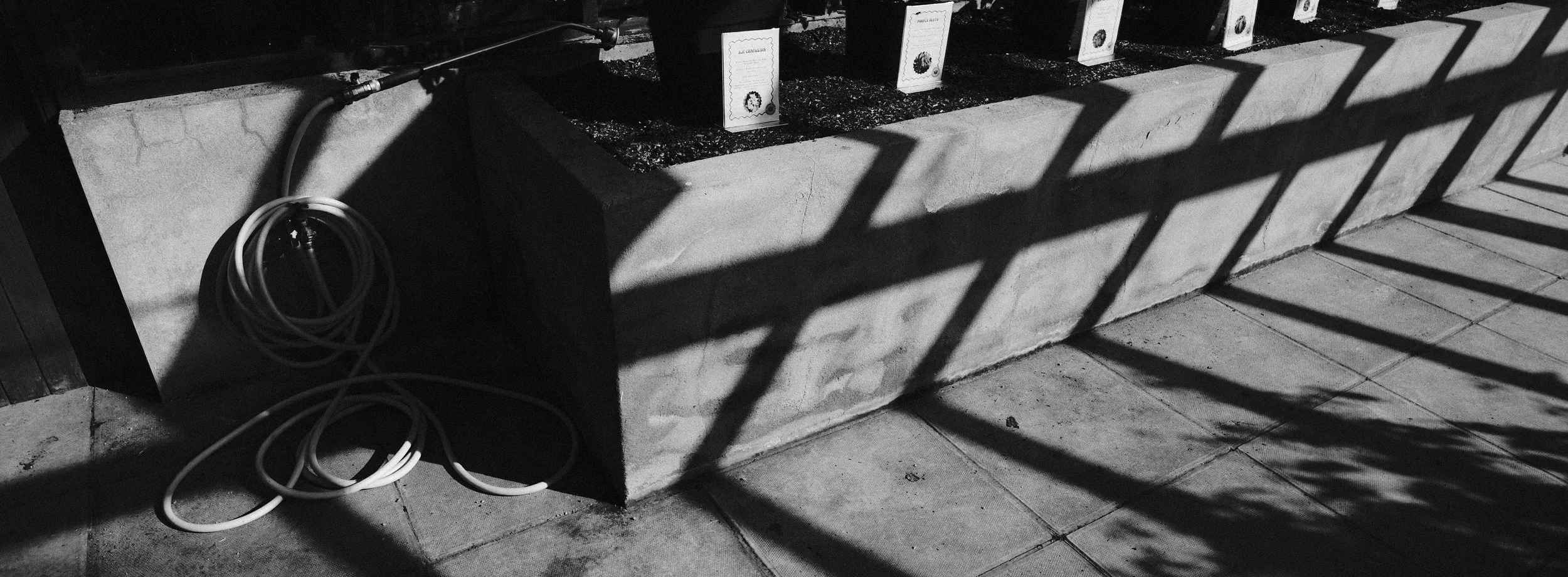
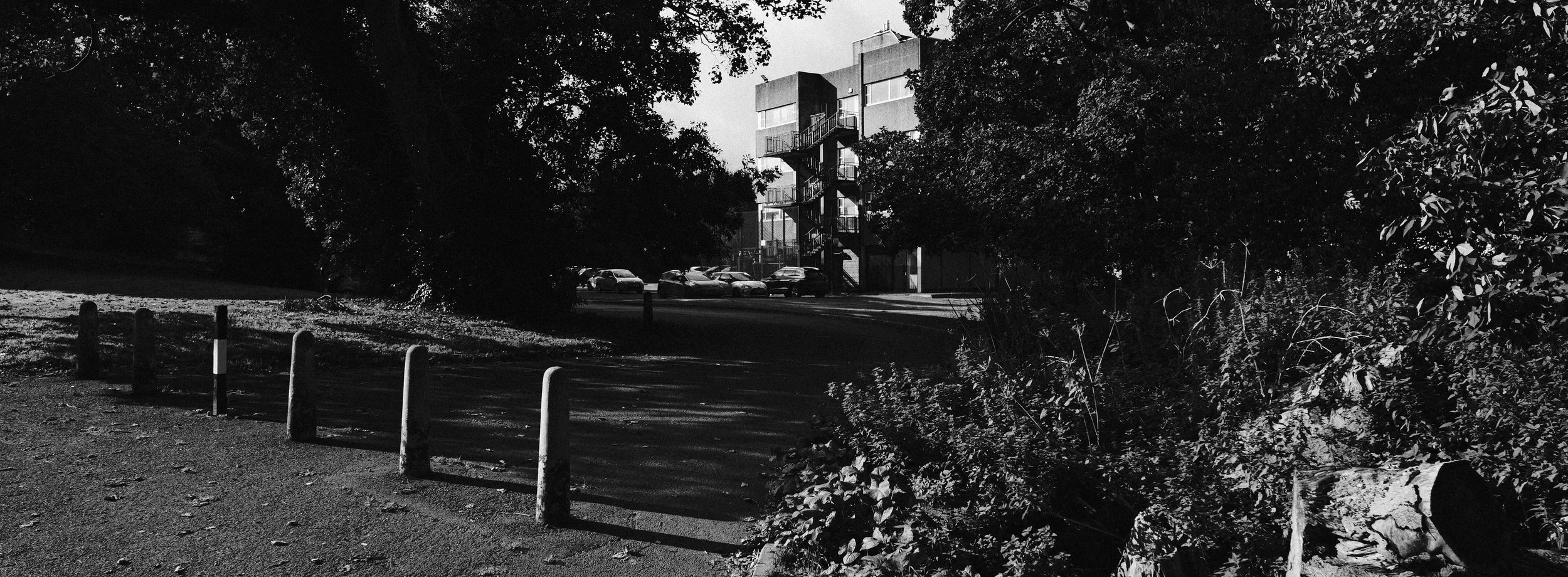
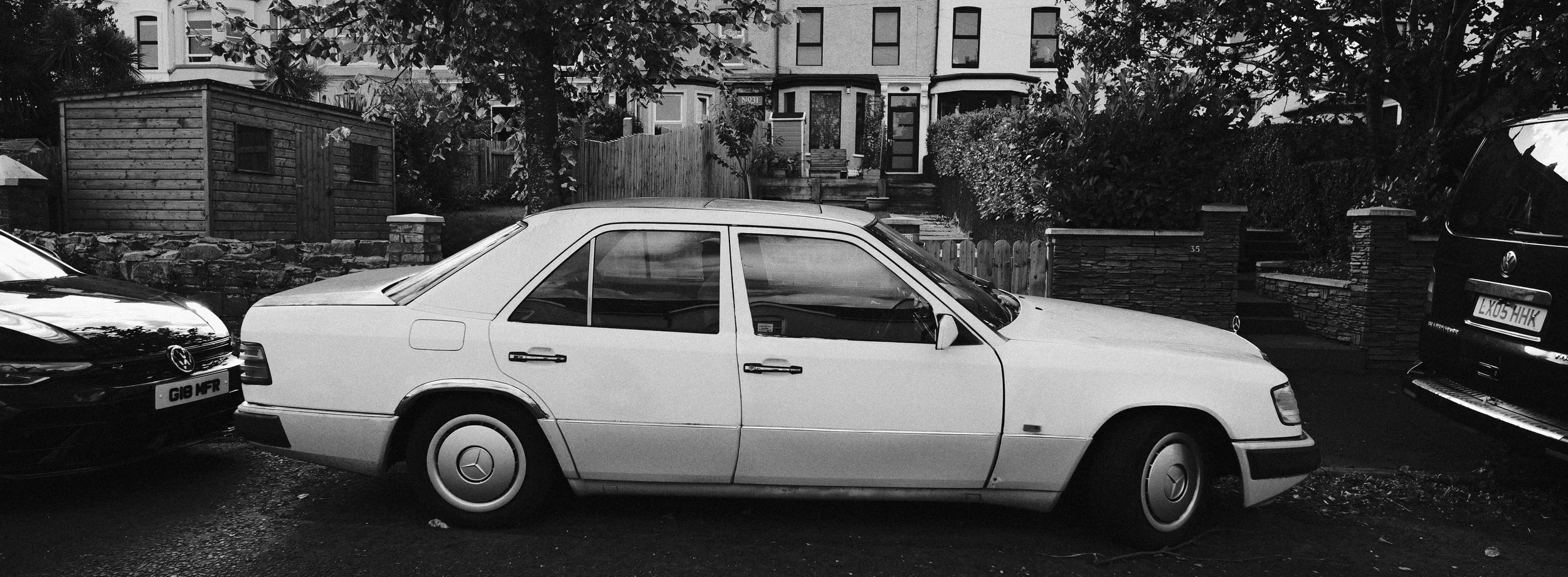
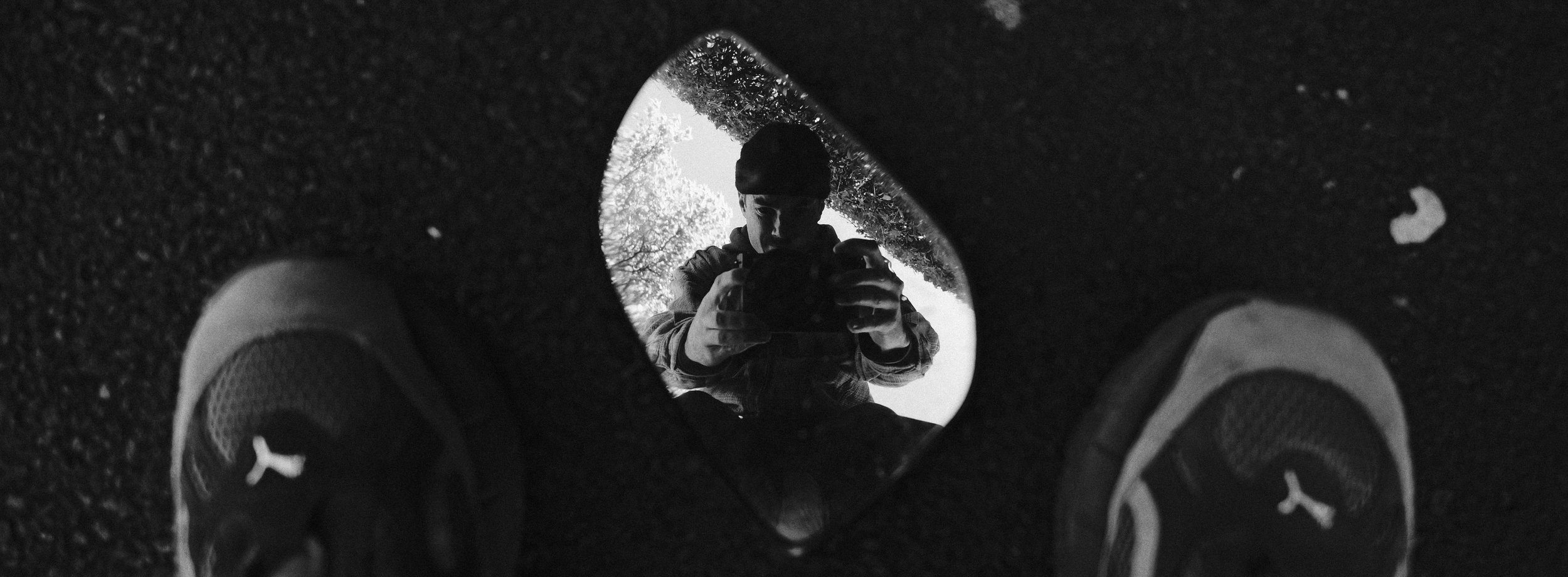
Conclusion
I think this was a really fun and successful challenge. It took a while to get used to shooting with such a wide lens and short aspect ratio but it made me look at the world completely differently. I really had to think hard about what was in the frame and what wasn’t. It definitely didn’t come naturally but once I got into the XPan groove, I really enjoyed it!
Will I be using this X-Pan ratio in my photography going forward… probably not. It’s definitely an awkward ratio especially if you were to use it and deliver the wide photographs to clients. Hard to use on a website, or share on social media. Even hard to print/frame if that’s your thing… but yeah overall it was super fun to shoot with.
P.S. Make sure if you’re trying this out for yourself that you set your camera to RAW + JPEG as the crop will only apply to the JPEG file and not RAW. If you have a LUMIX camera that can shoot in this X-Pan ratio, you should definitely give this a go for yourself. Set your camera to shoot JPEG + RAW, set the Aspect Ratio to 65:24, choose a LUMIX ‘look’ (find all mine here) get shooting and have fun!
Check out more in this YouTube video…
Enjoyed this post? Why not drop a little something in the ‘Tip Jar’ below as a way of saying thanks! It would be massively appreciated…