Top 5 Most Popular Fujifilm Recipes Ever
Making Fujifilm Recipes
Over the past number of years I (like many others) have been hunting for a way to get great looking JPEGs straight out of my camera – without the need for editing. Recently I have had the most success doing just that with my LUMIX cameras and have put a lot of time into designing LUTs and ‘looks’ all with the goal of never editing a photograph again.
Before that however, I was mostly shooting with Fujifilm cameras and designing Fujifilm Recipes, and it was four years ago that I made my very first recipe called ‘Soft Chrome’. After that I kind of got addicted creating recipes for shooting JPEGs, all of which you can view by pressing the button below…
I get recipe recommendation requests like a lot, but recently a friend asked me what some of my “Most Popular” recipes were and I literally didn’t know. So I dipped into the back end of my website to see the numbers and the results really surprised me. If you’ve followed along on my photography journey, some of these recipes you’ll probably be familiar with. If not then you’re in for a treat!
Most Popular Recipe 01
Daily Astia
The most viewed recipe on my website and sliding into top position is ‘Daily Astia’ and like the name suggests, this recipe was designed for everyday use.
Something I found when trying recipes from other photographers was that most can only be used in super specific scenarios and lighting conditions.
I designed ‘Daily Astia’ to work in a wide variety of settings with a White Balance setting of Auto and a slight warm push.
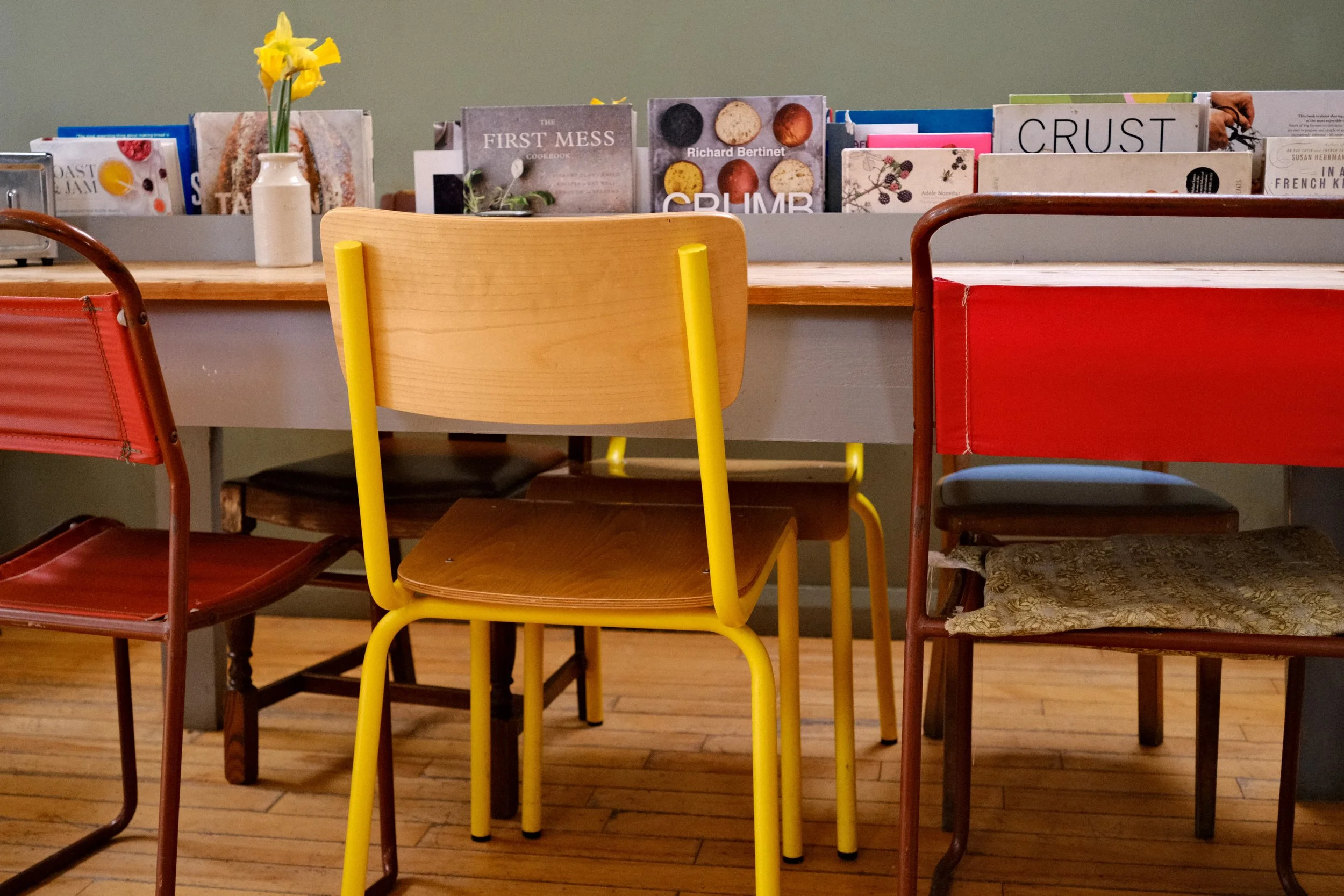
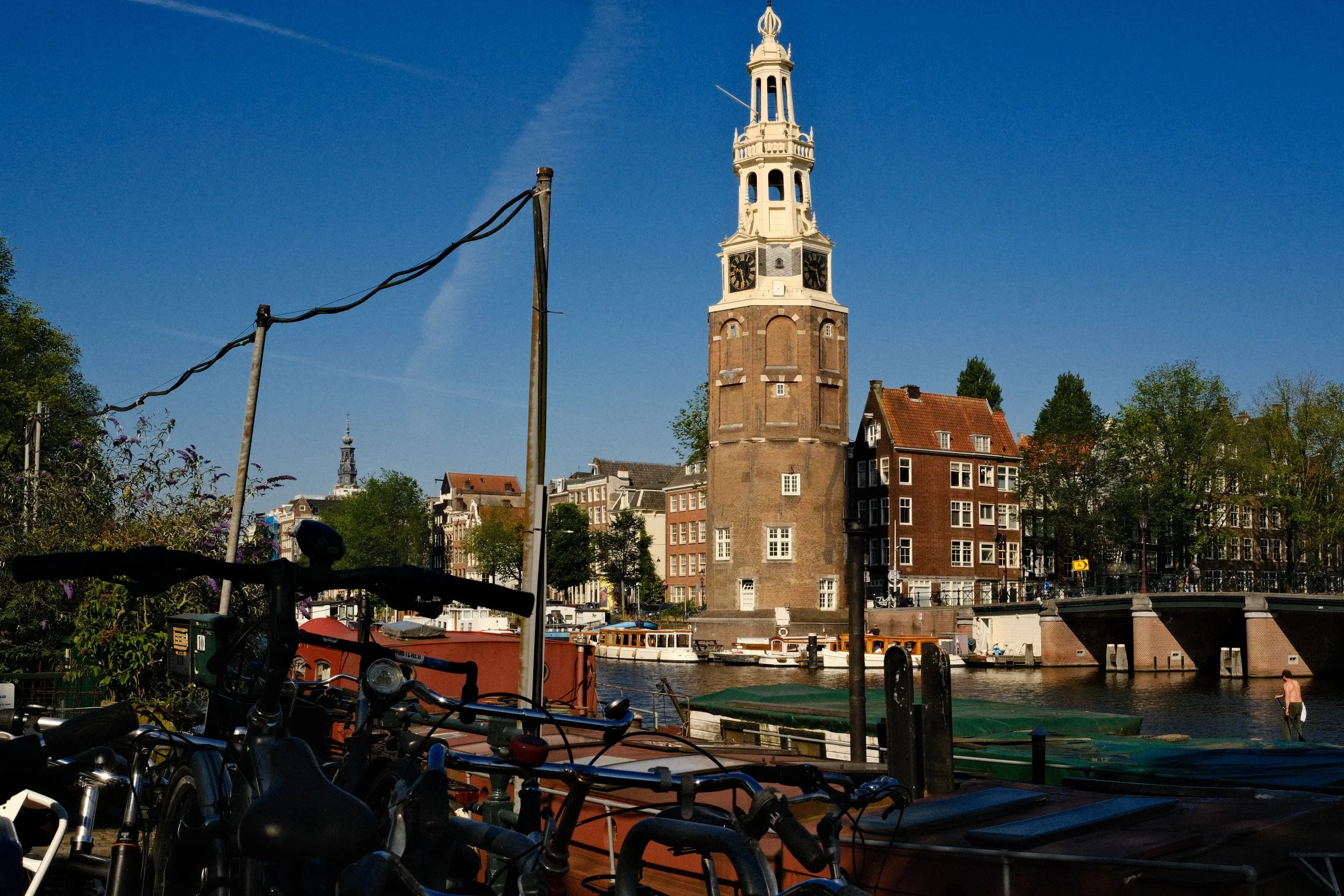
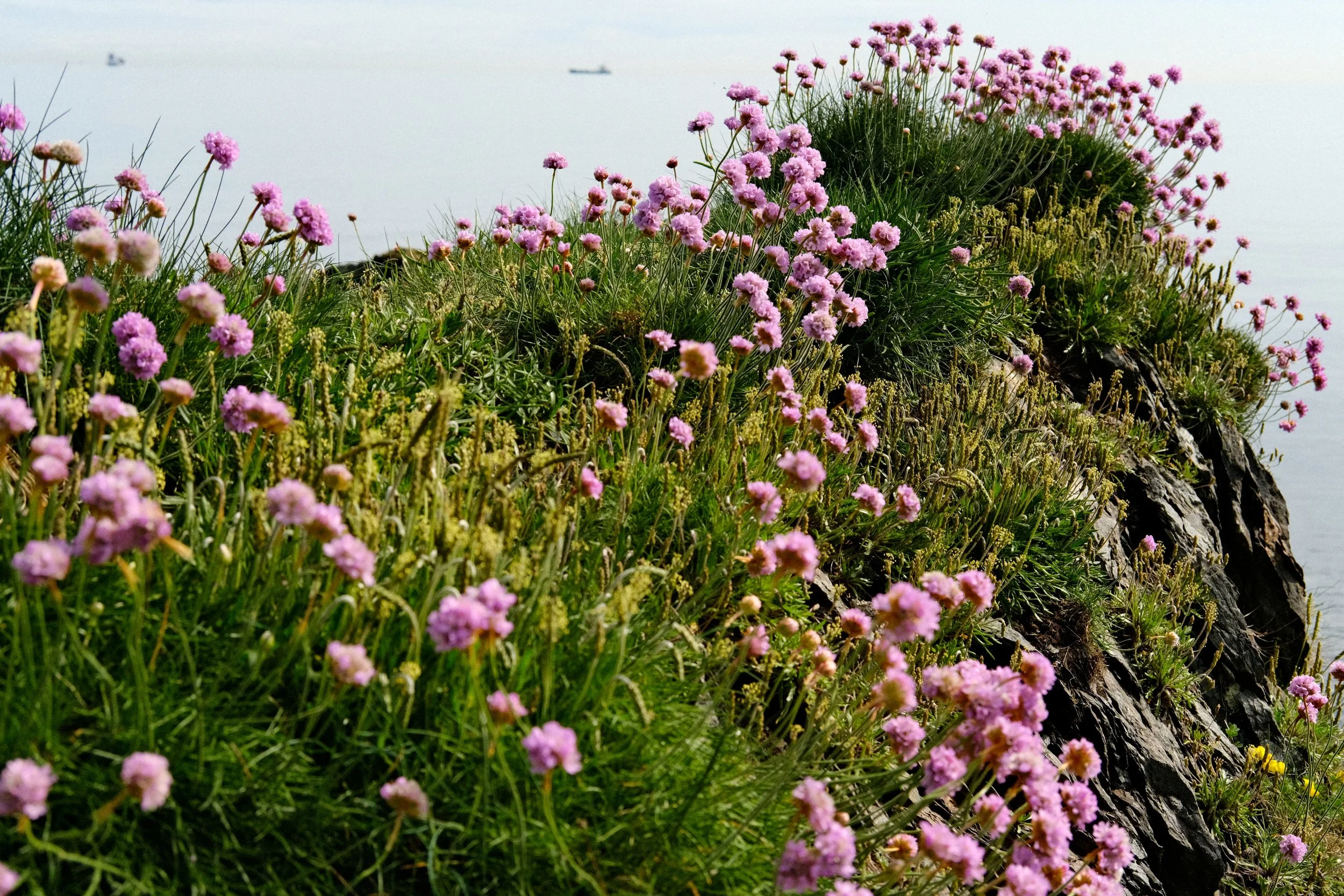
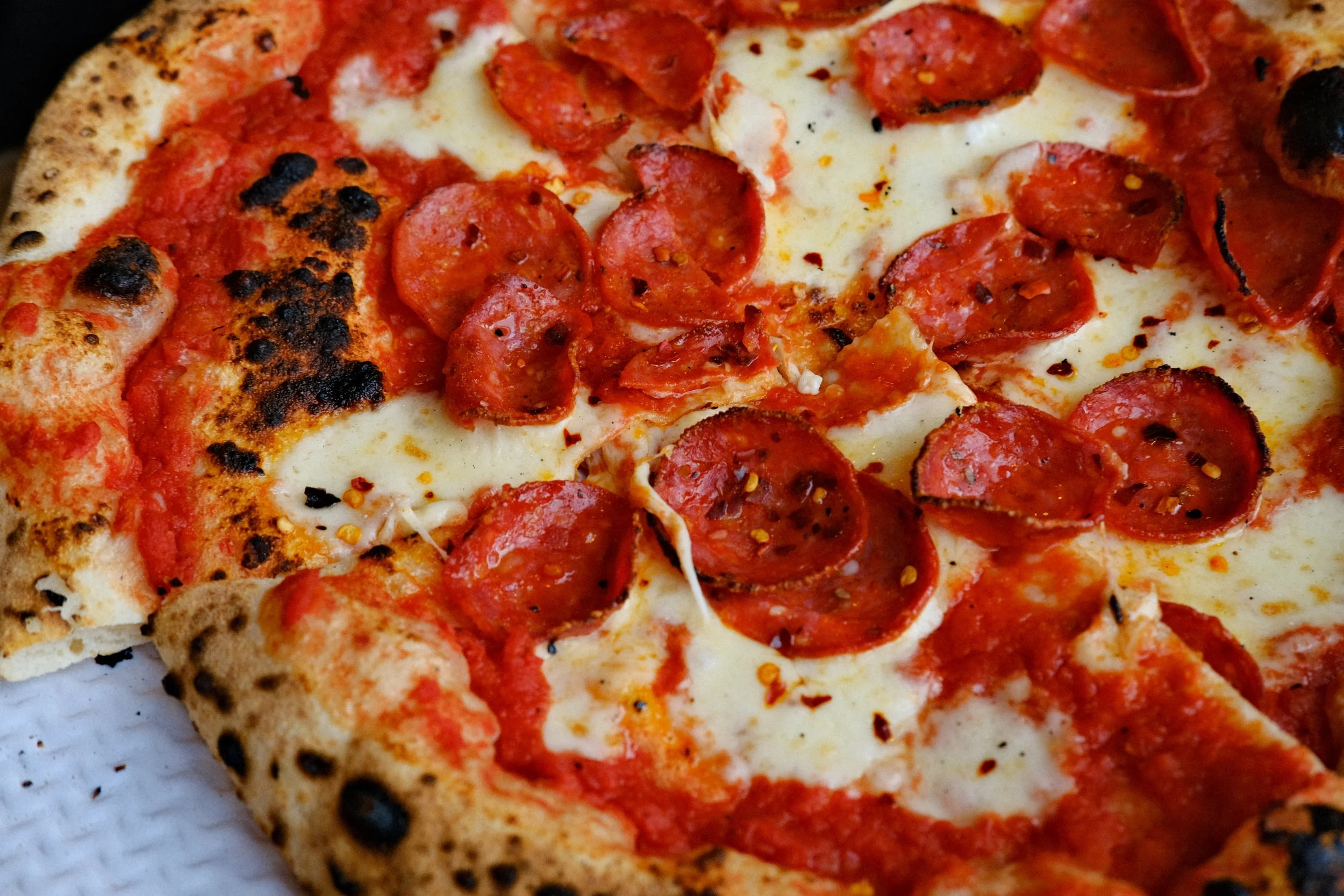

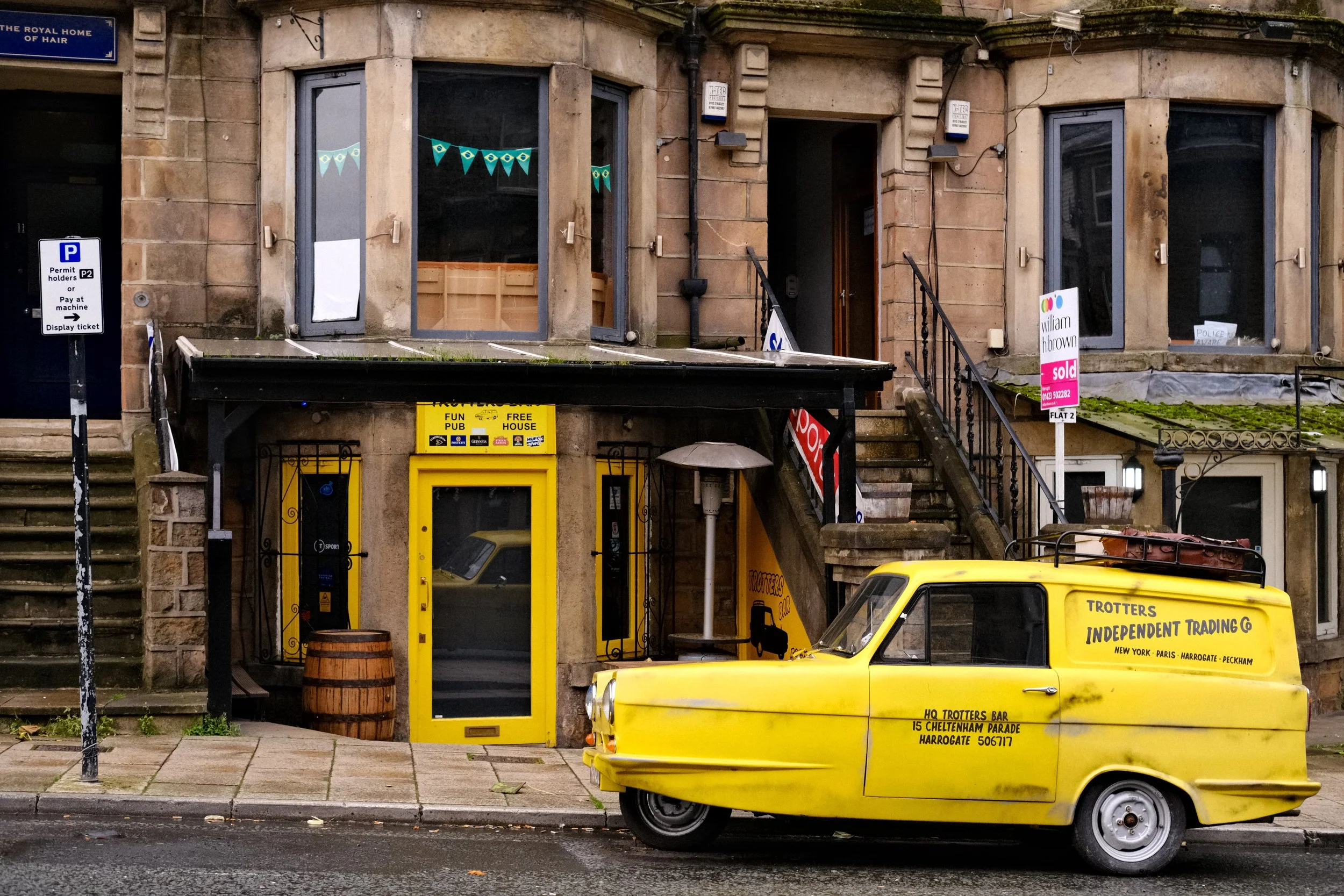
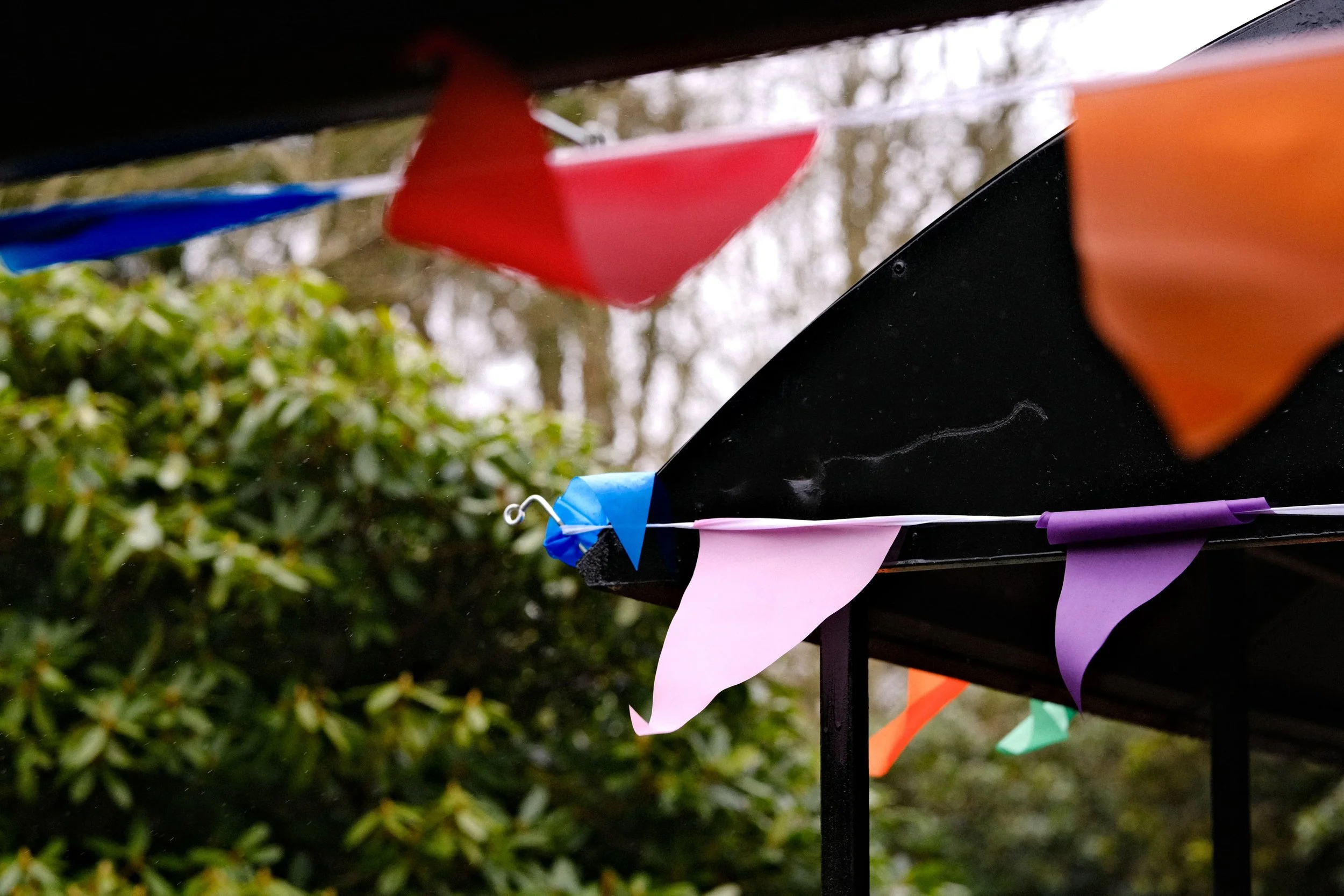
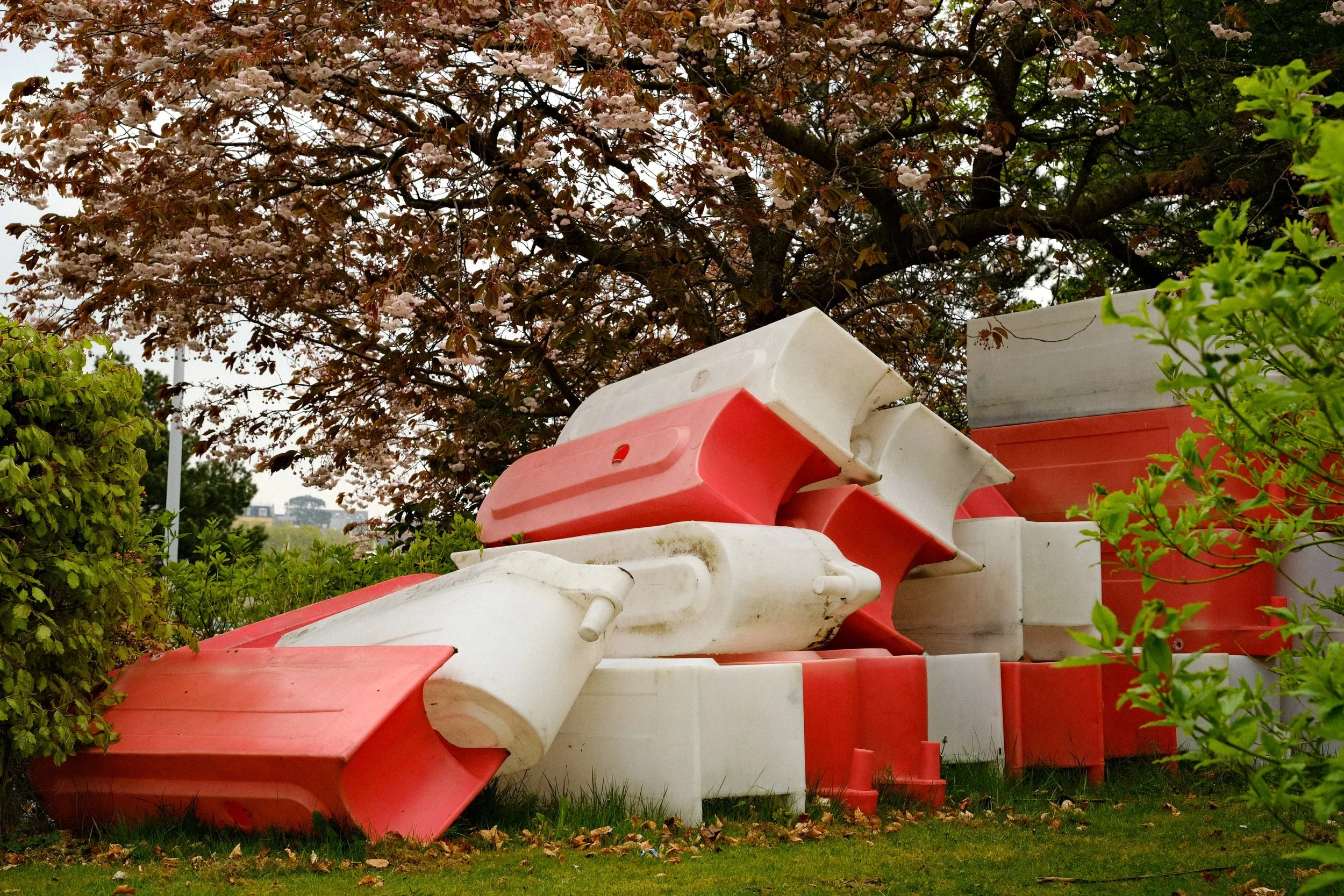
This recipe produces crisp, contrasted, images with rich, saturated colours. There’s a little sharpness, a lot of clarity and color turned all the way up.
It really packs a punch and makes use of the beautiful film simulation Astia which is one of my favourites.
If you’re shooting with the one, my advice would be to keep one eye on your exposure. As the Dynamic Range setting is set at its lowest, your highlights can start to blow out so just keep them at the right spot and everything else will fall into place.
Daily Astia
Astia
Dynamic Range: 100
Highlight: +1
Shadow: 0
Color: +4
Noise Reduction: -4
Sharpening: -2
Clarity: +4
Grain Effect: Weak, Large
Color Chrome Effect: OFF
Color Chrome Effect Blue: Strong
White Balance: AUTO (R4 B-4)
Most Popular Recipe 02
Nurture Nature
In the number two spot is ‘Nurture Nature’ and funnily enough this recipe was also designed to be super versatile and work in a whole range of scenarios.
‘Nurture Nature’ has a base Film Simulation of Provia which is Fujifilm’s Standard profile and like the name suggests, this recipe works especially well in nature so parks, lakes, woodland, mountains etc.
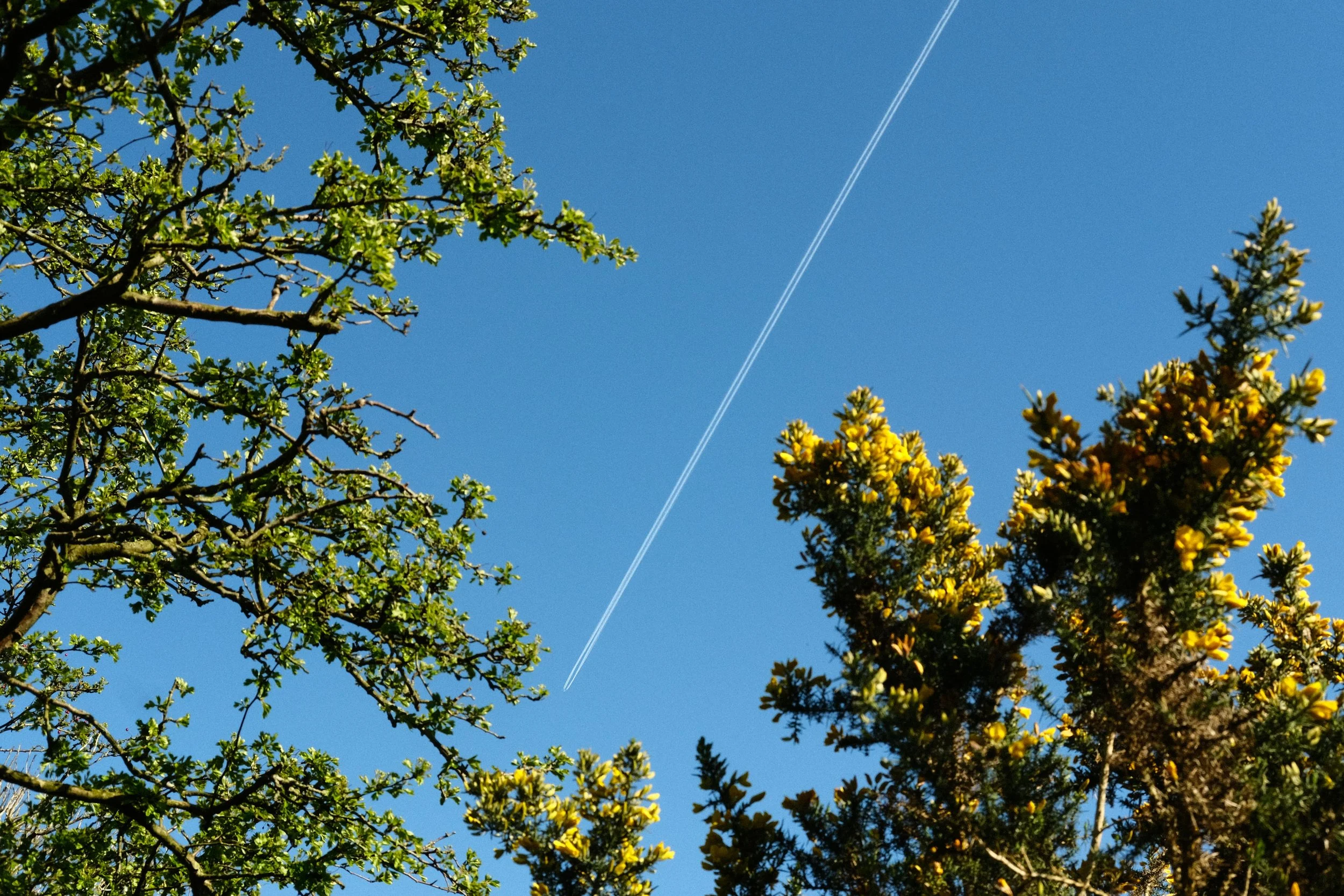
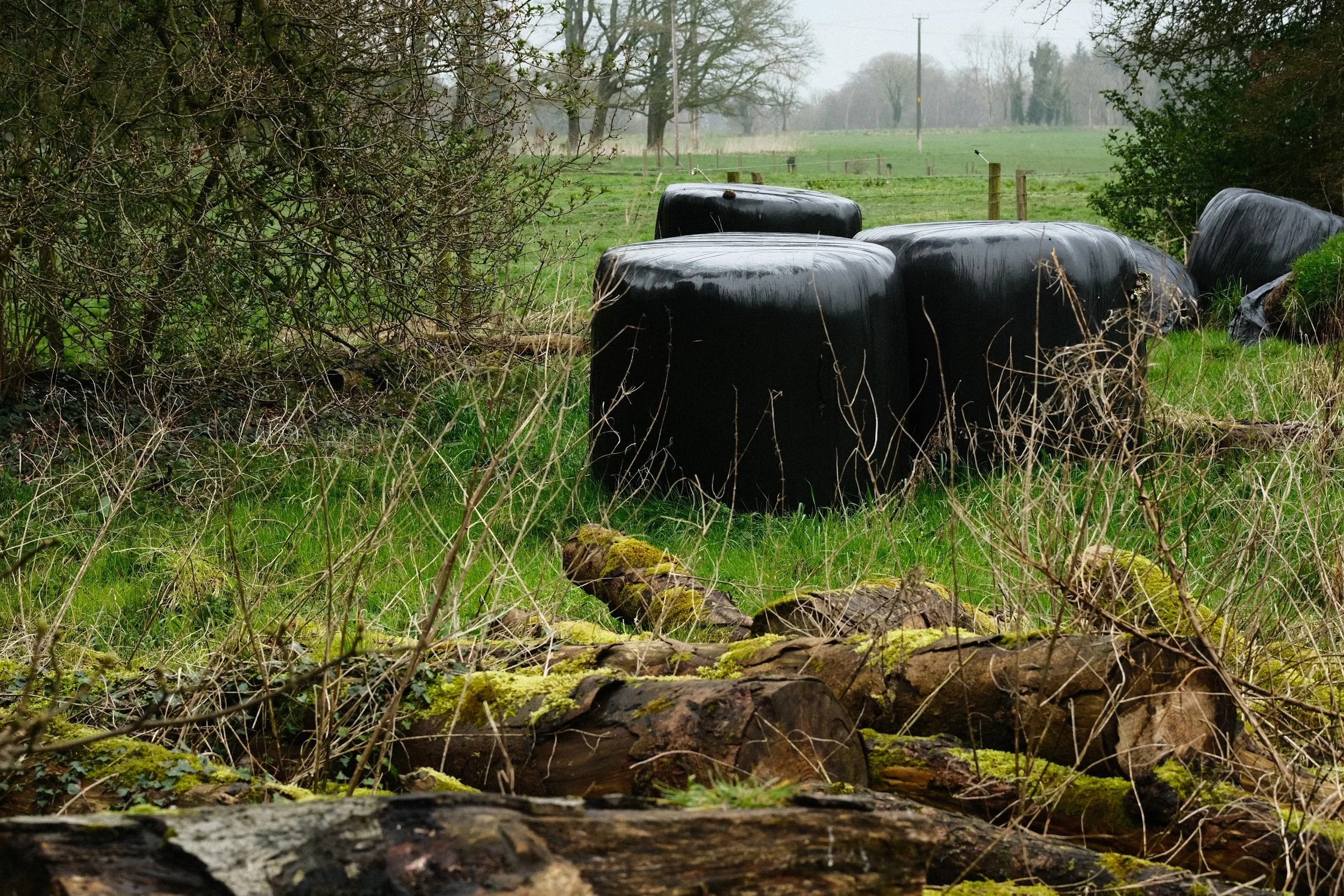
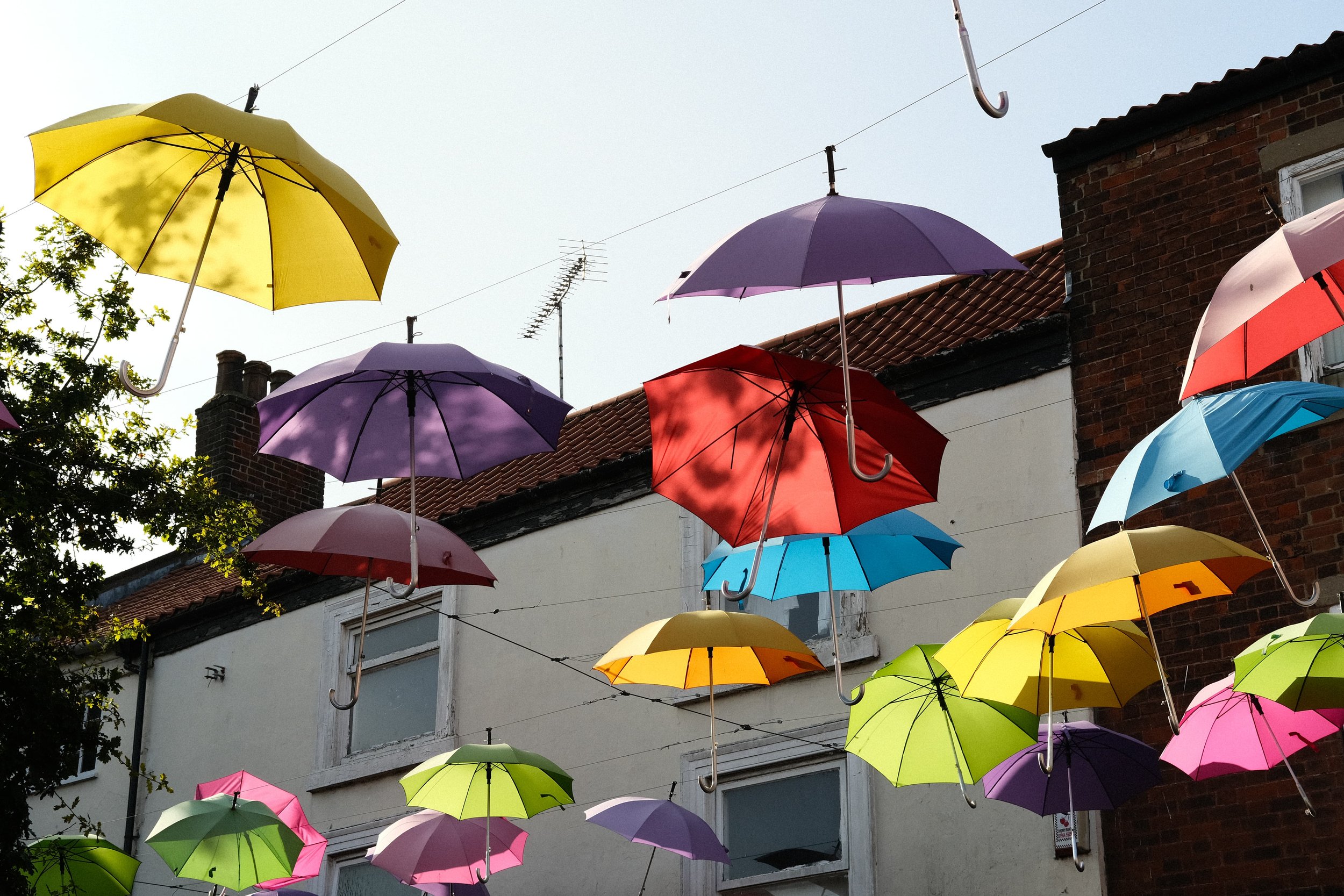
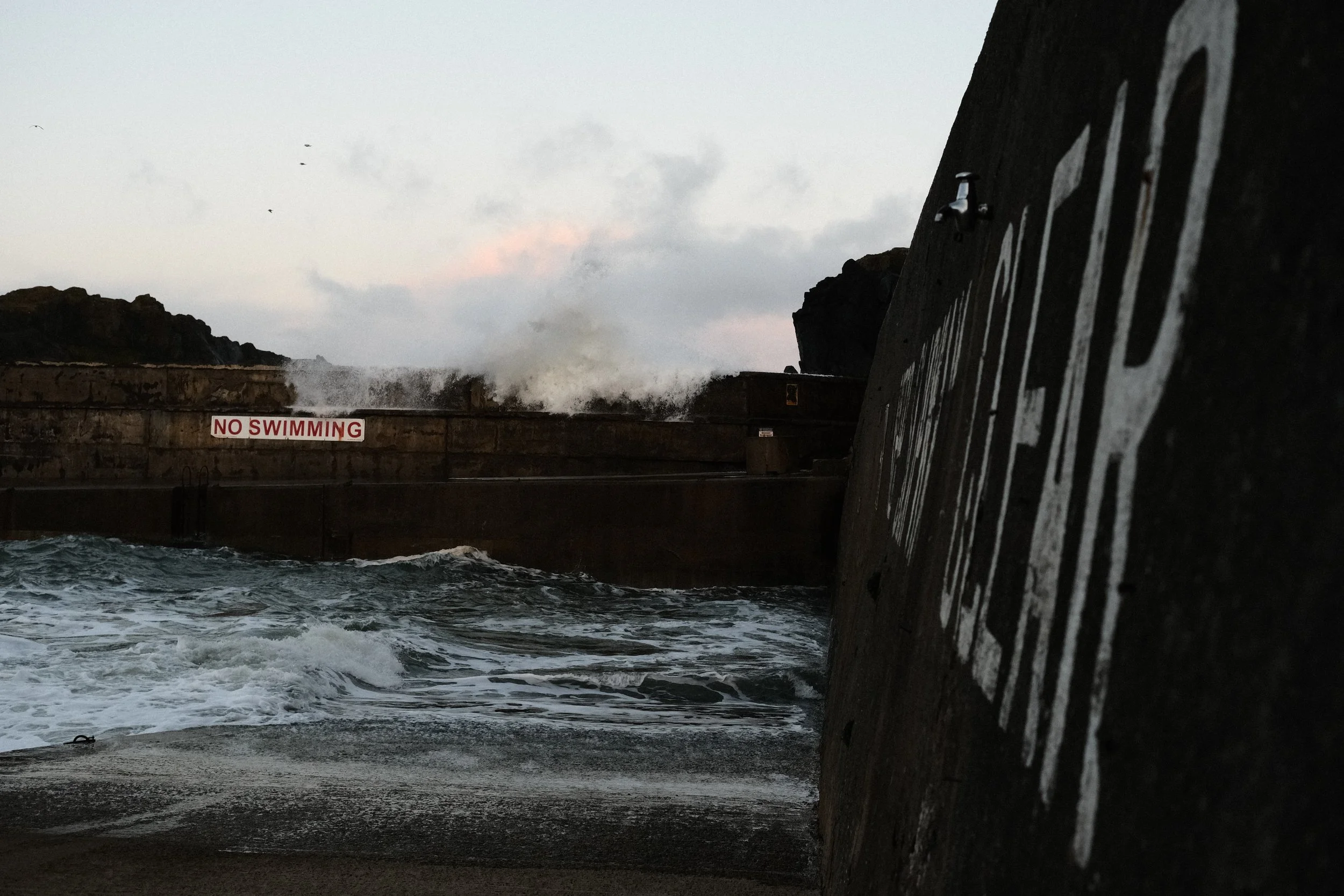
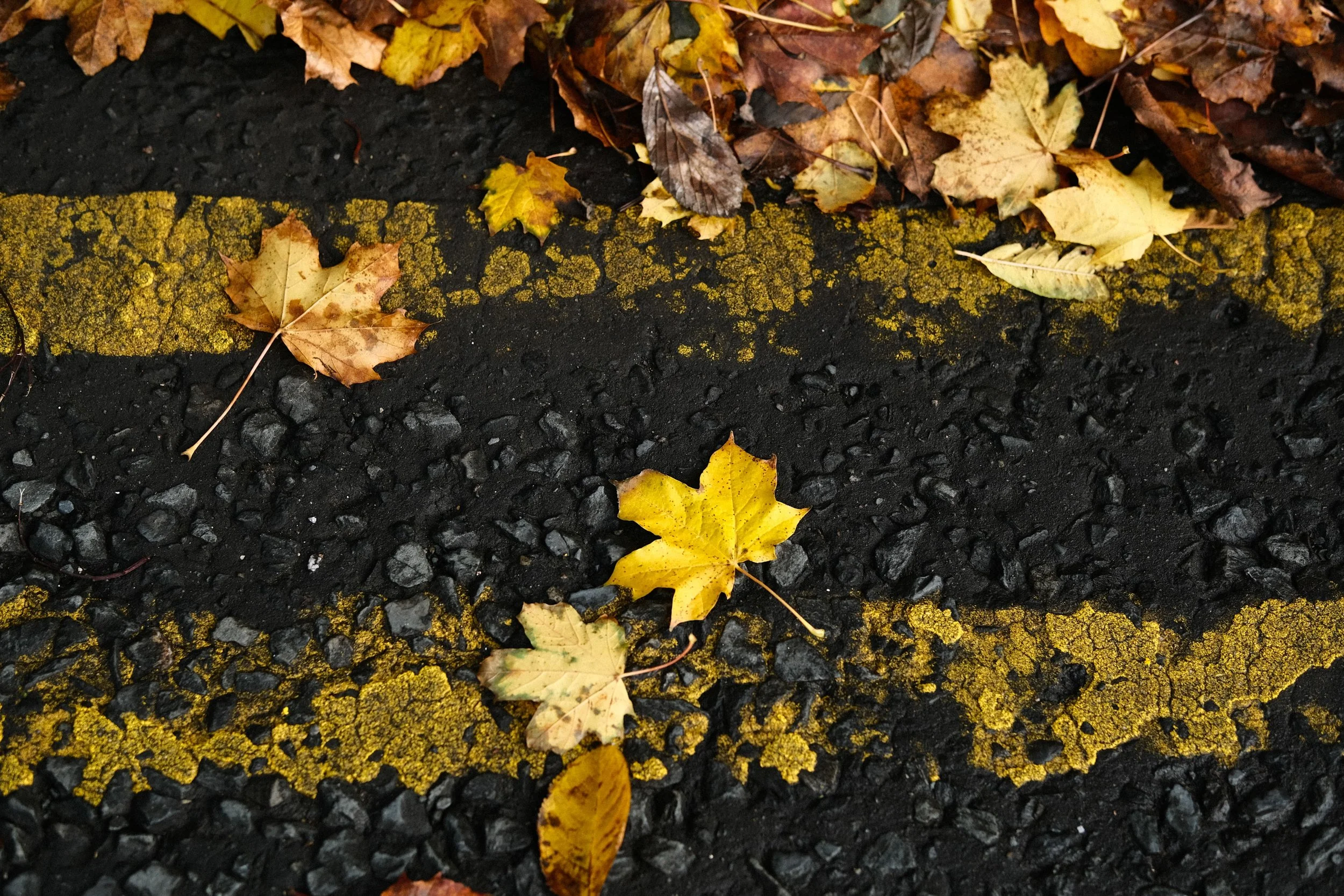
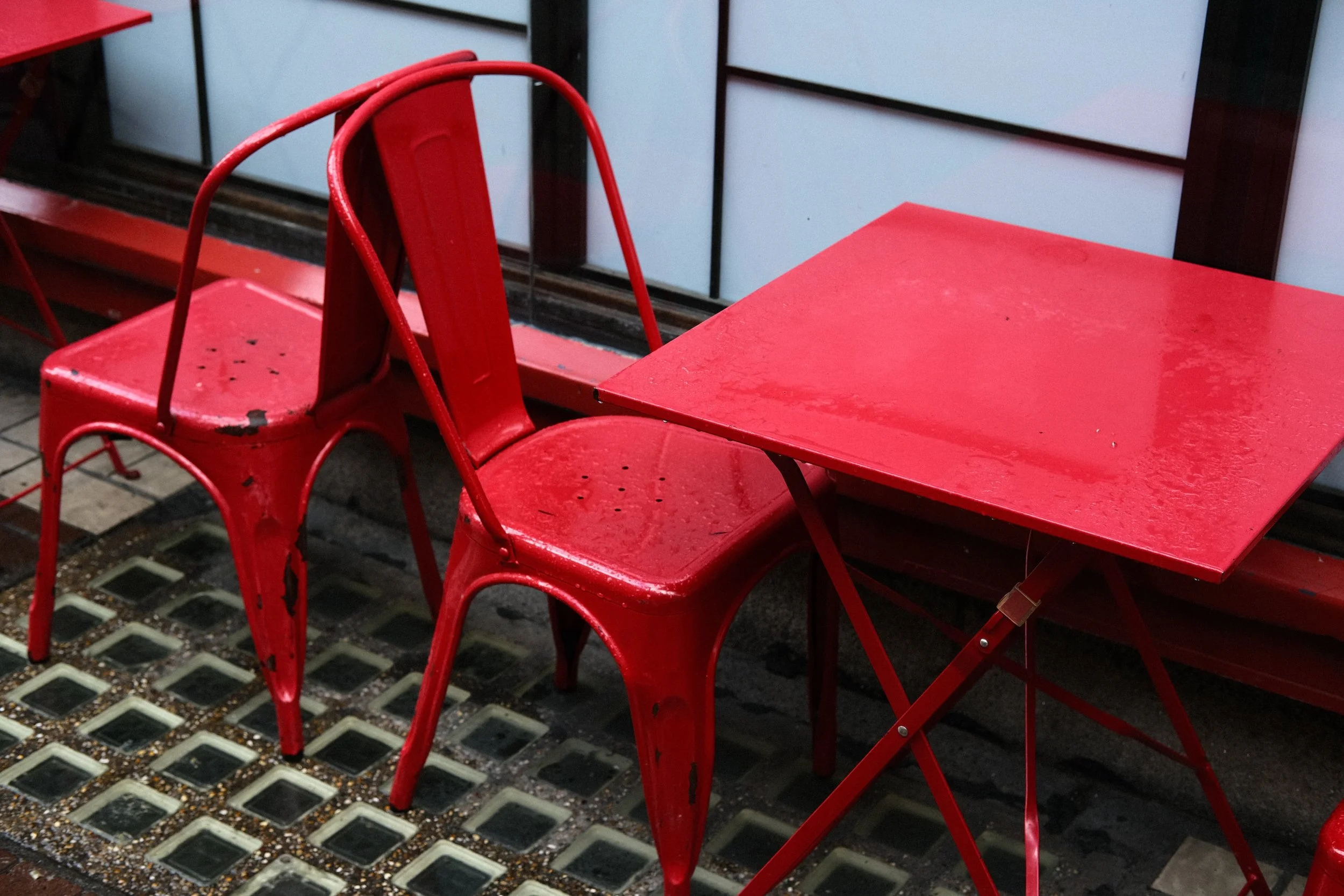
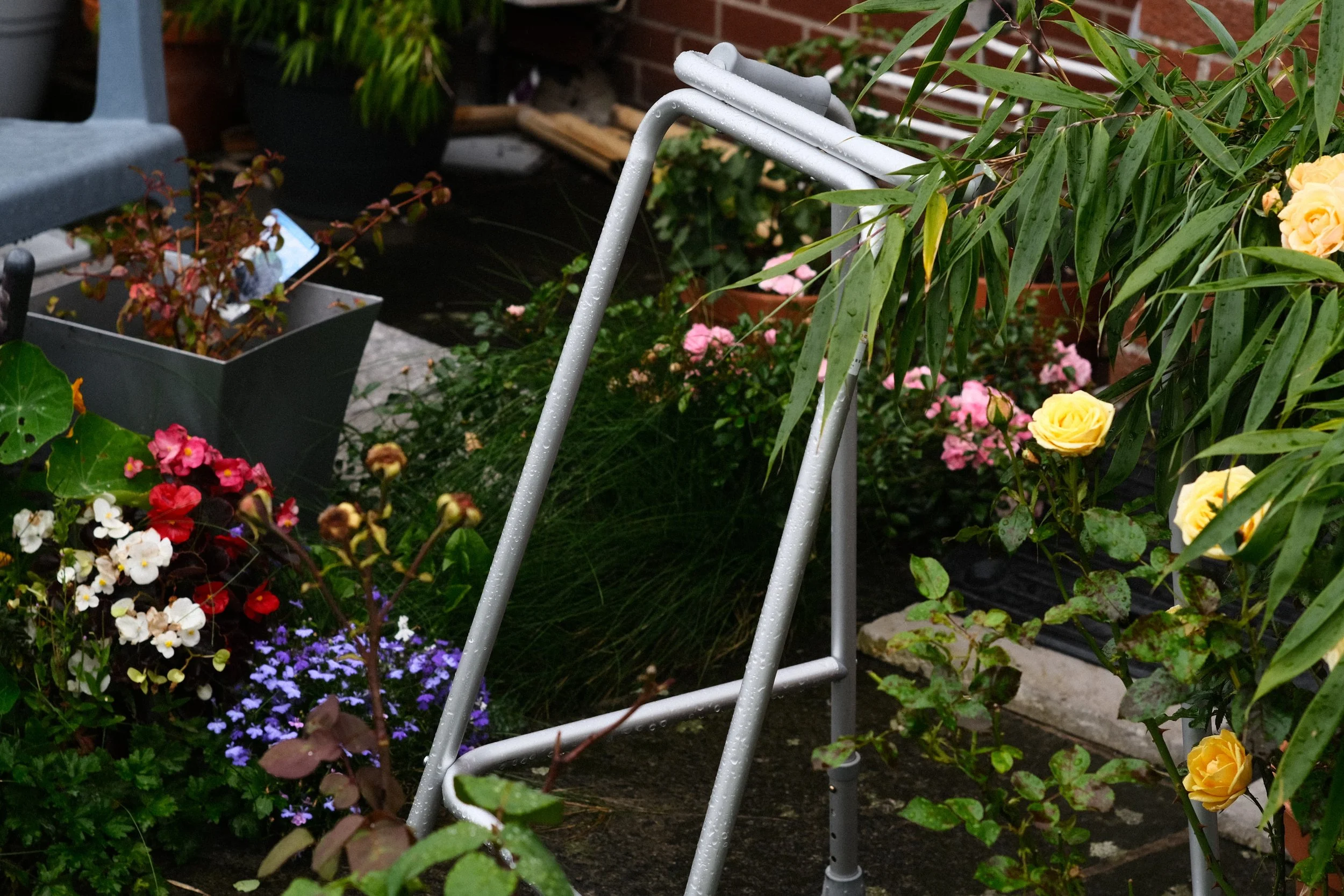
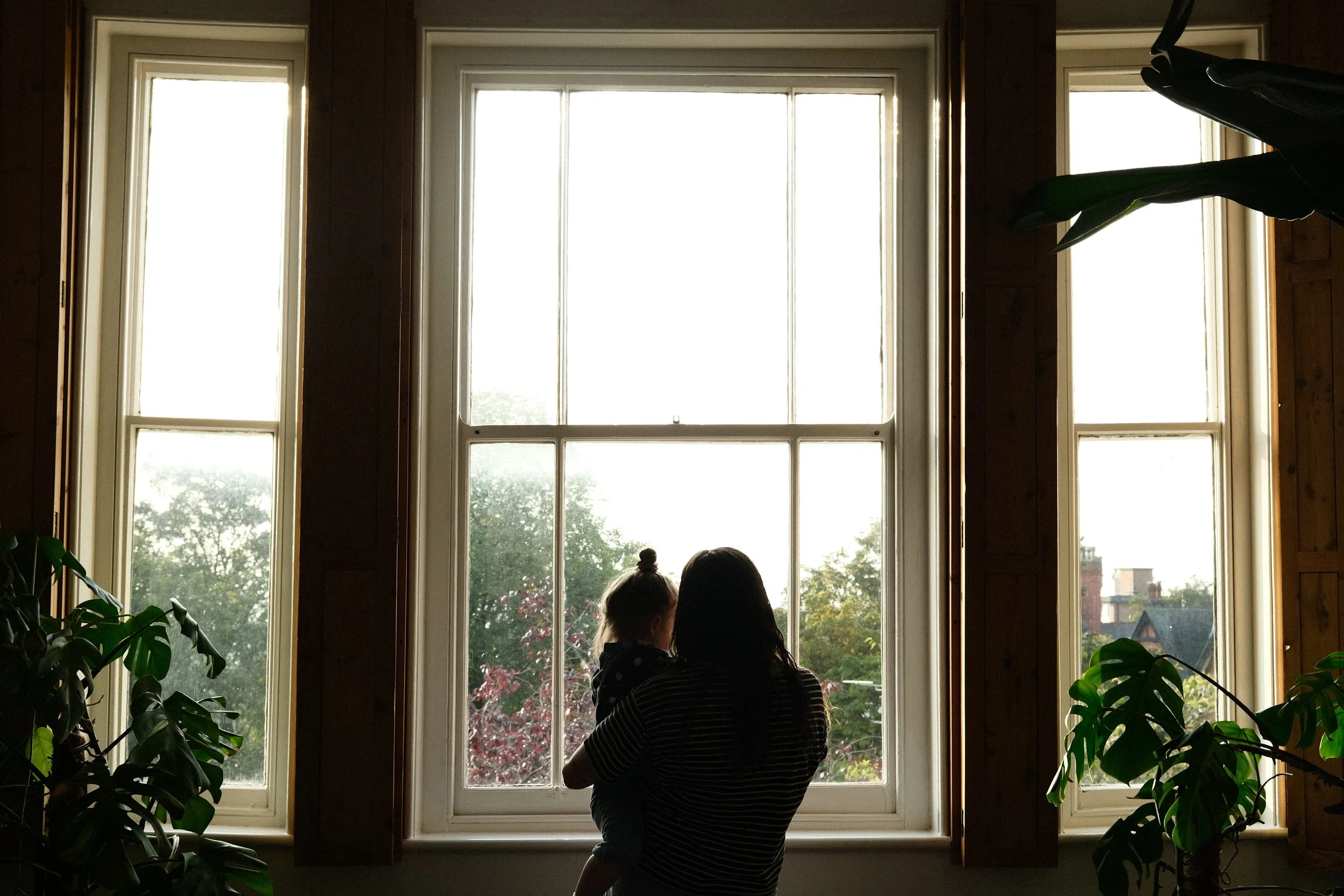
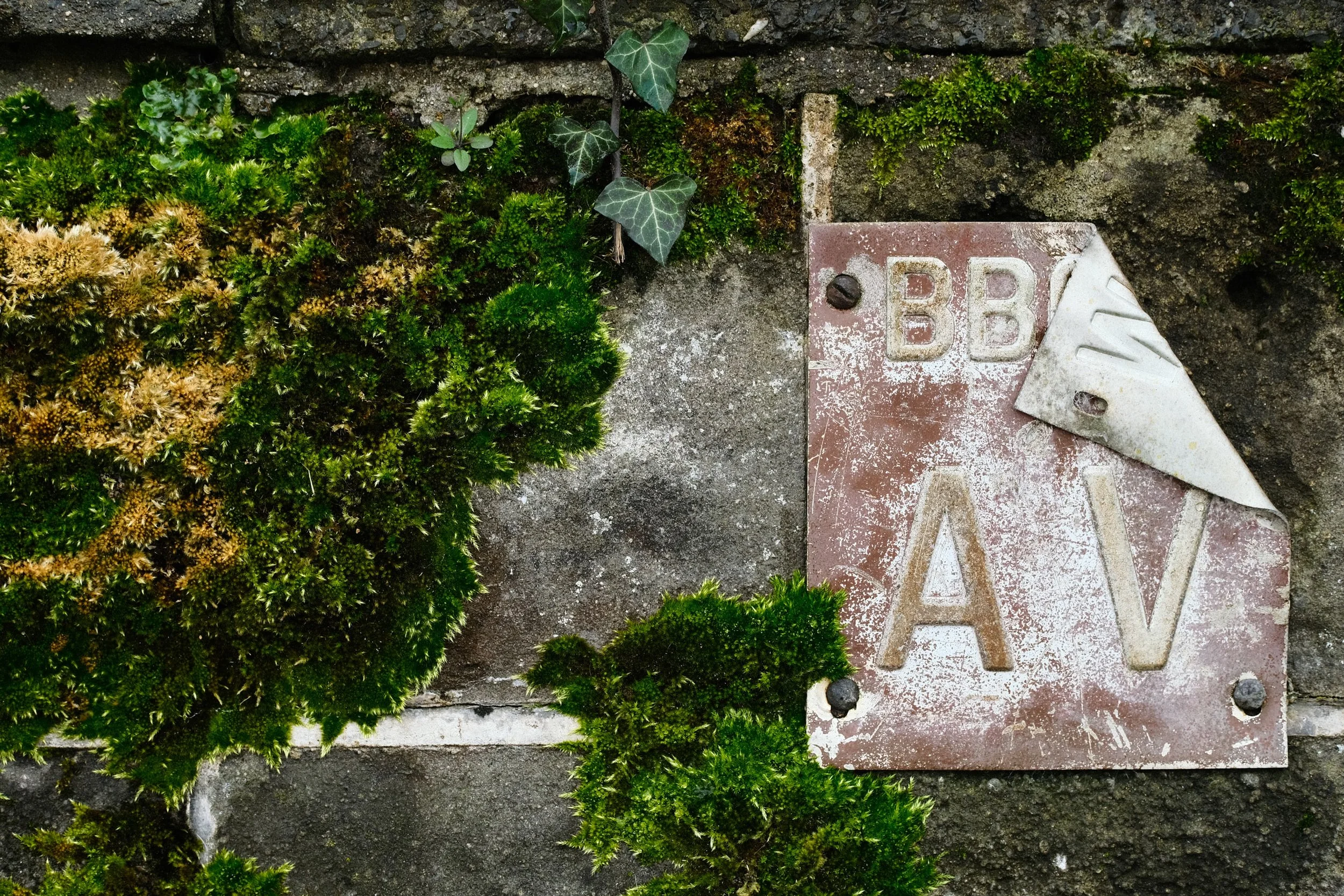
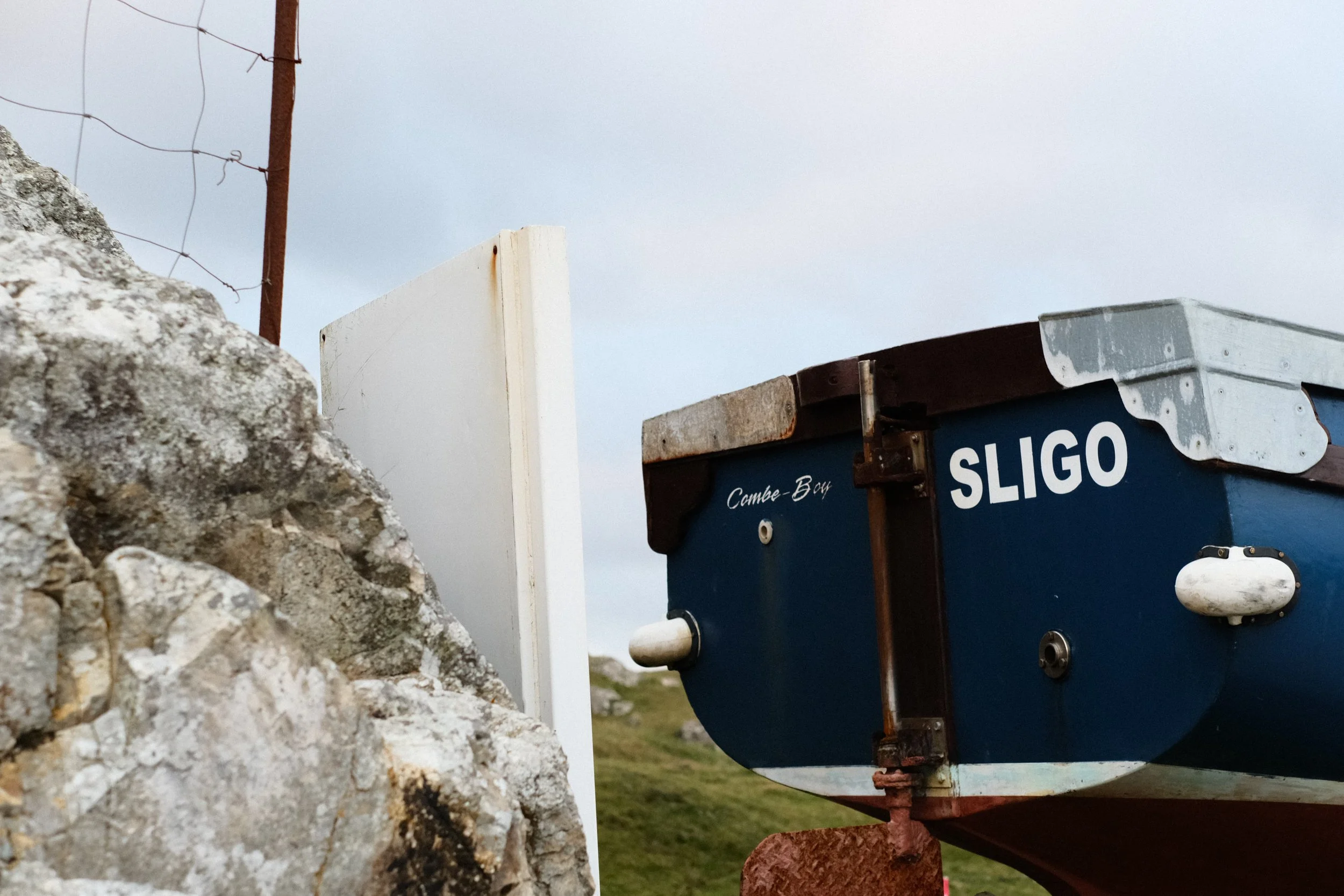
It has medium contrast, medium dynamic range, medium saturation, an Auto White Balance again for flexibility and the best thing about this recipe is the Clarity setting is 0 so there is no processing delay time when shooting with it.
It’s clean and reliable and when I shot more with my Fujifilm cameras, this recipe was always my go-to for any situation.
Nurture Nature
Provia
Dynamic Range: 200
Highlight: +2
Shadow: +1
Color: +2
Noise Reduction: -2
Sharpening: 0
Clarity: 0
Grain Effect: Weak, Large
Color Chrome Effect: Strong
Color Chrome Effect Blue: Off
White Balance: Auto (R2 B-4)
Most Popular Recipe 03
Fruit Pastel
The third most popular recipe was a surprise to me, it’s ‘Fruit Pastel’… one of only two recipes I have ever designed with a Velvia base.
Velvia is Fujifilm’s Vivid profile and for me the colours have always been a little intense, so I wanted to design a recipe to tame this wild Film Simulations and ‘Fruit Pastel’ was born…
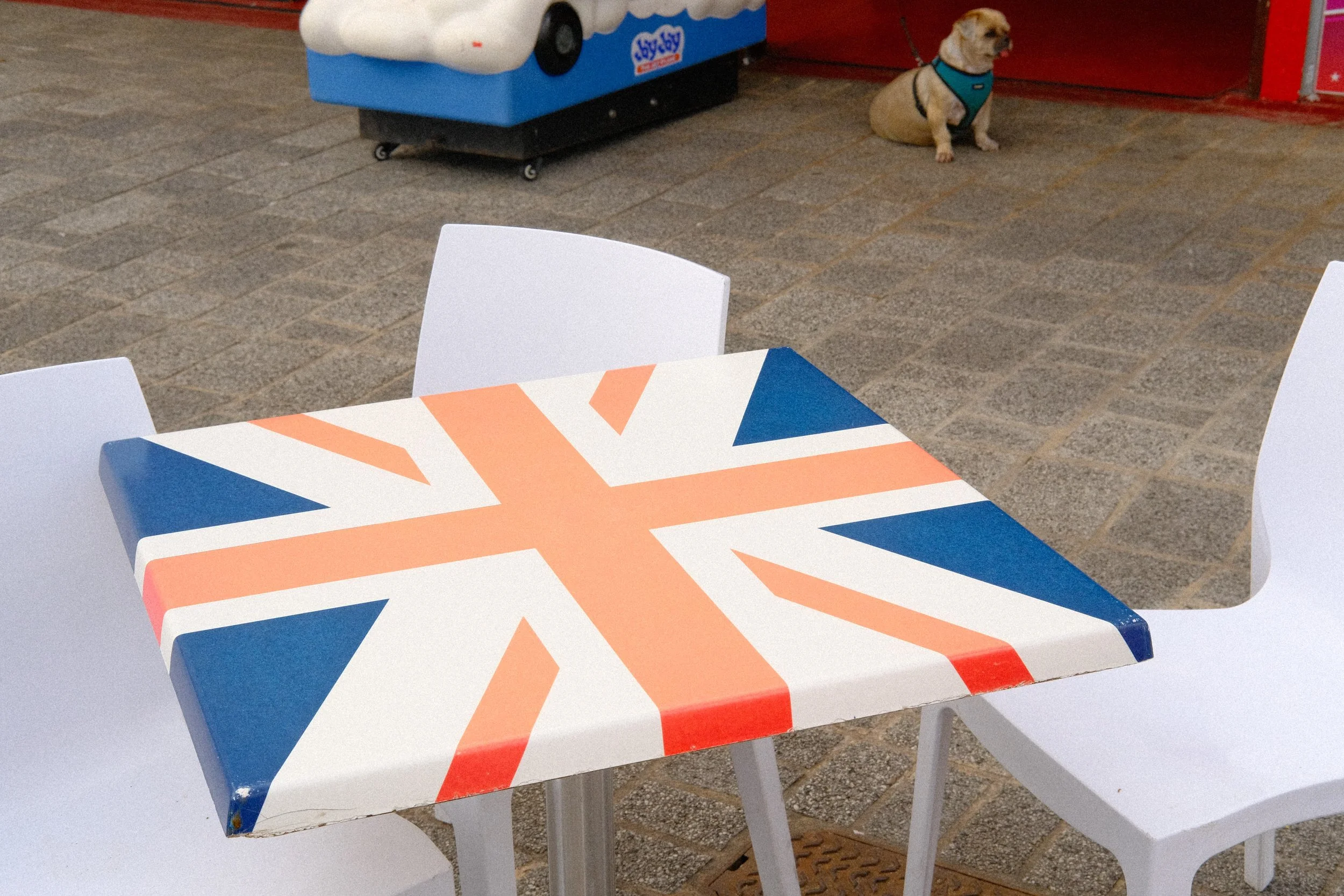
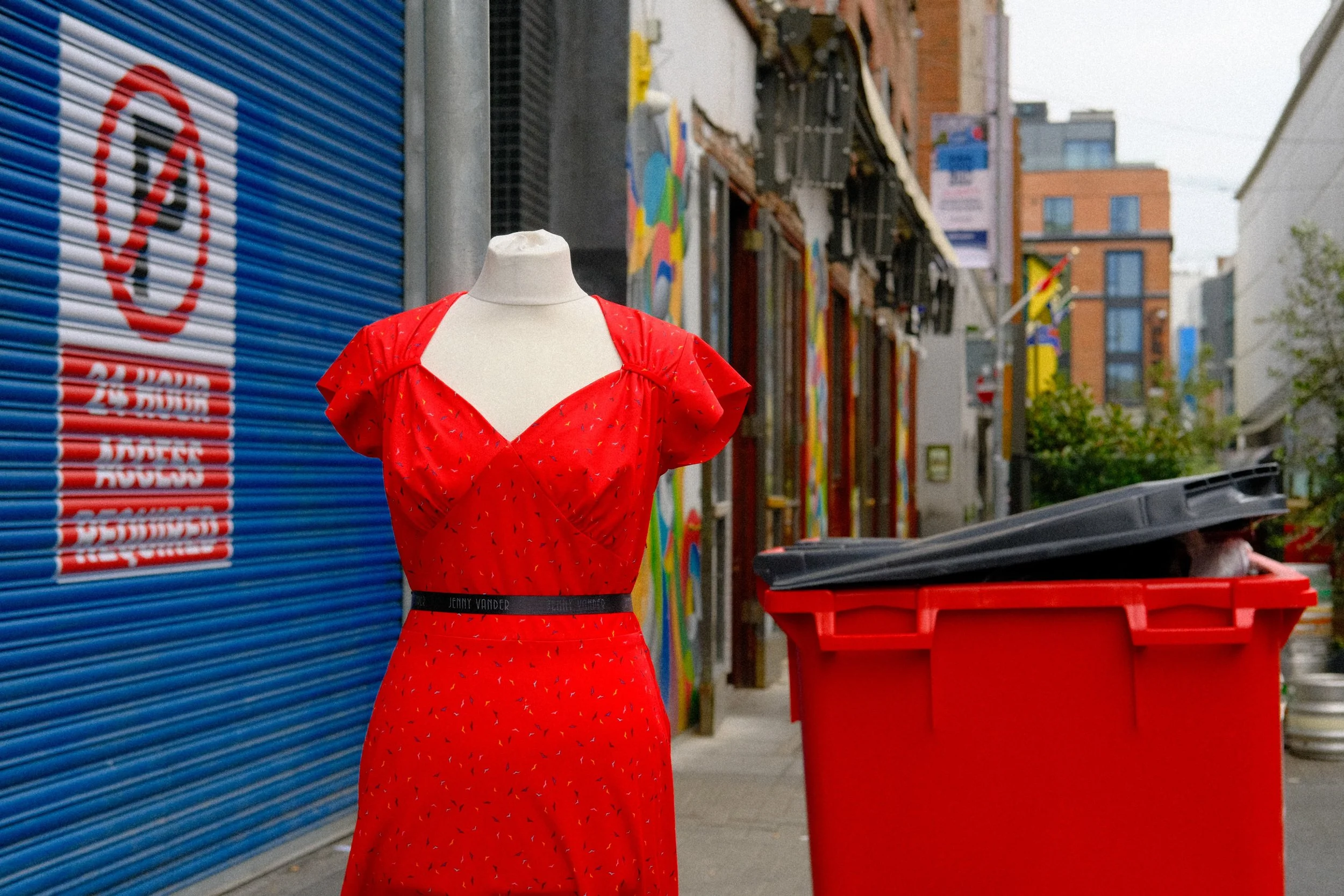

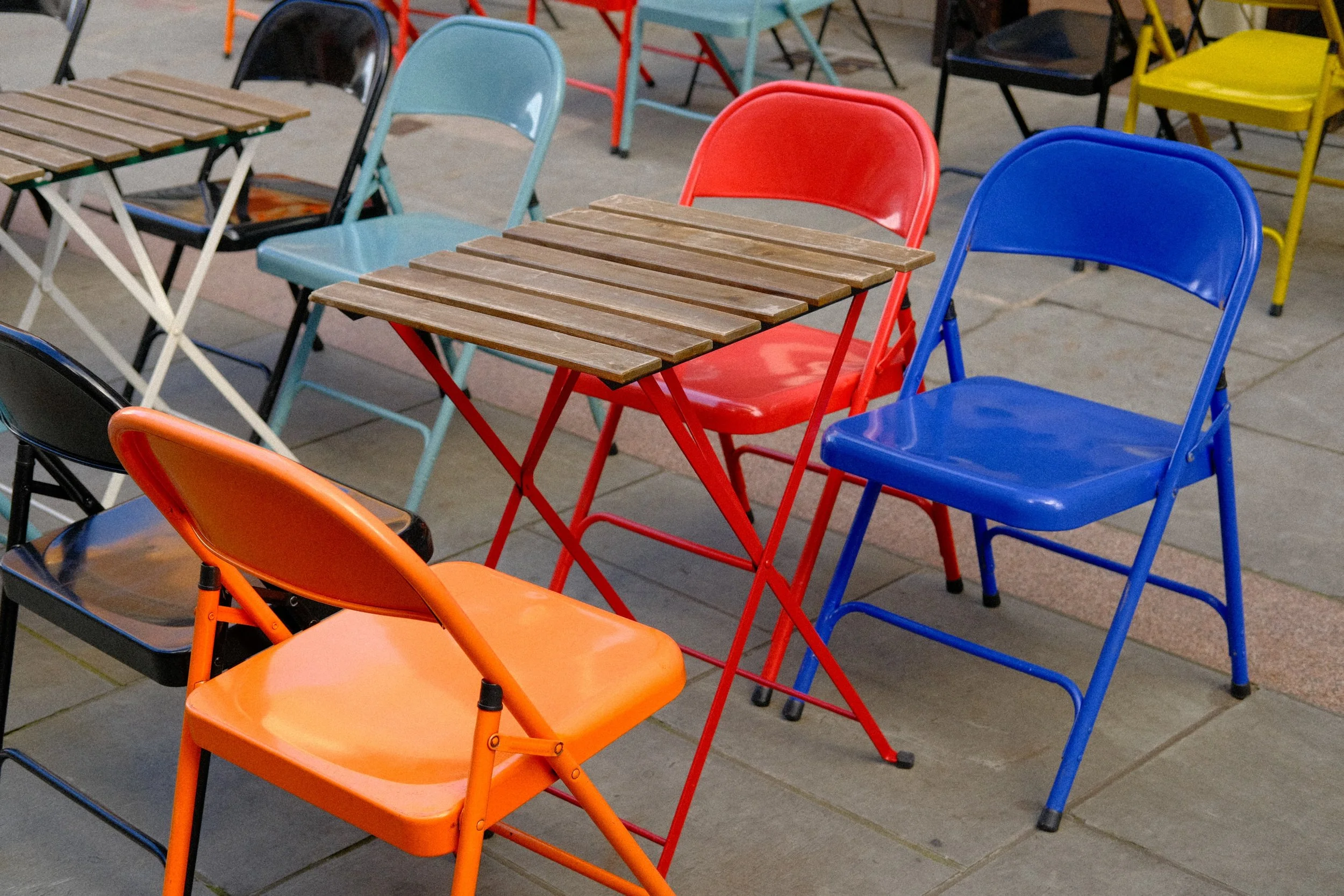
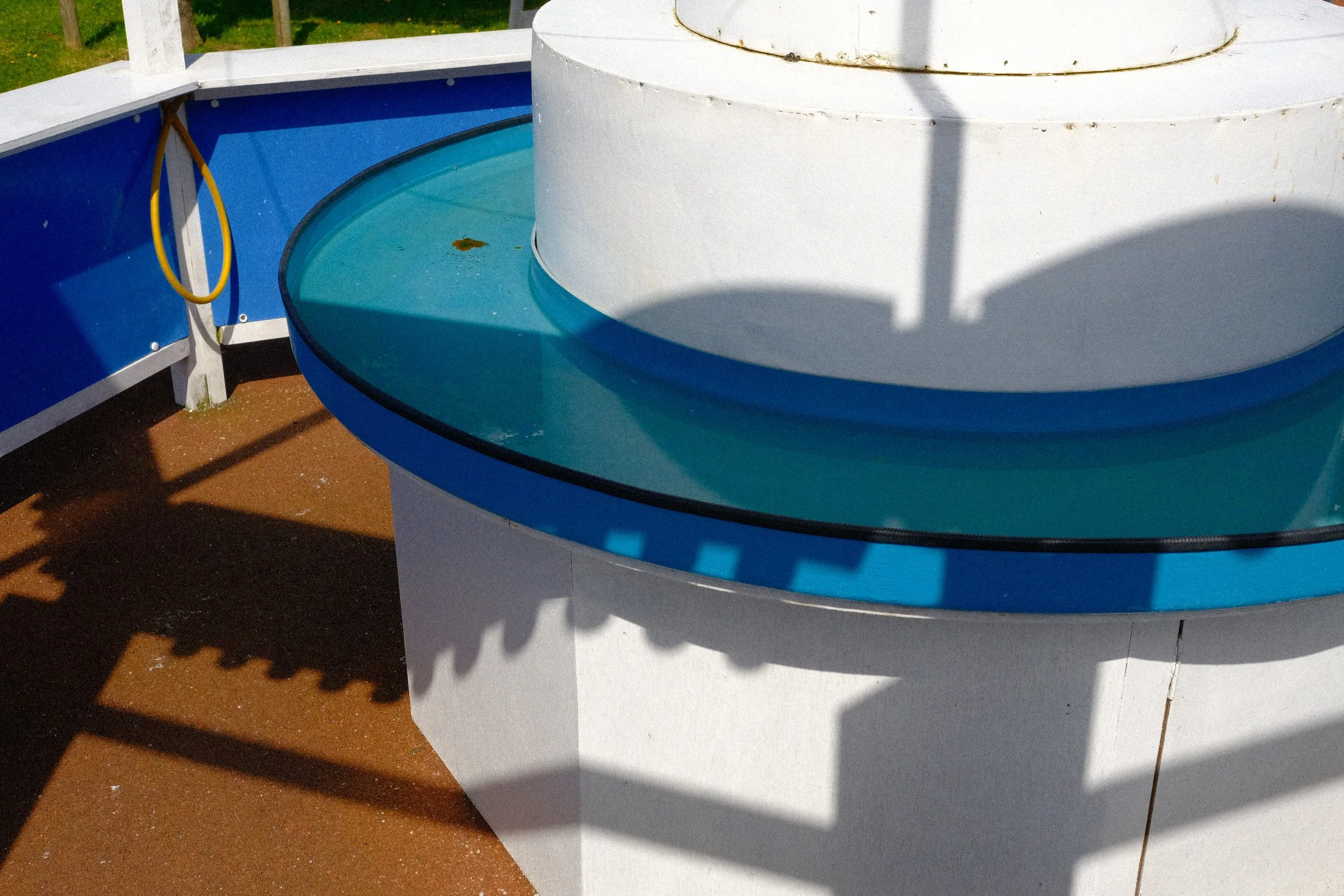
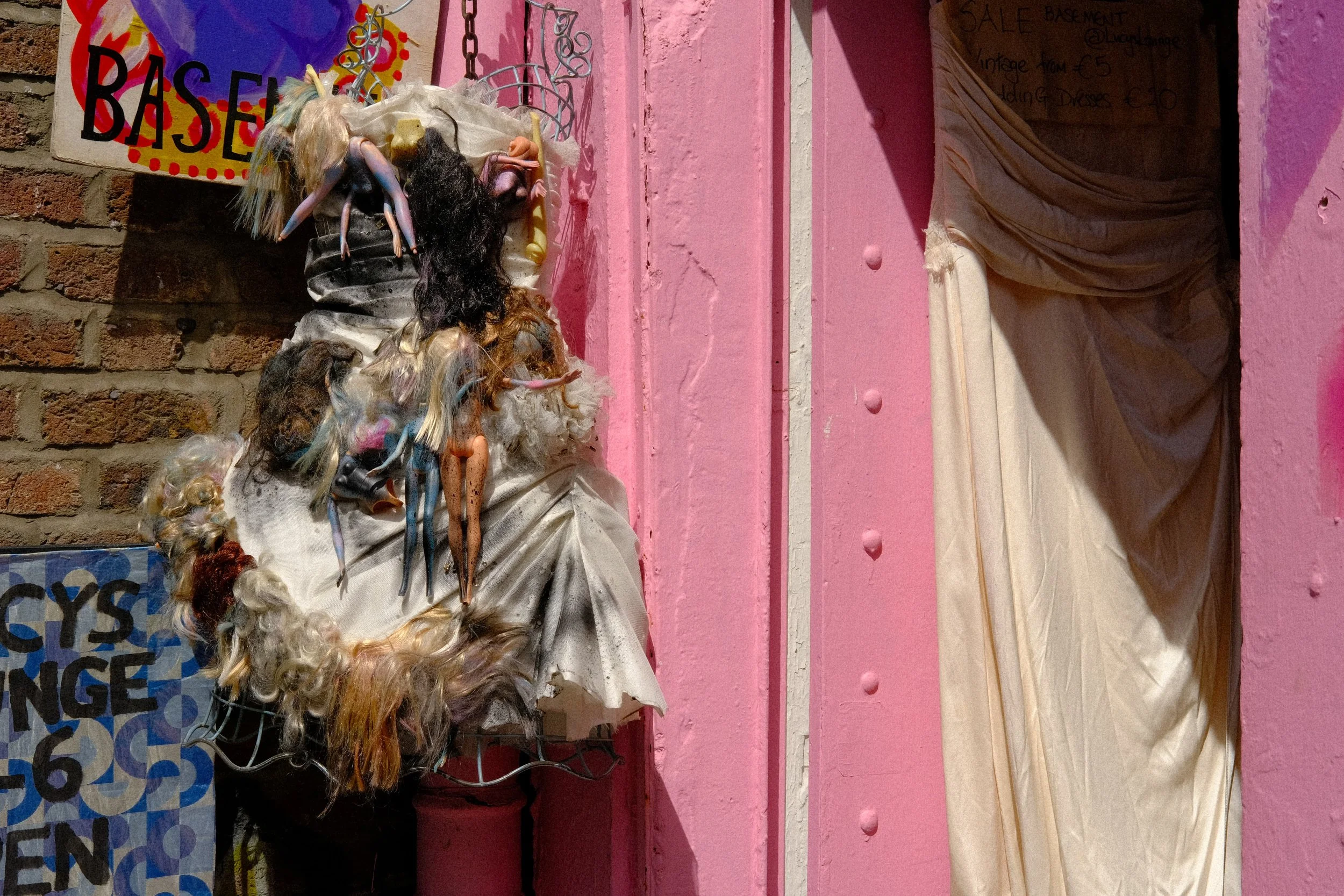
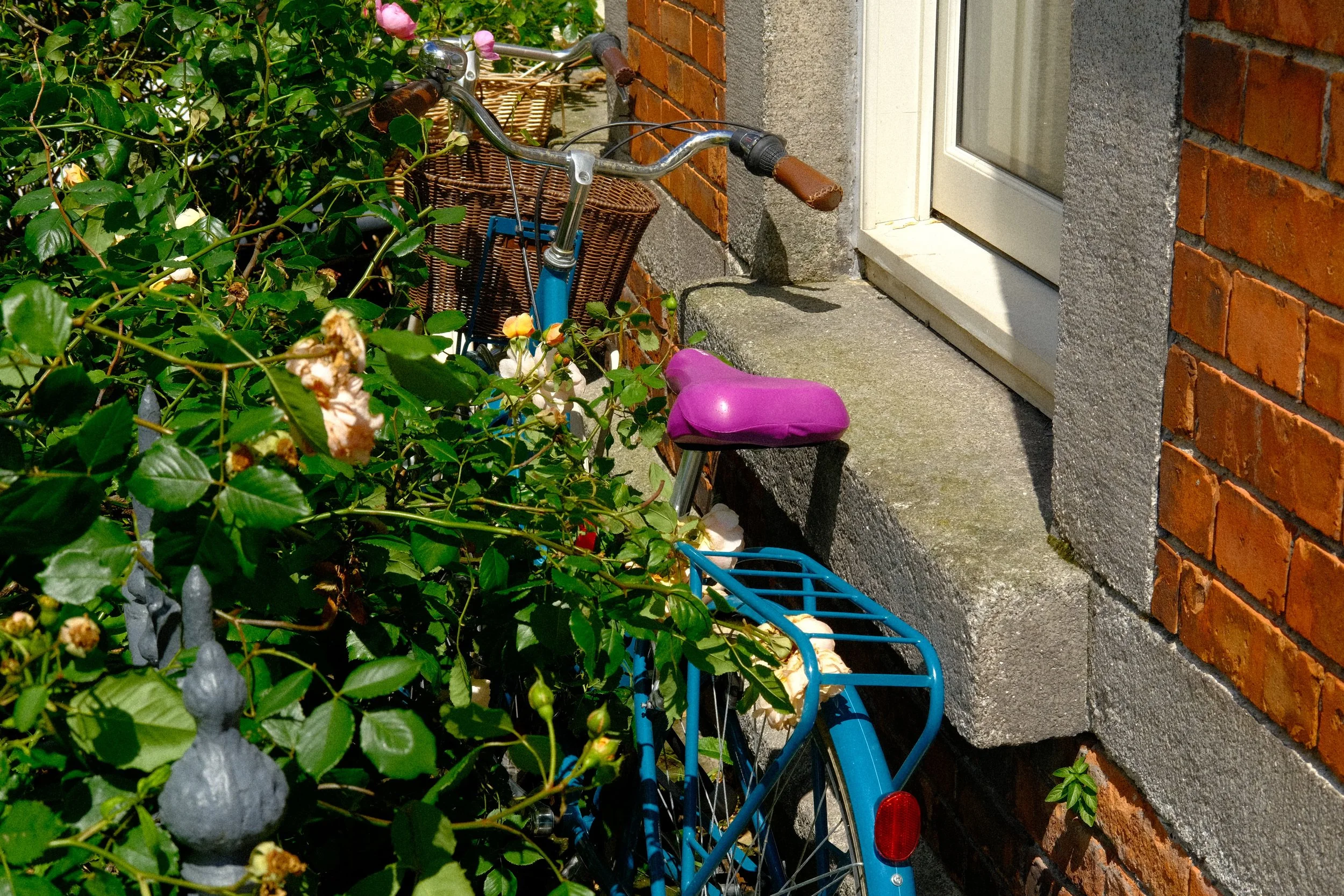
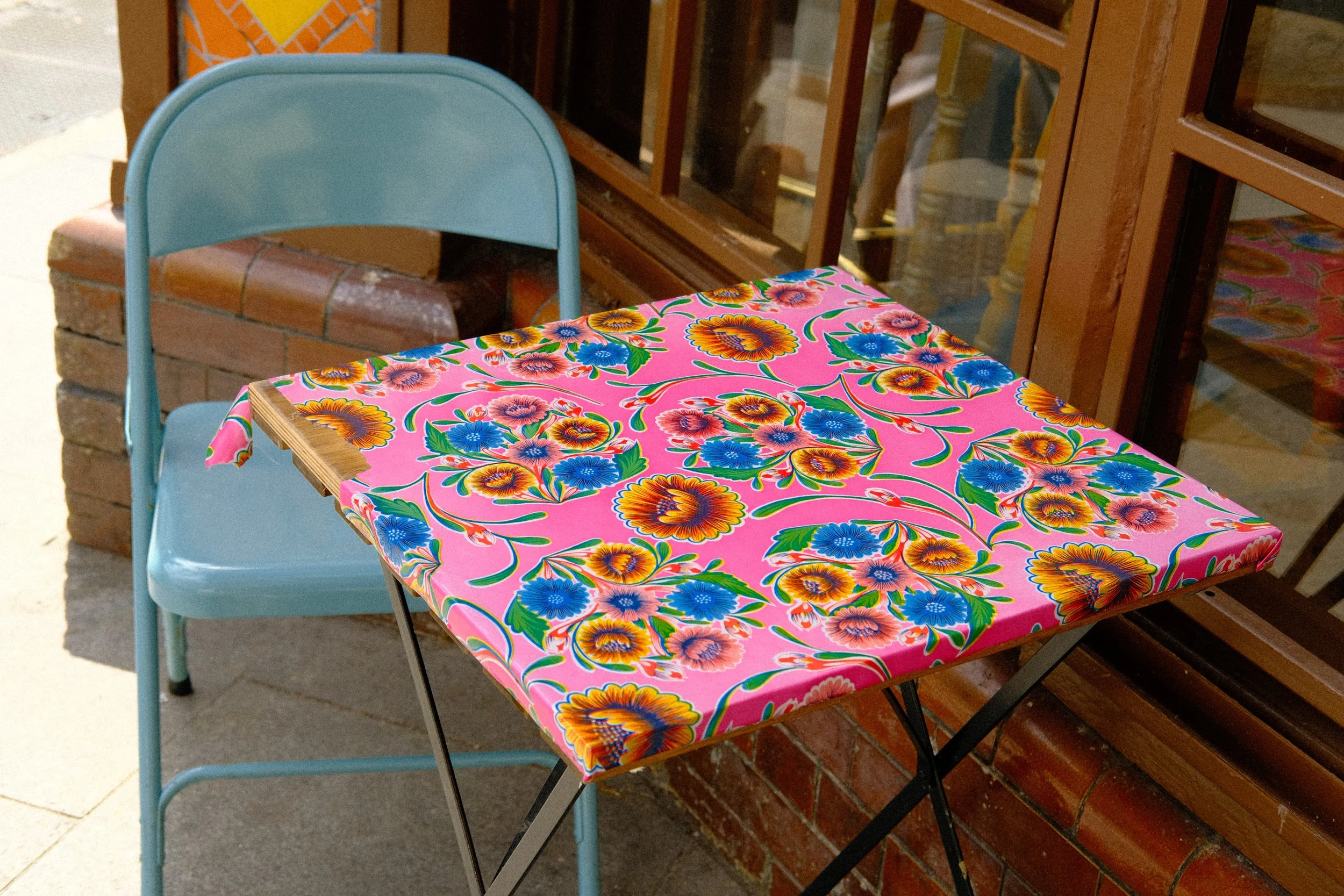

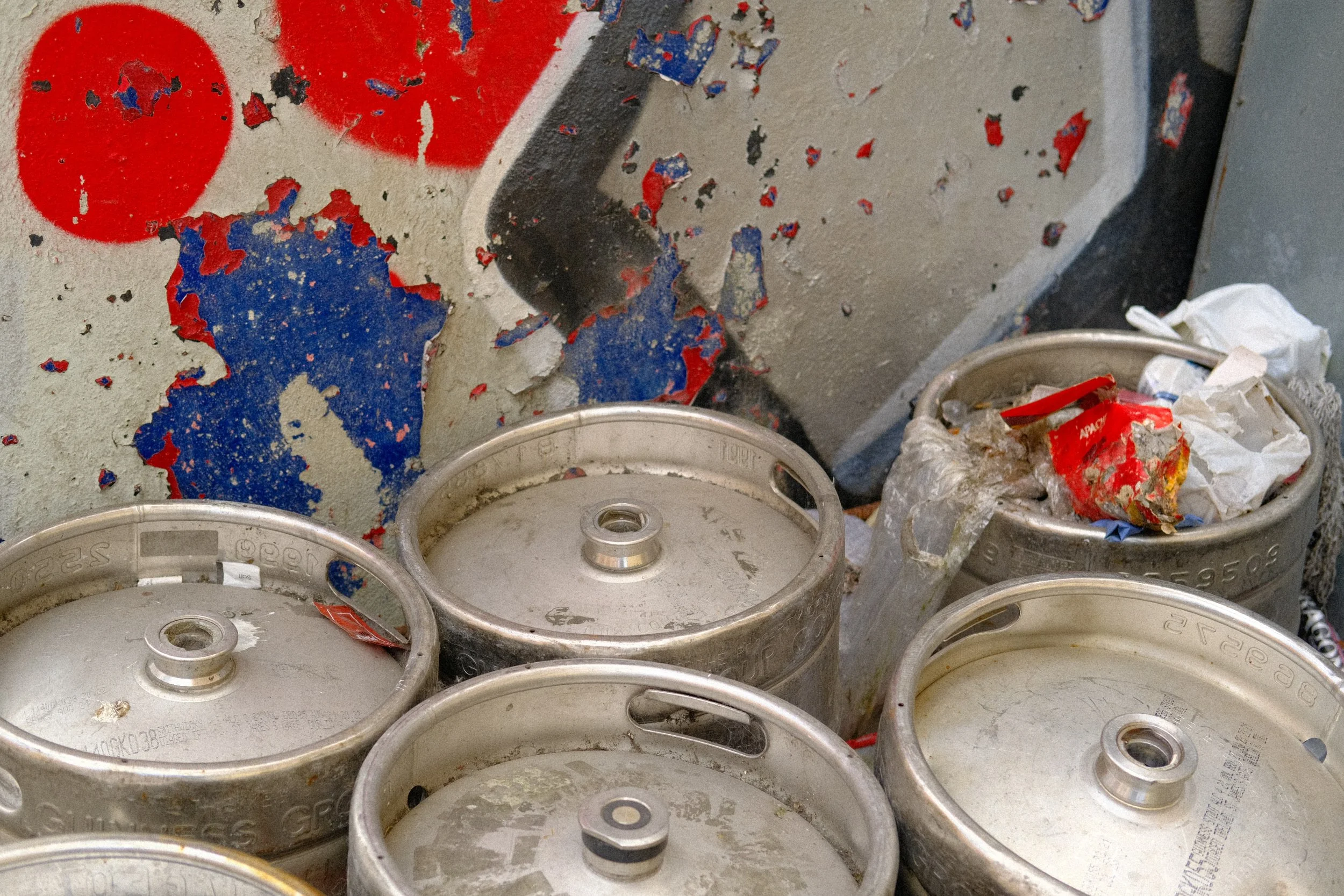
Like the two recipes listed above, this is a recipe that can work in a whole range of scenarios and lighting conditions.
‘Fruit Pastel’ has an AWB setting, maximum Dynamic Range, 0 Clarity (so no lag), the contrast is softened with a -2 Shadow setting, it’s sharp, sweet and delicious with pastel colours throughout
It’s a bit different and that’s why I think a lot of people have enjoyed using it this year. Check out the settings below if you want to try it out for yourself.
Fruit Pastel
Velvia
Dynamic Range: 400
Highlight: 0
Shadow: -2
Color: +1
Noise Reduction: -4
Sharpening: -2
Clarity: 0
Grain Effect: Strong, Large
Color Chrome Effect: Strong
Color Chrome Effect Blue: Strong
White Balance: Auto (R3 B-3)
Most Popular Recipe 04
Canned Heat
My fourth most popular recipe is a bit more experimental than the others.. it’s called ‘Canned Heat’ and it gets it’s name from the intense warm push in the White Balance.
I kind of made this one by accident, forgot about it, a year later rediscovered it, and put it out and I didn’t think it would be as well received as it was.
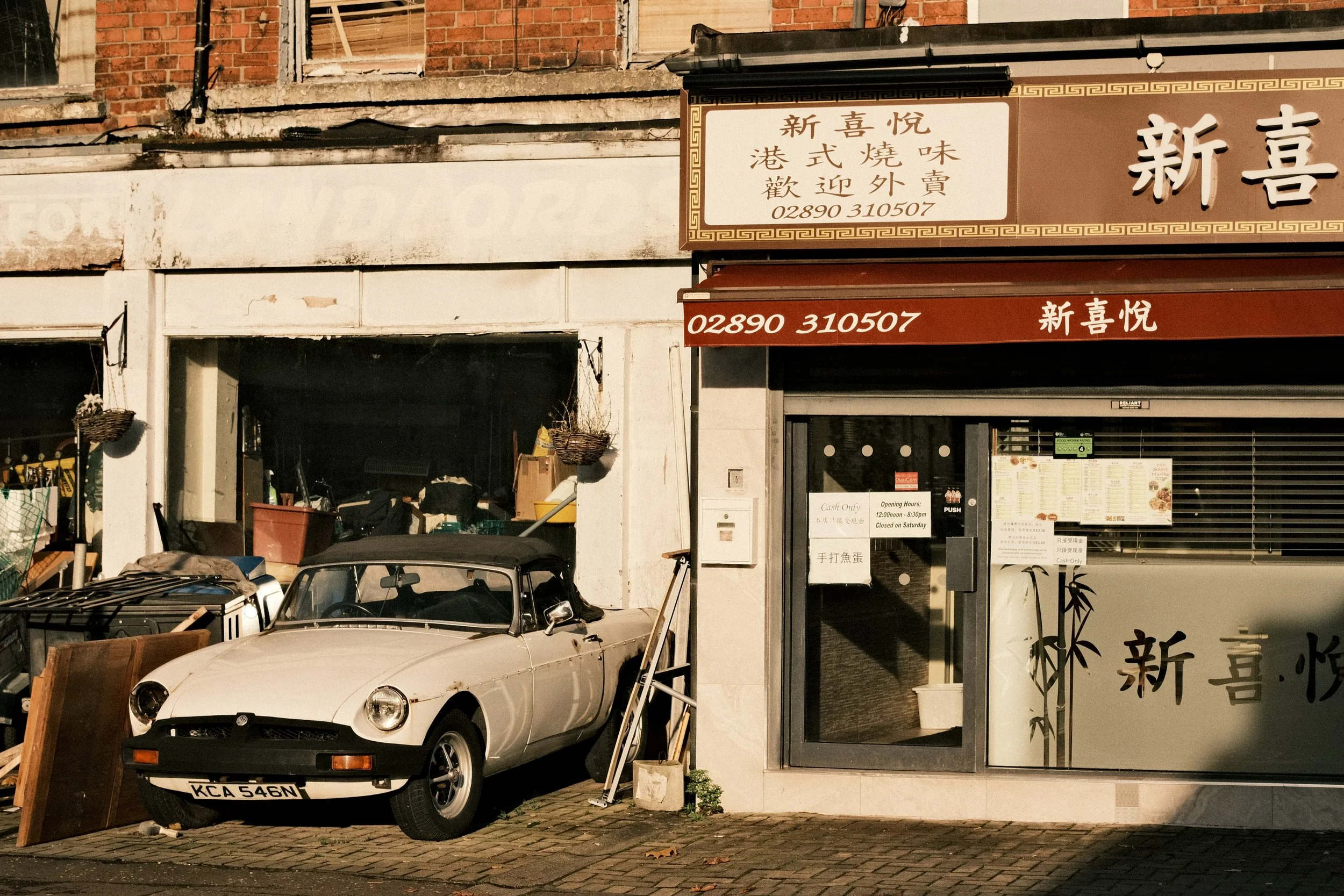
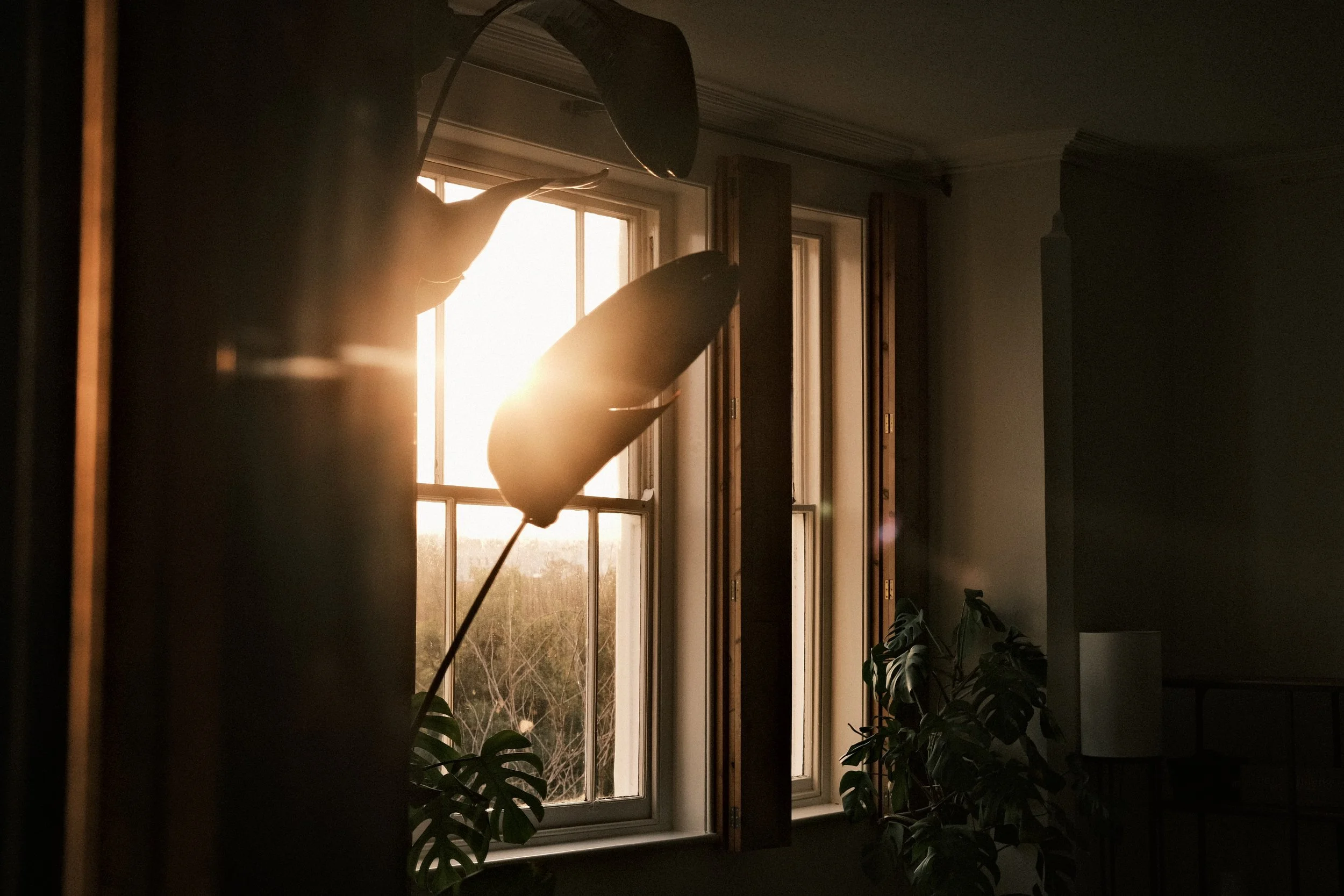
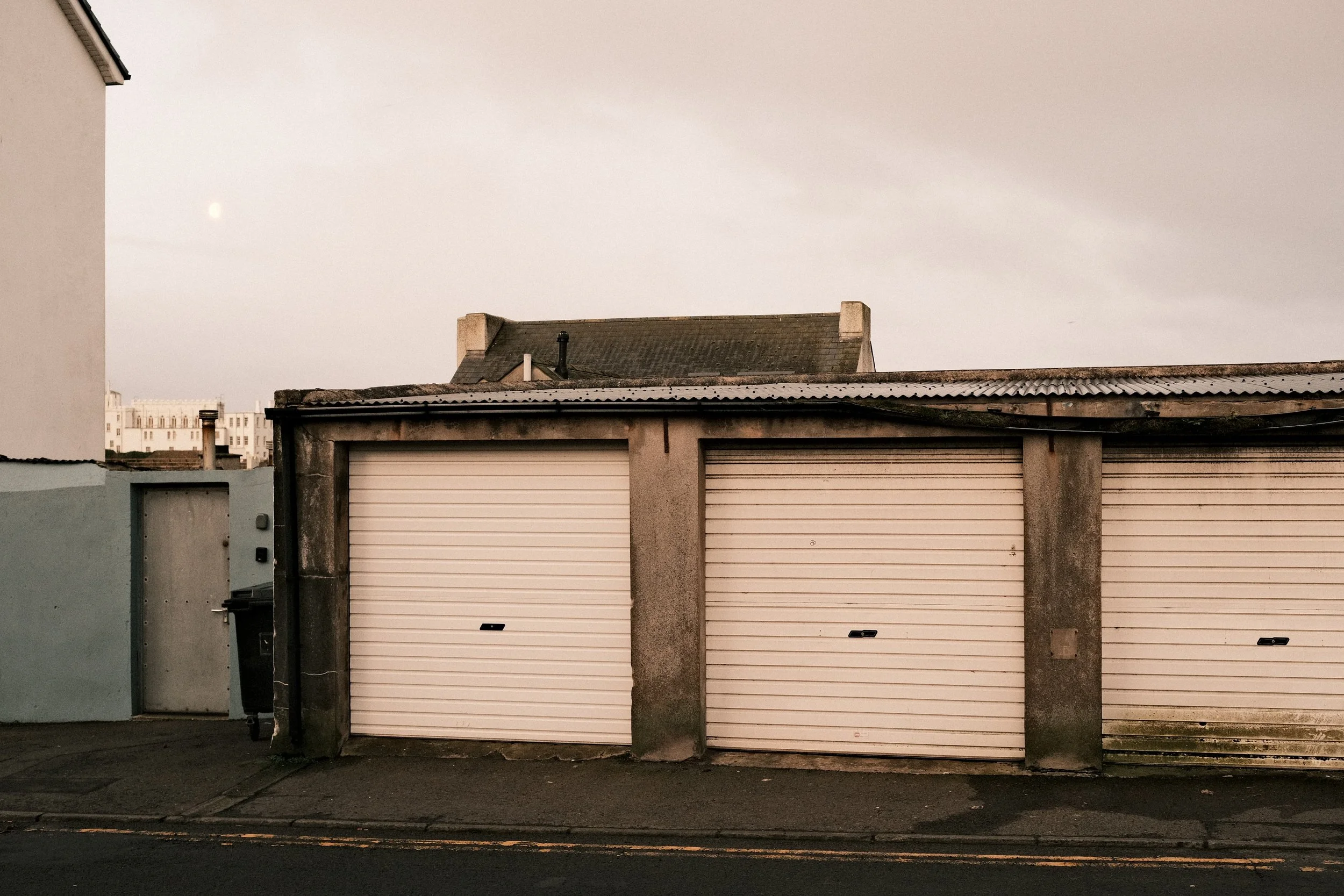
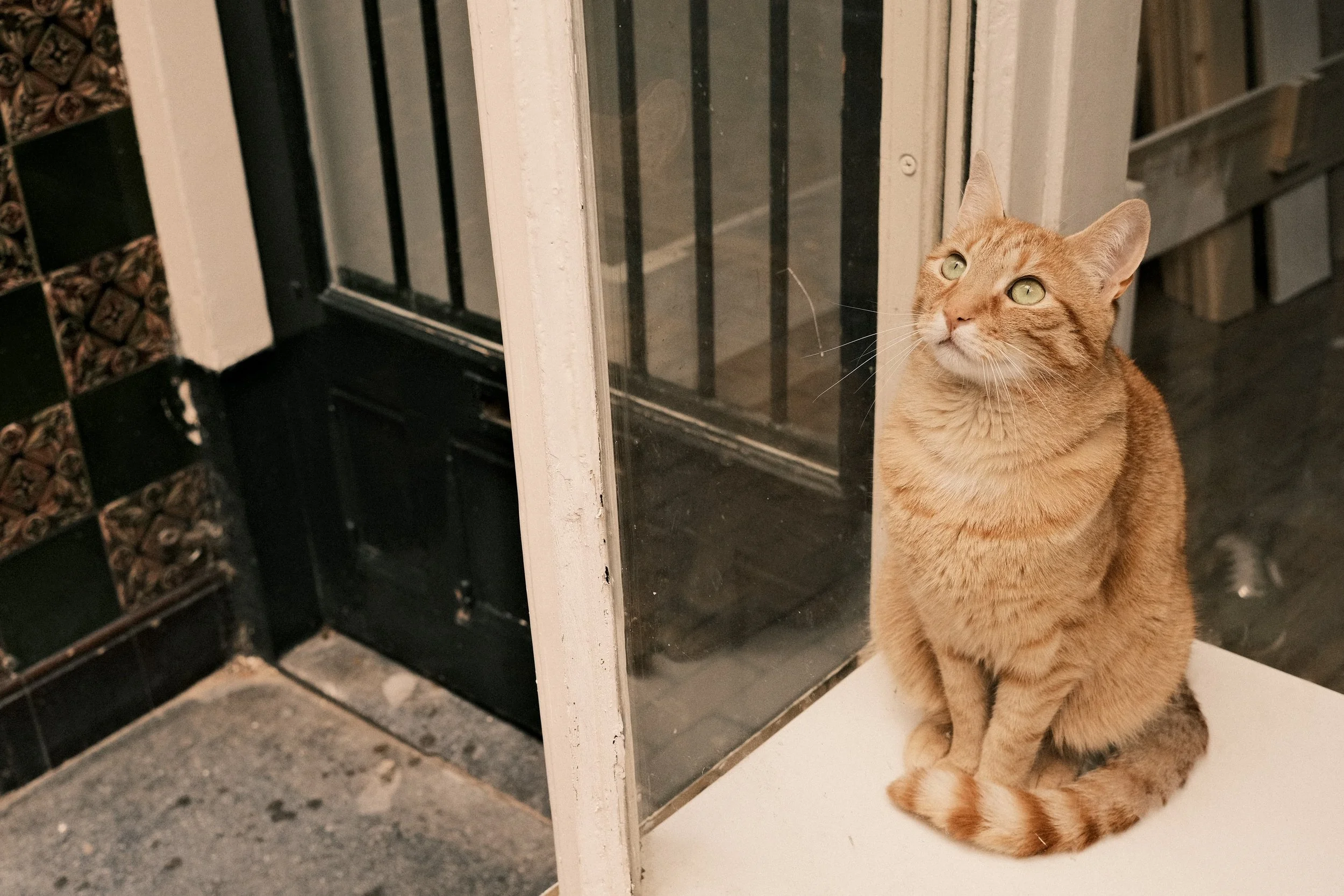
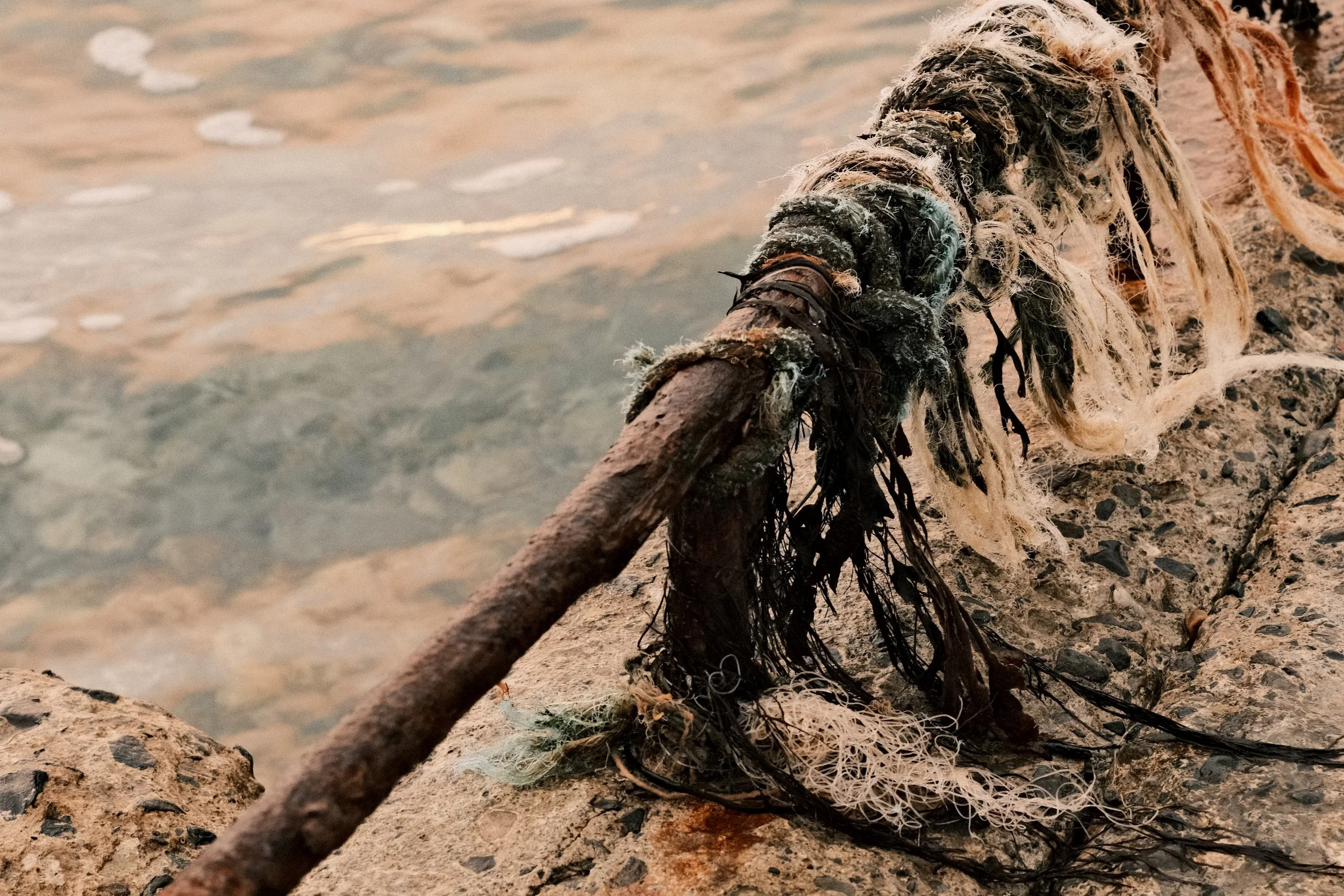
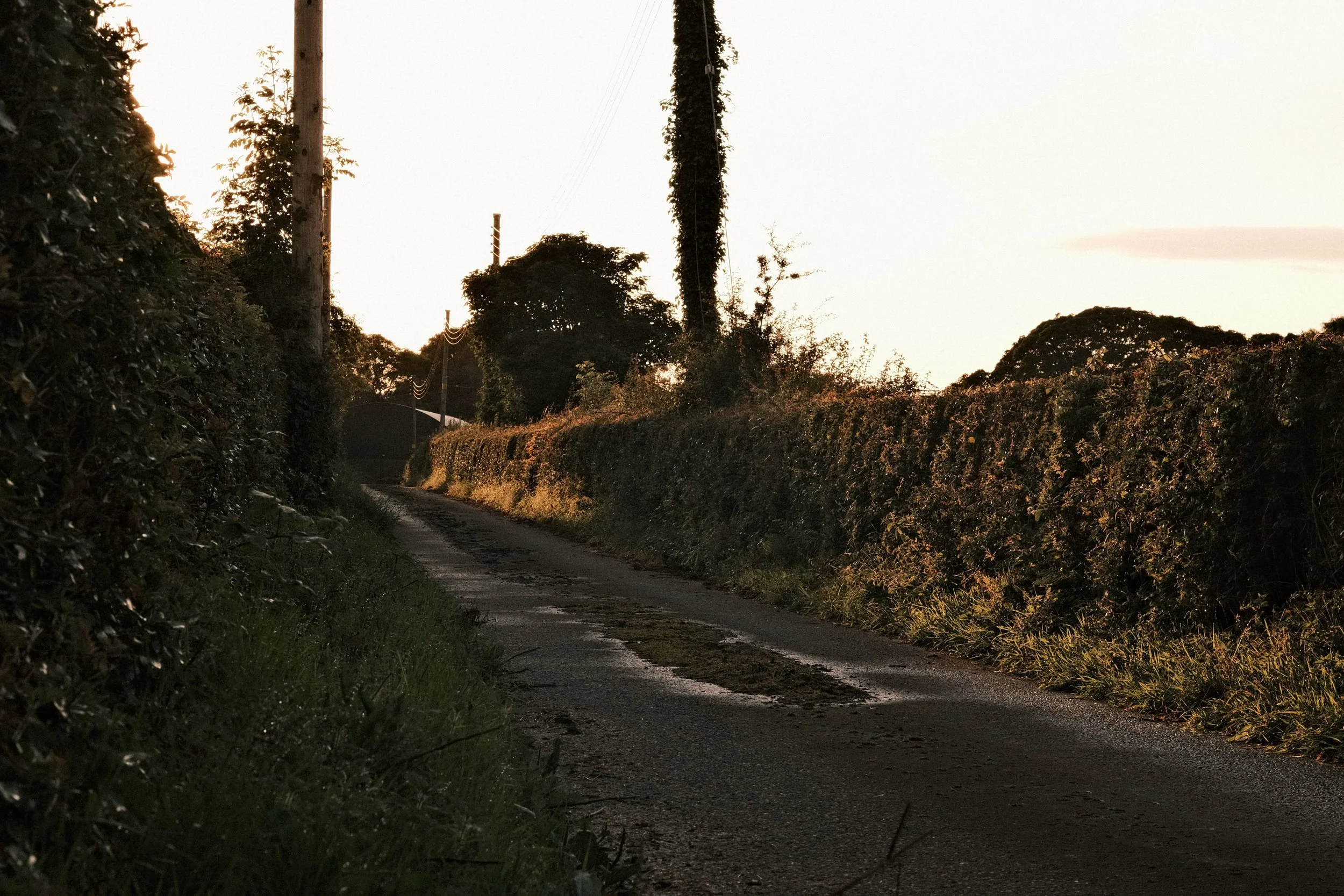
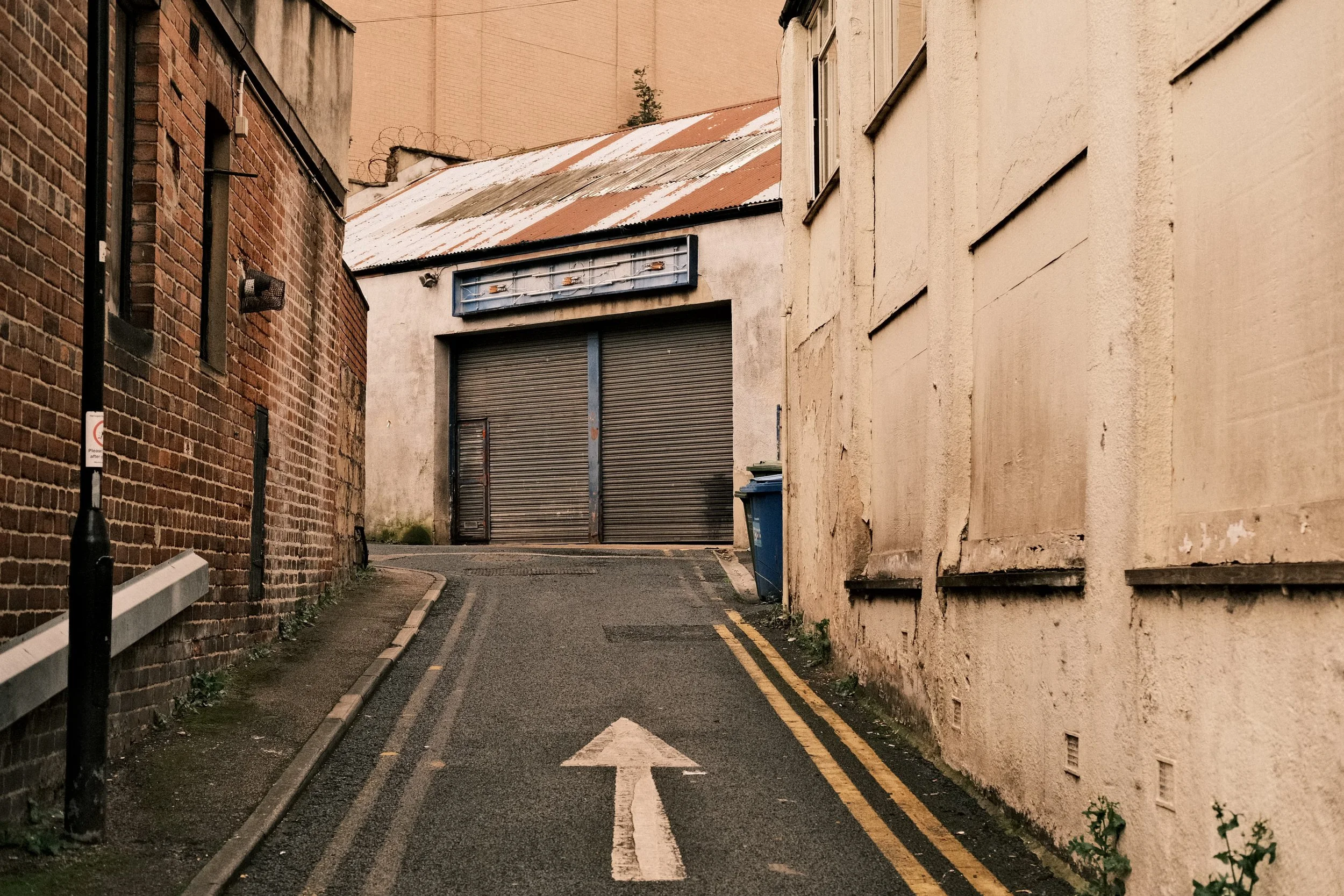
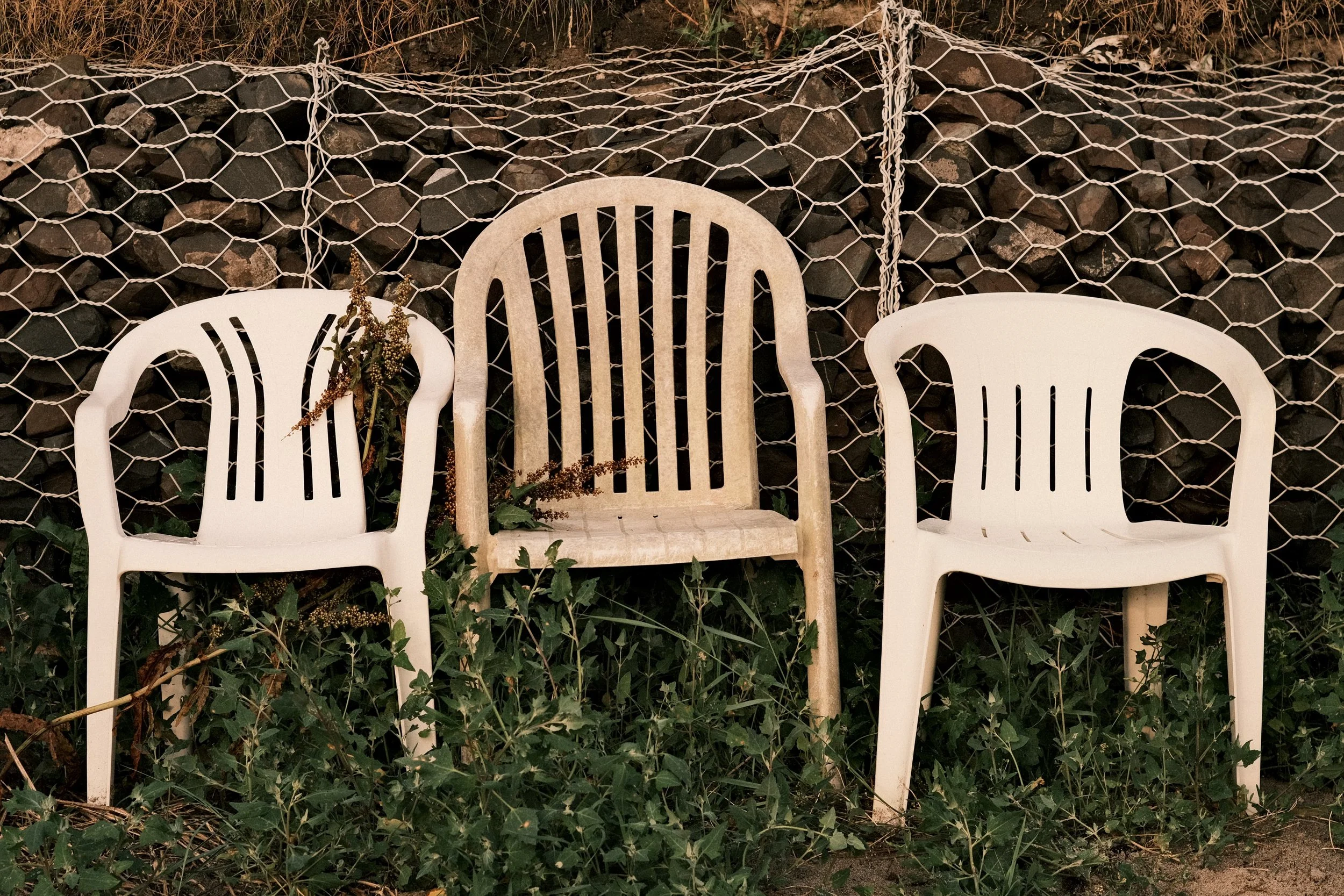
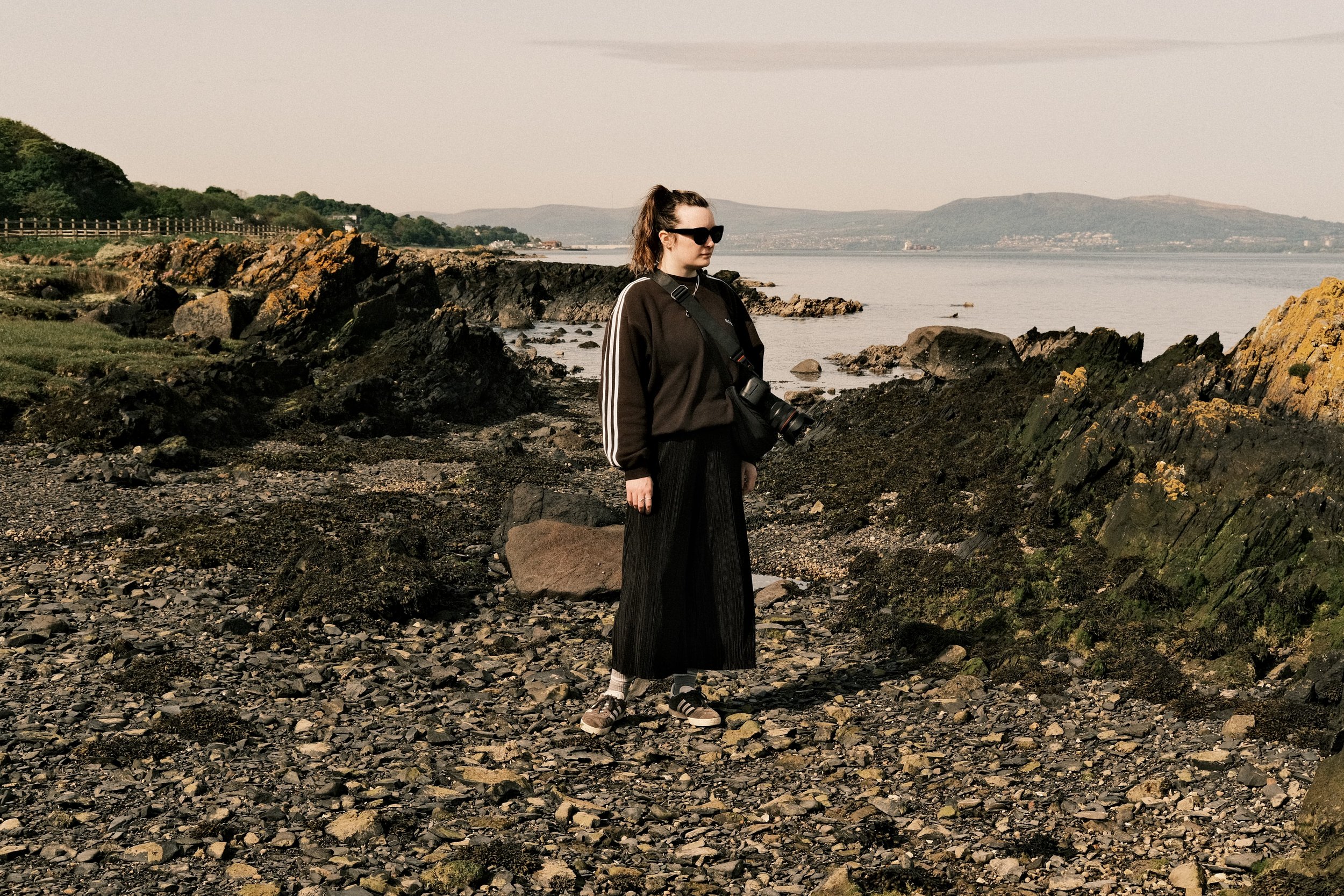
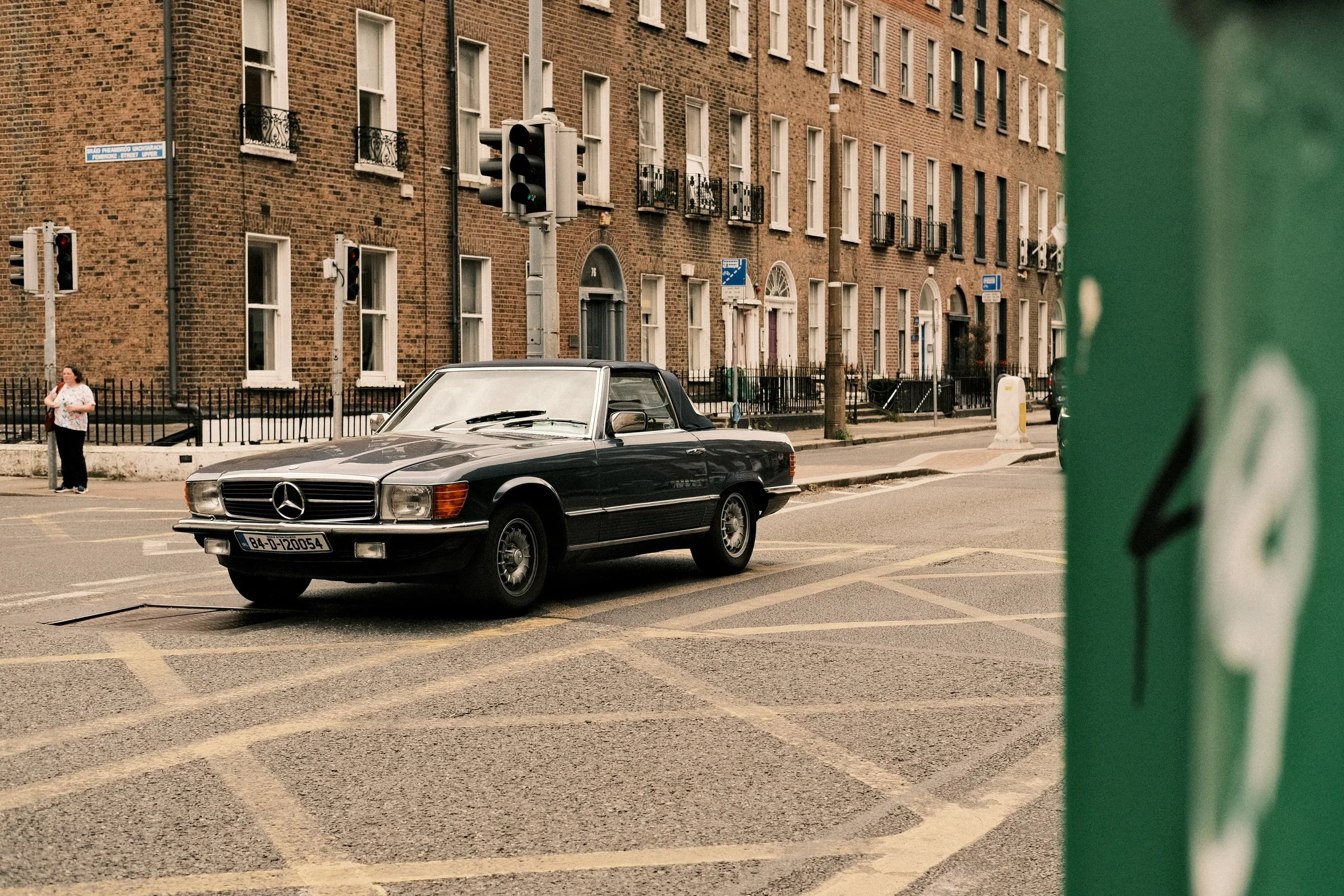
The beauty of this recipe is its mix of Classic Negative base Film Simulation, maximum Clarity setting for punch, the huge warm White Balance shift, controlled by a negative Color setting.
‘Canned Heat’ has kind of become my sort of Teal and Orange look (maybe more orange than teal) and I secretly love it. It won’t work in every scenario but pull this one out during sunrise or sunset and this recipe will not only bring the heat, but also a healthy dose of magic to your images.
Canned Heat
Classic Neg.
Dynamic Range: 200
Highlight: -2
Shadow: +1
Color: -2
Noise Reduction: -4
Sharpening: 0
Clarity: +5
Grain Effect: Weak, Large
Color Chrome Effect: Weak
Color Chrome Effect Blue: Weak
White Balance: Auto (R6 B-7)
Most Popular Recipe 05
Lomo800 Electro
The last recipe in my “Top Five Most Popular Recipes” list is one I designed to replicate the look of my film scans after shooting Lomography Color Negative 800 film with my Yashica Electro 35 GTN.
The recipe is aptly called ‘Lomo800 Electro’ and it has a Classic Chrome base which pretty accurately matched the colours from my Lomography 800 scans.
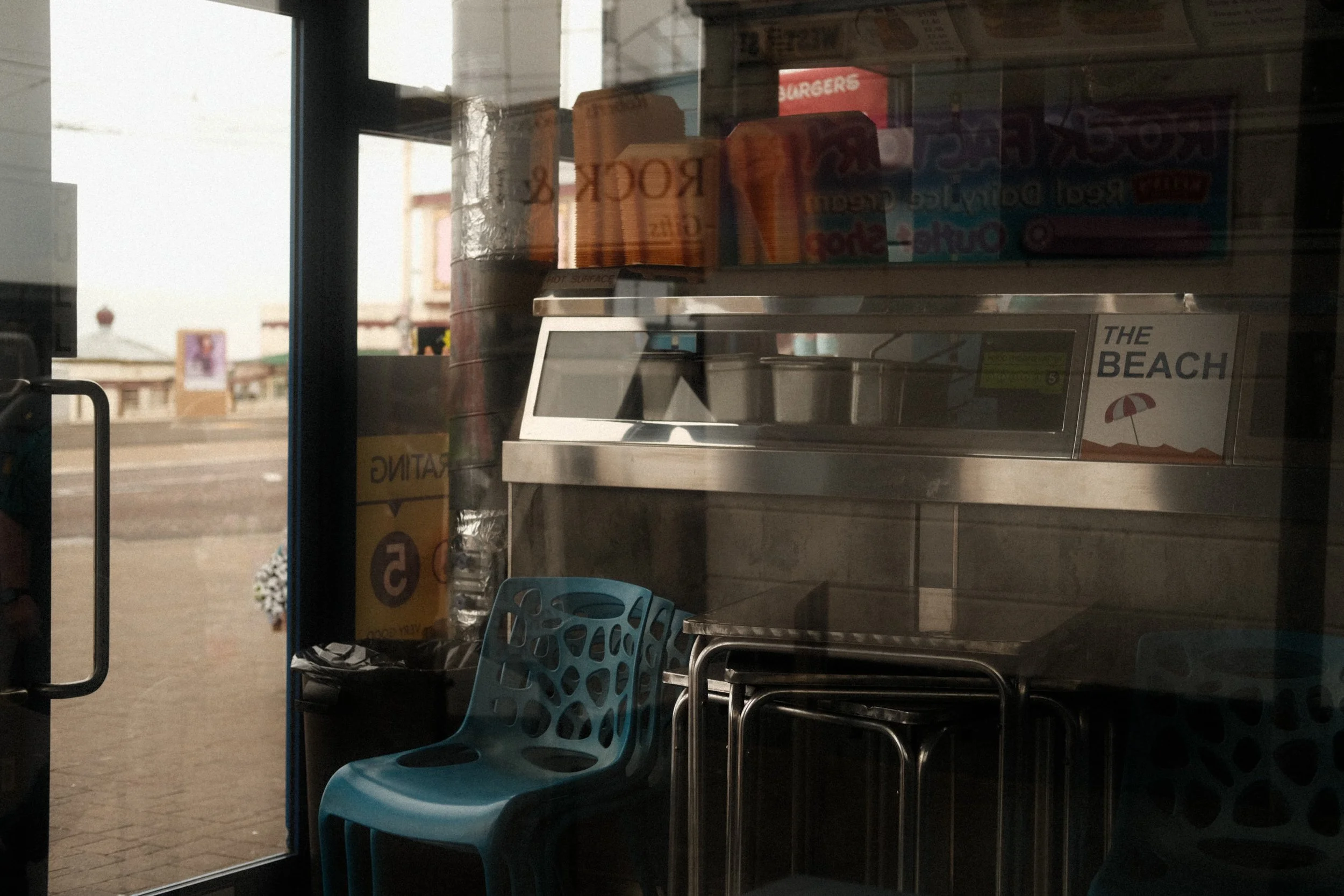
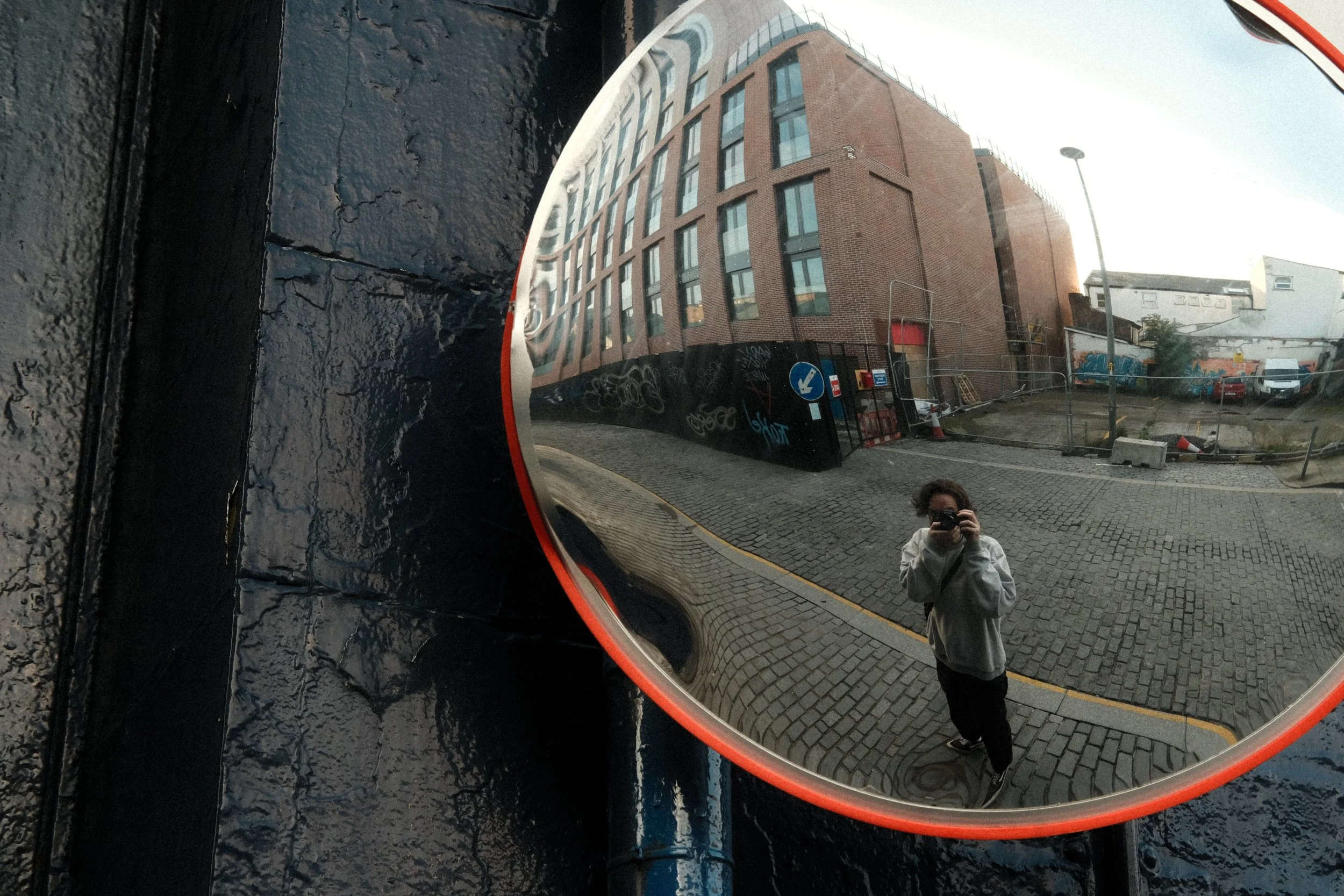
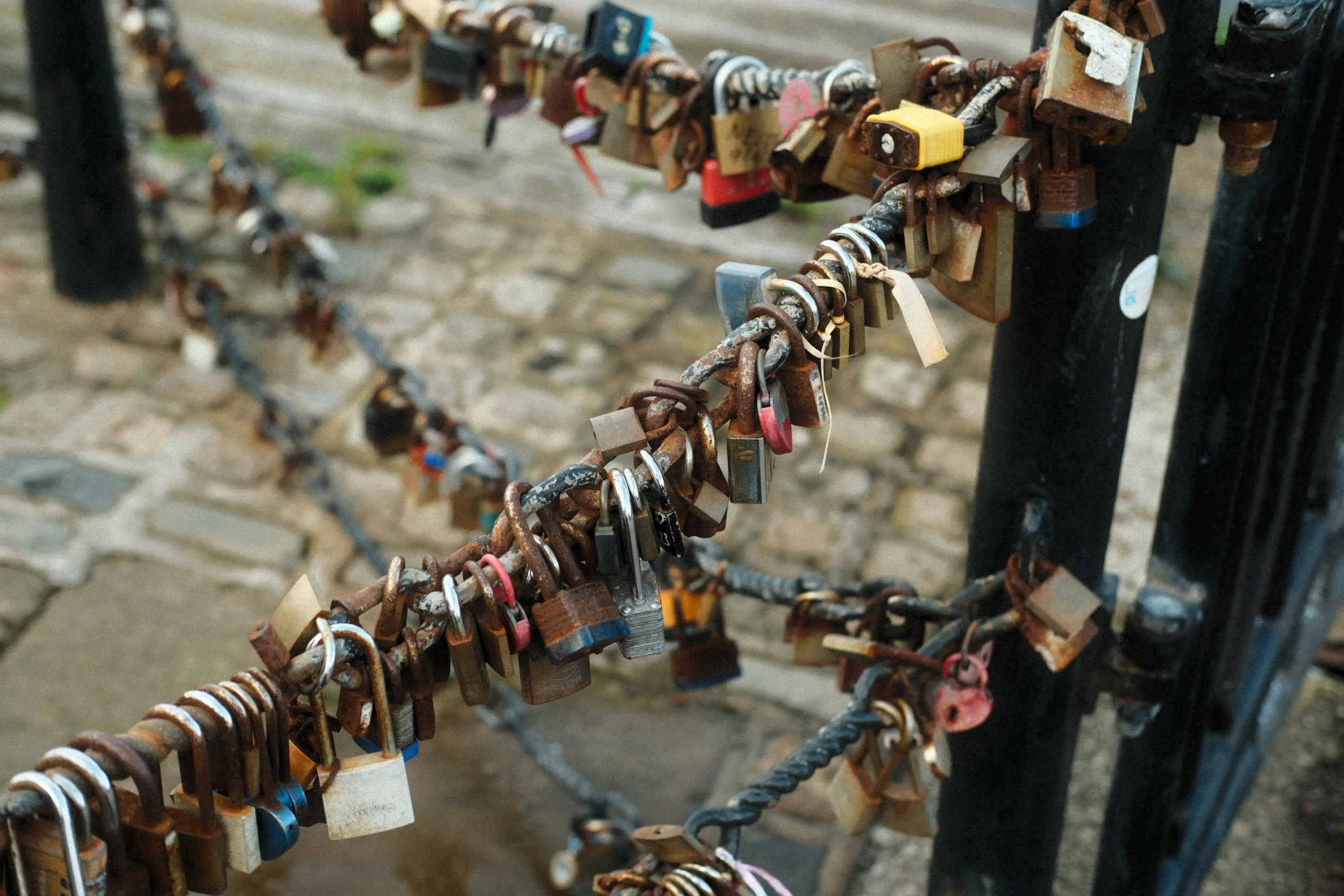
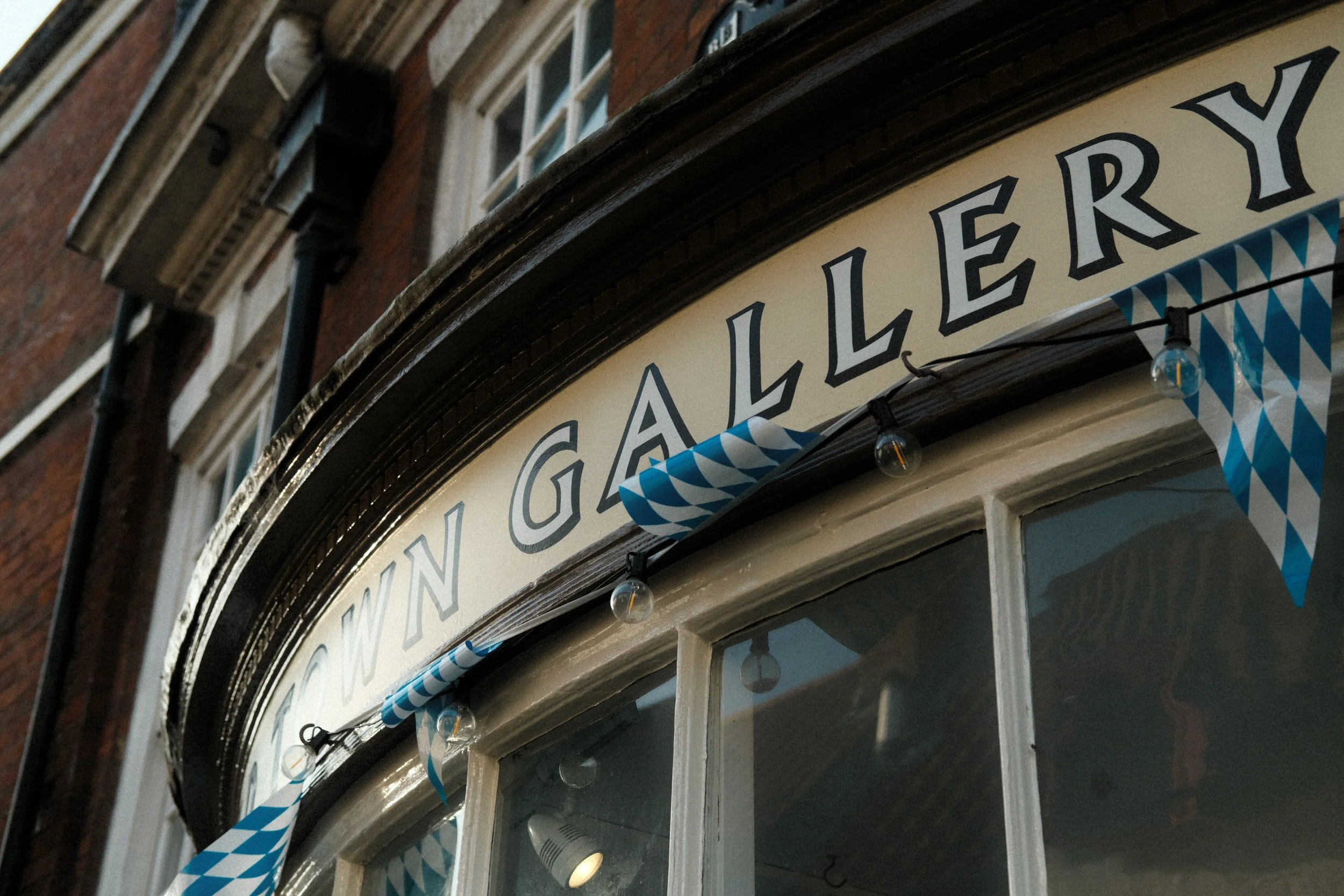
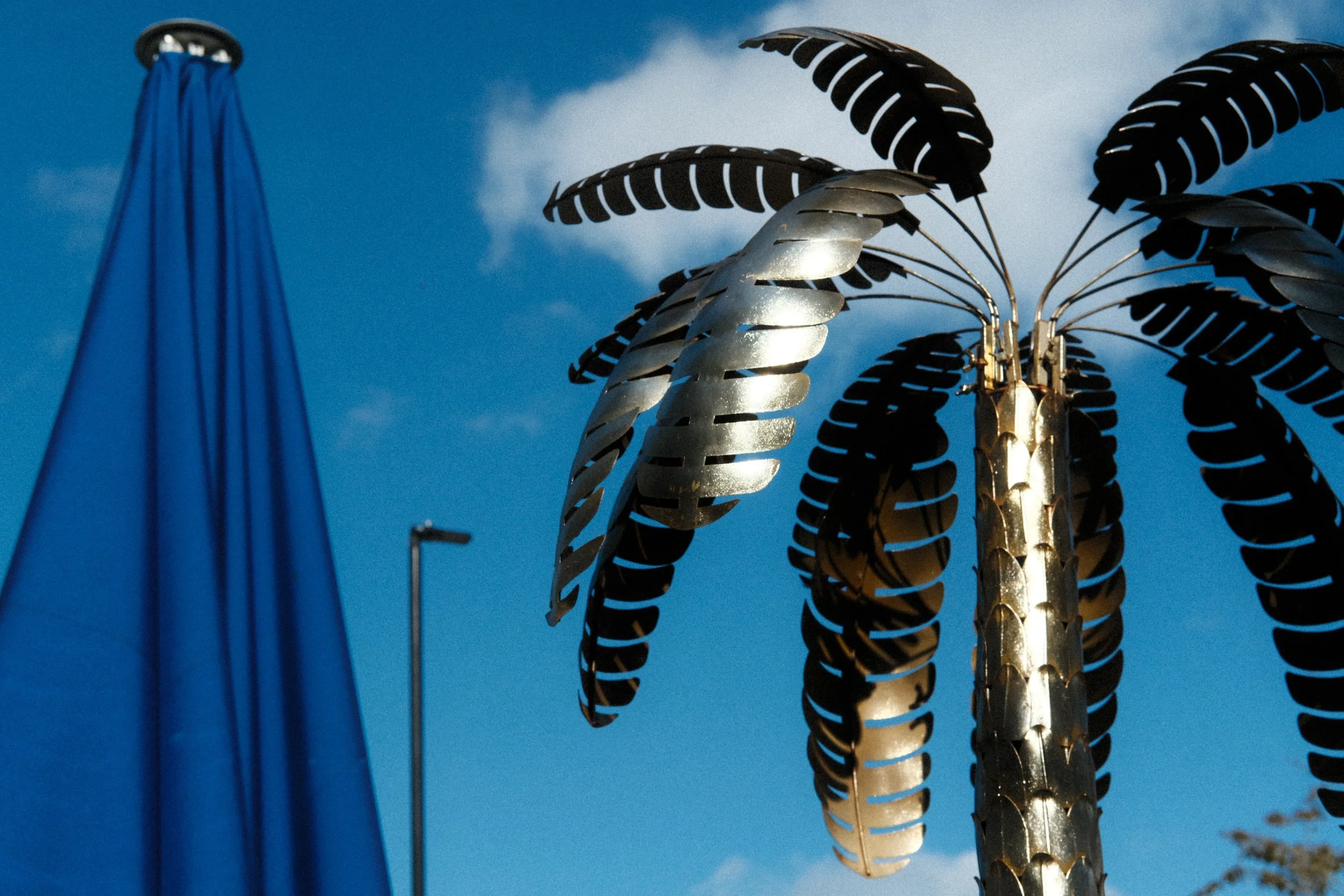
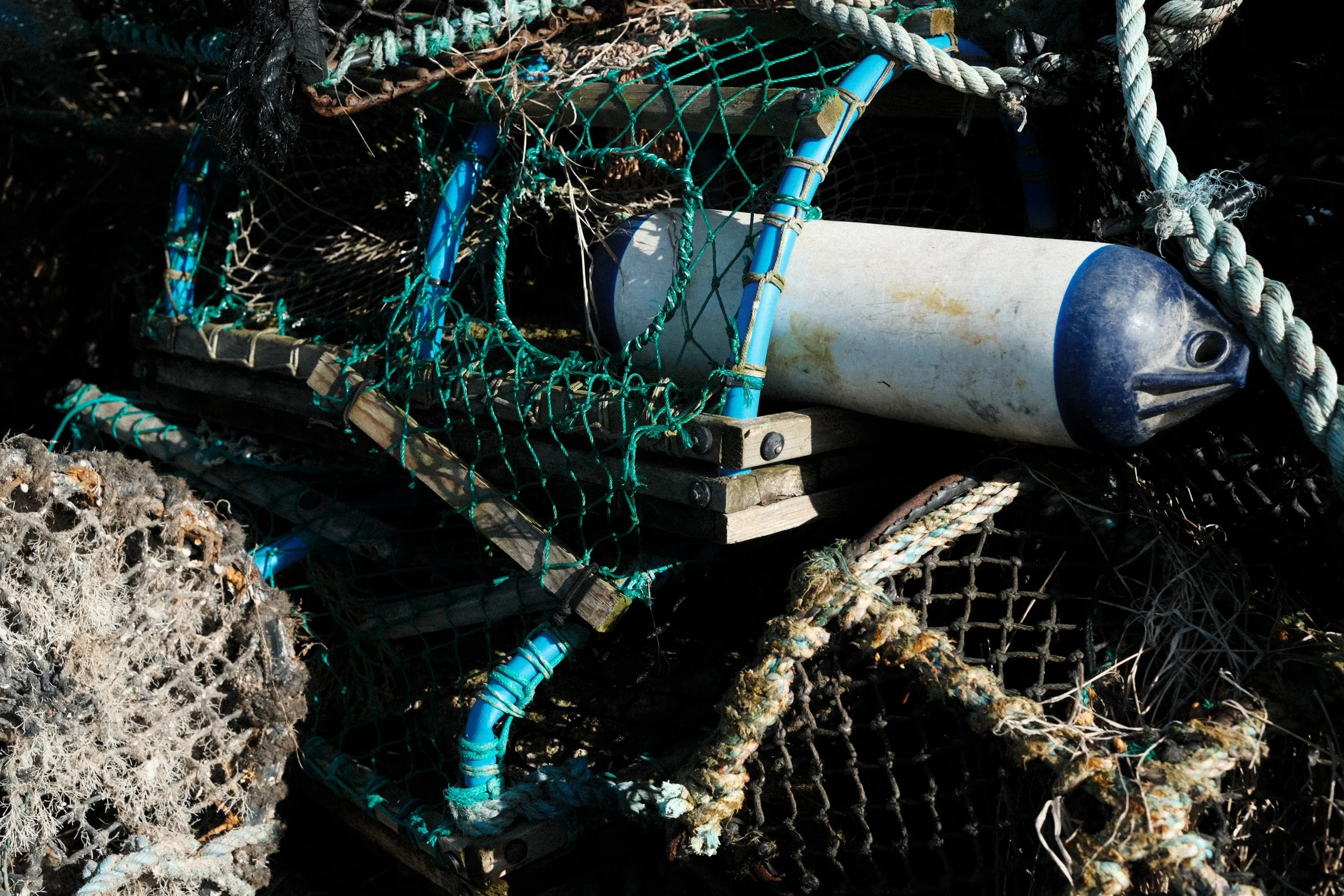
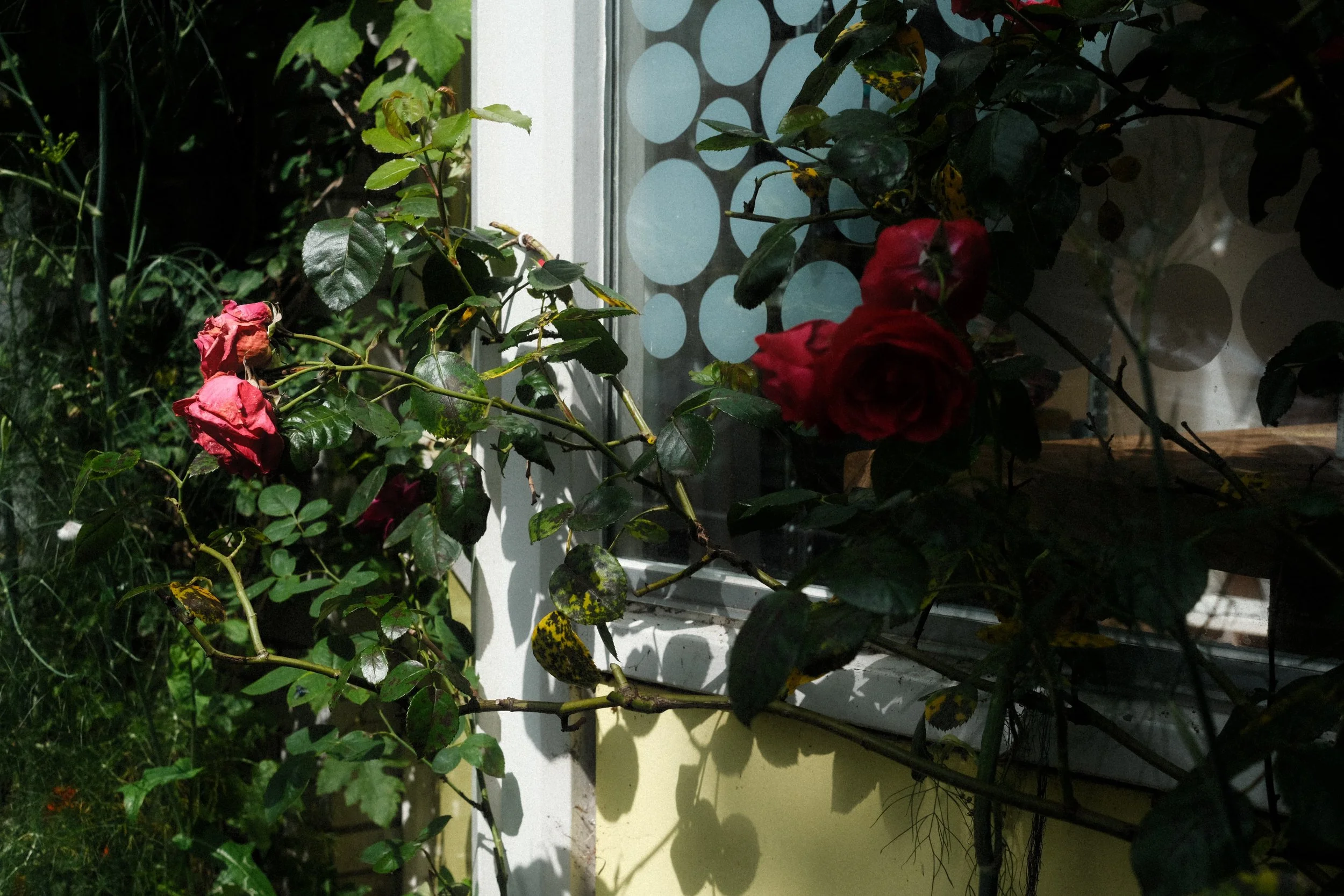
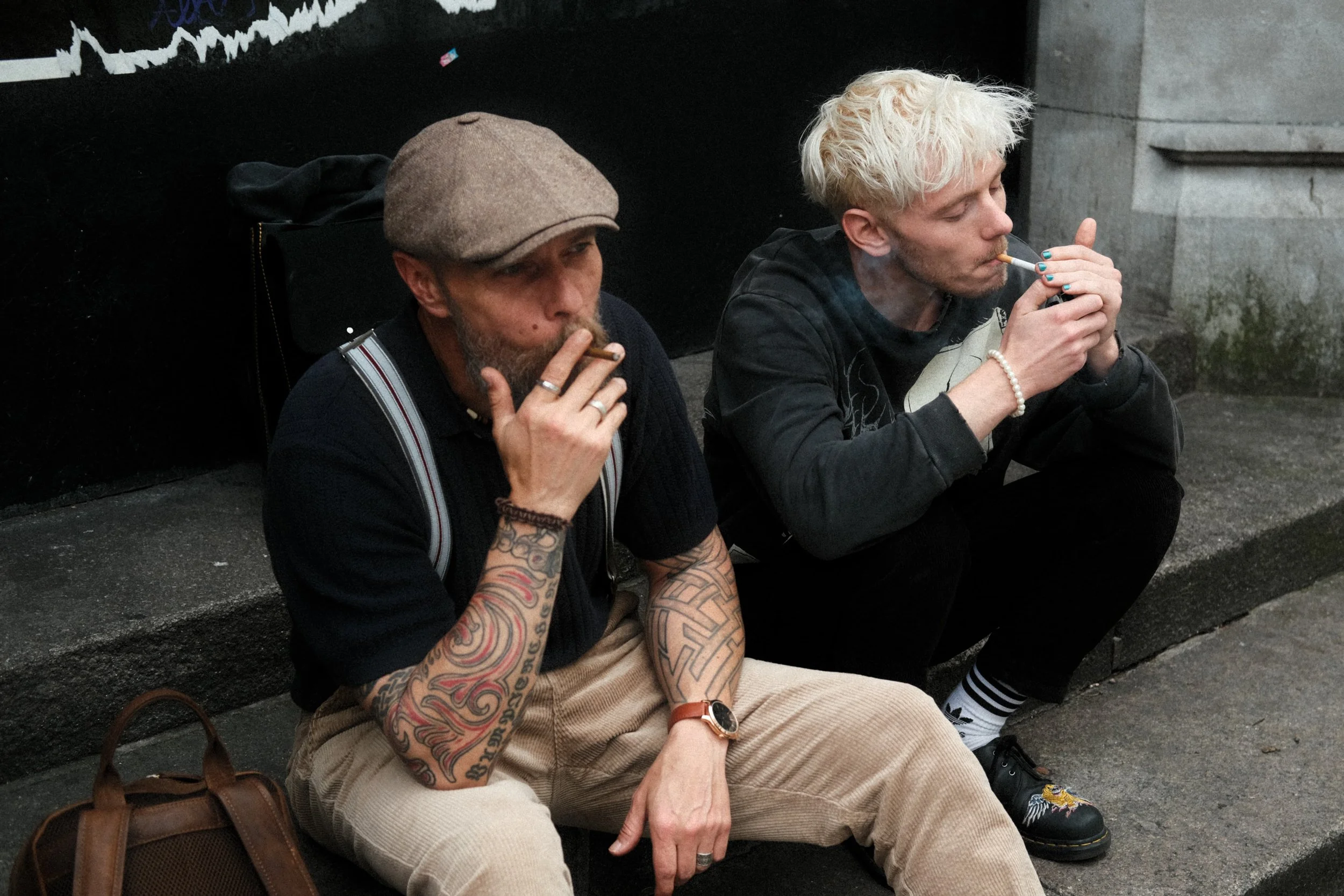
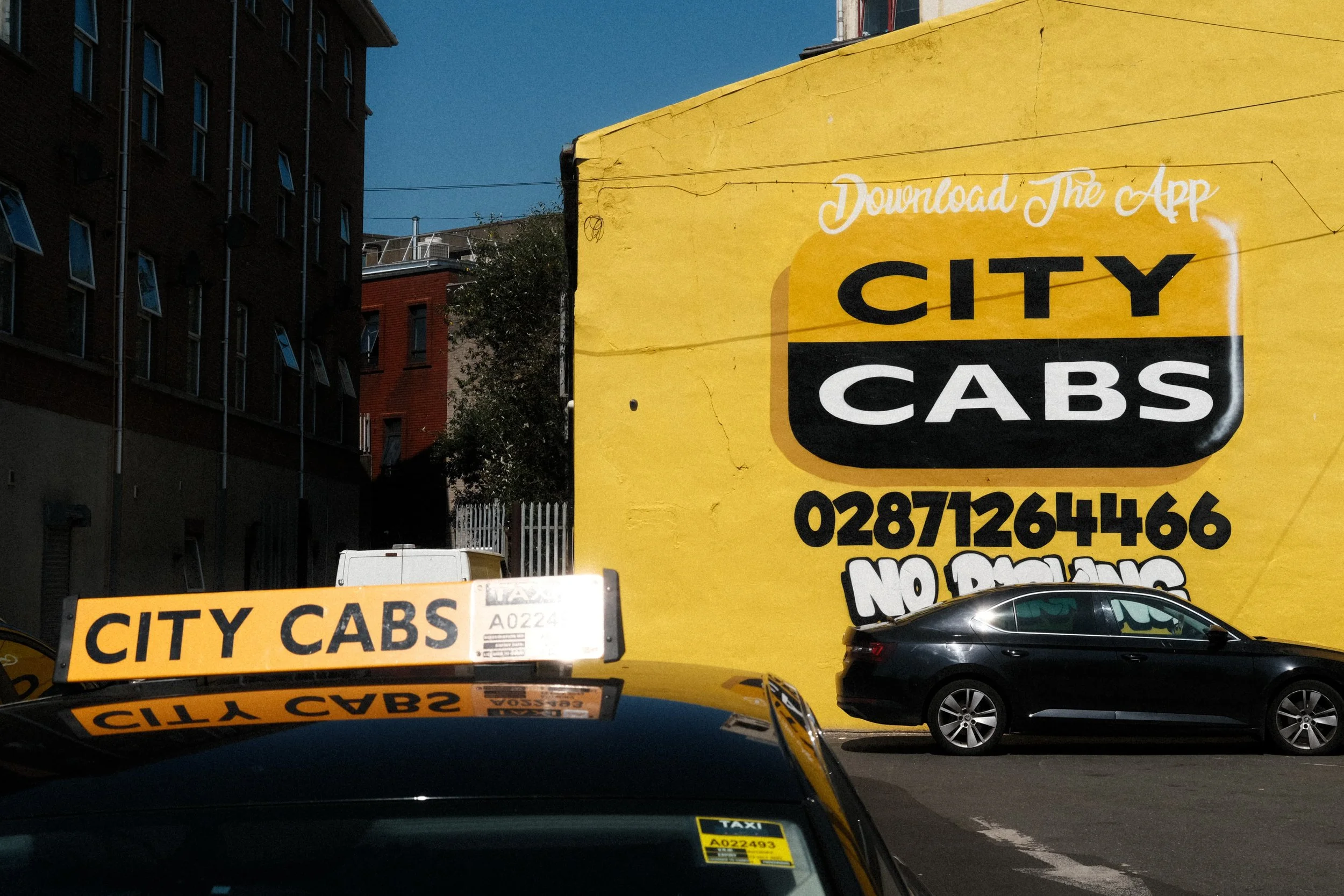
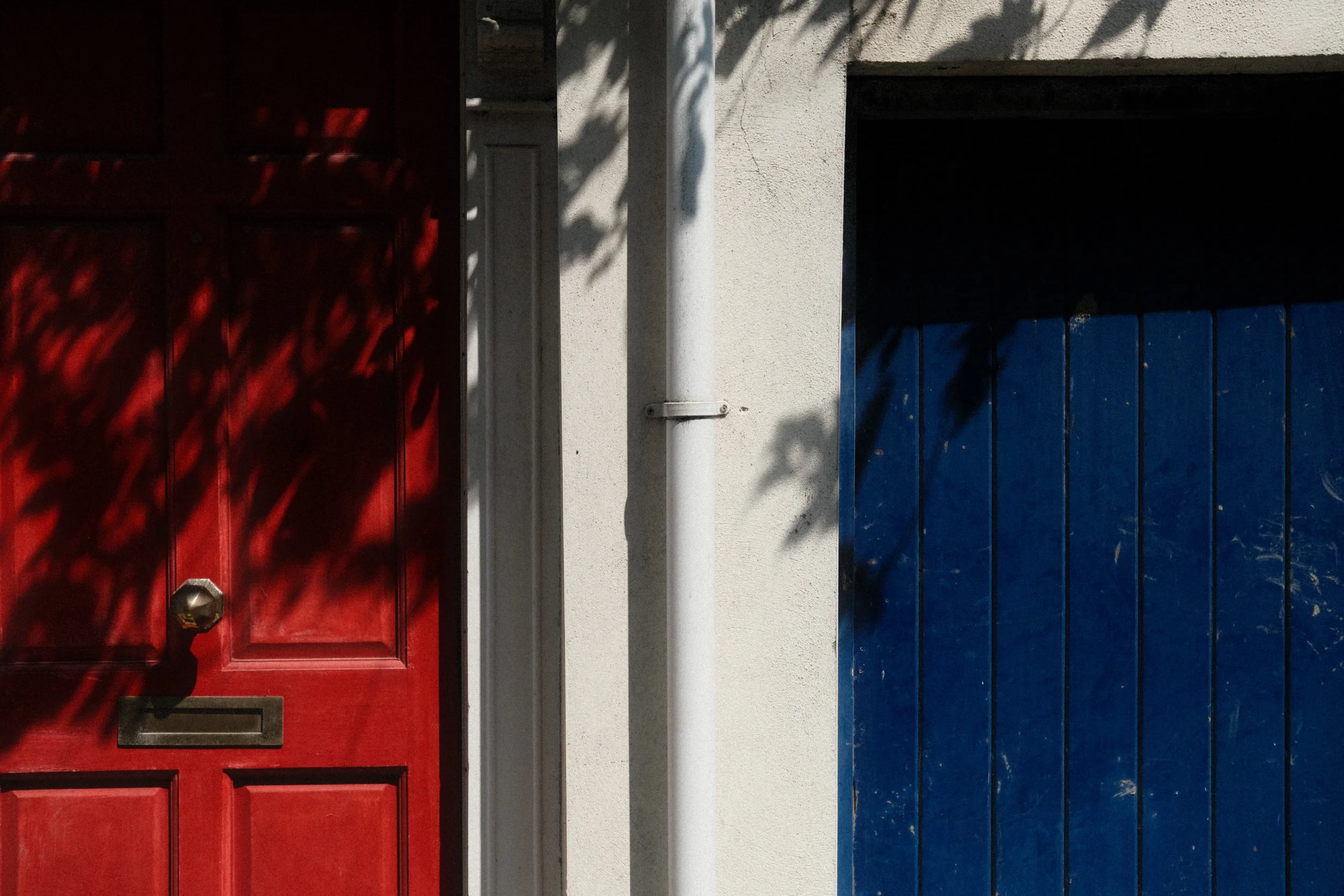
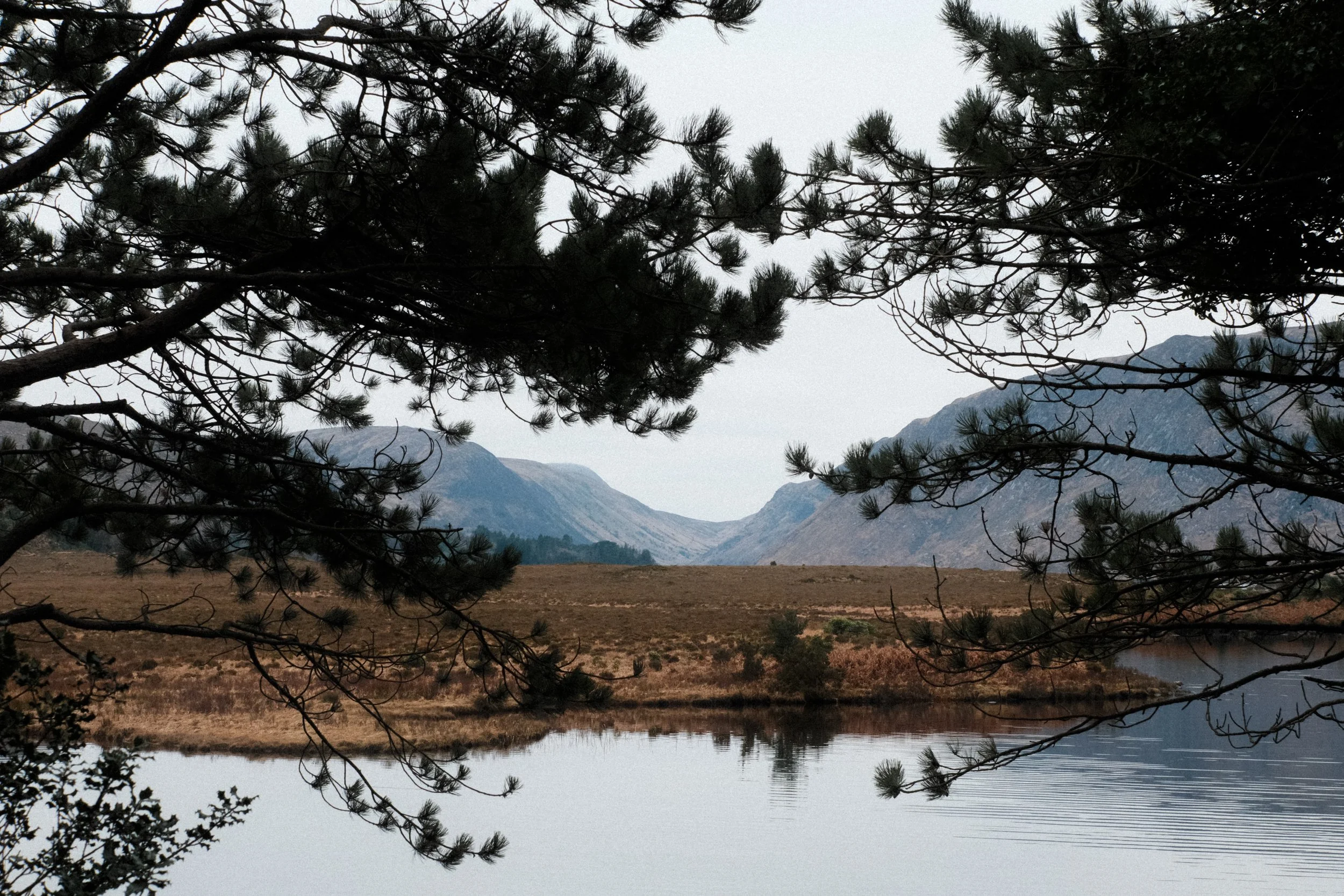
It has a DR setting of 200, a push in the Tone Curve and Color settings and to reflect the look from my 35mm film camera I’ve turned the Sharpness and Clarity right down.
Again this is a recipe that has its White Balance set at Auto for flexibility. As I was trying to match my film scans when designing this one, I have listed three different options for the WB. One for simulation Overcast, one for Shade and one for Sun… so take your pick.
Lomo800 Electro
Classic Chrome
Dynamic Range: 200
Highlight: +1.5
Shadow: +1.5
Color: +4
Noise Reduction: -4
Sharpening: -4
Clarity: -4
Grain Effect: Strong, Large
Color Chrome Effect: Weak
Color Chrome Effect Blue: Weak
White Balance: Auto
(Overcast R1 B-3) (Shade R2 B-5) (Sunny R4 B-5)
Enjoyed this post? Why not drop a little something in the ‘Tip Jar’ below as a way of saying thanks! It would be massively appreciated…